


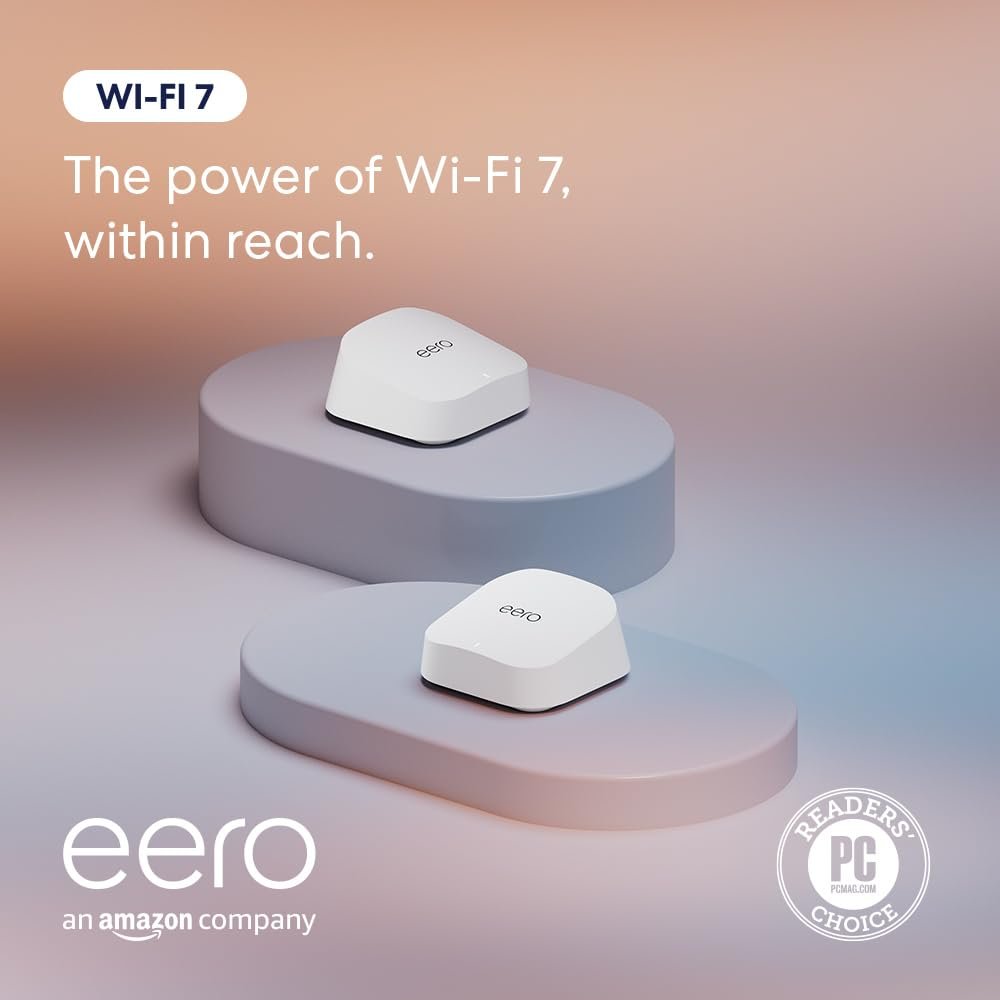
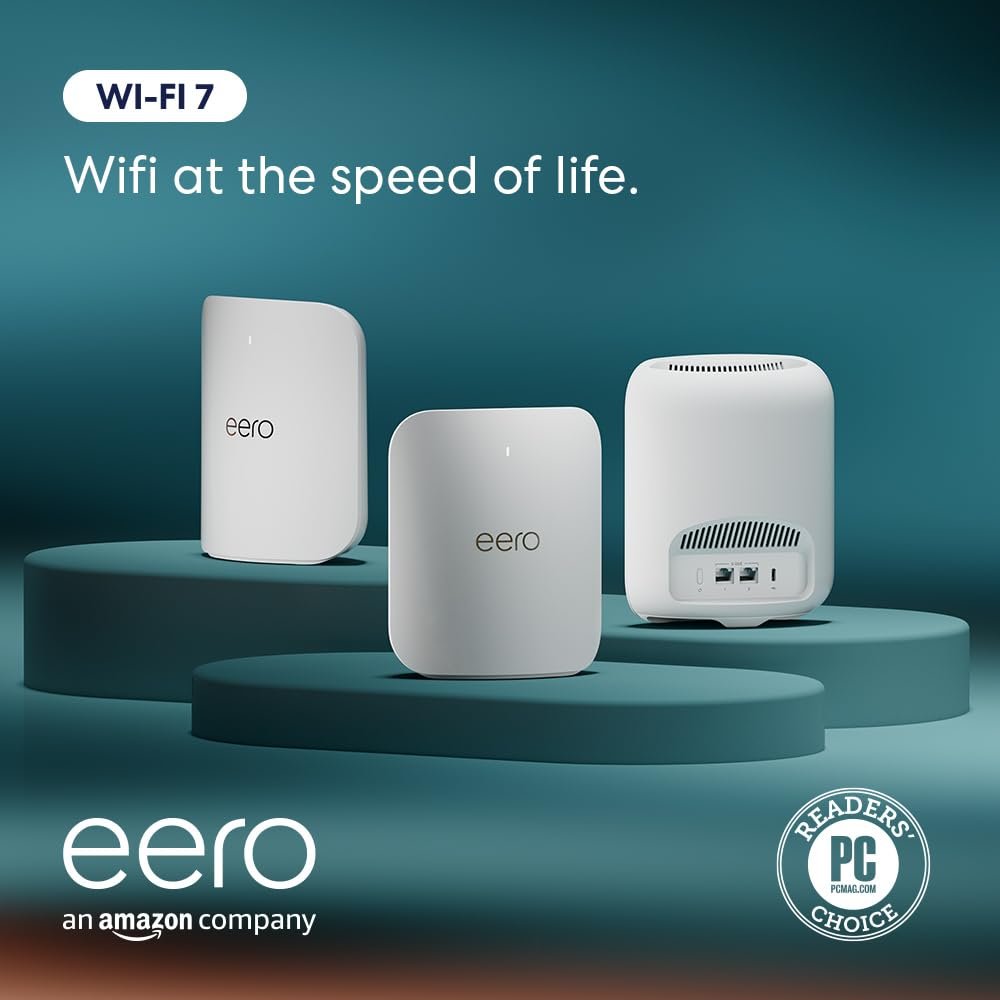
OUR MOST AFFORDABLE WI-FI 7 ROUTER – eero 7 helps you future-proof your network and make the most of Wi-Fi 7 performance starting today.
SAY GOODBYE TO DEAD SPOTS – eero 7 minimizes network disruptions to help ensure you have fast, reliable wifi in every room of your home.
FULL SPEED AHEAD – Support for internet plans up to 2.5 Gbps with two auto-sensing 2.5 GbE ports and wireless speeds up to 1.8 Gbps.
HIGHLY CONNECTED – Two eero 7s support 120+ devices and 4,000 sq. ft. of coverage, so there’s plenty of reliable Wi-Fi 7 performance to go around.
BACKWARD COMPATIBLE – eero 7 is backward compatible with all previous generations of eero and compatible with eero Built-in on select Amazon Echo devices.
LATEST TECH – eero 7 delivers better performance, building on Wi-Fi 7 exclusive features like multi-link operation (MLO).
OUR SOFTWARE MAKES ALL THE DIFFERENCE – Our patented TrueMesh software, combined with TrueRoam and TrueChannel, proactively keeps you on the optimal and most reliable wifi connection possible.
ADVANCED DIGITAL SECURITY – An optional subscription to eero Plus provides Advanced Security, Ad Blocking, Parental Controls, Malwarebytes, 1Password, VPN powered by Guardian, and more.
BUY WITH CONFIDENCE – New eero Wi-Fi 7 routers are backed by an industry-leading three-year warranty. Our highly trained support team is ready to help resolve any setup or wifi issues at support@eero.com or +1-877-659-2347.
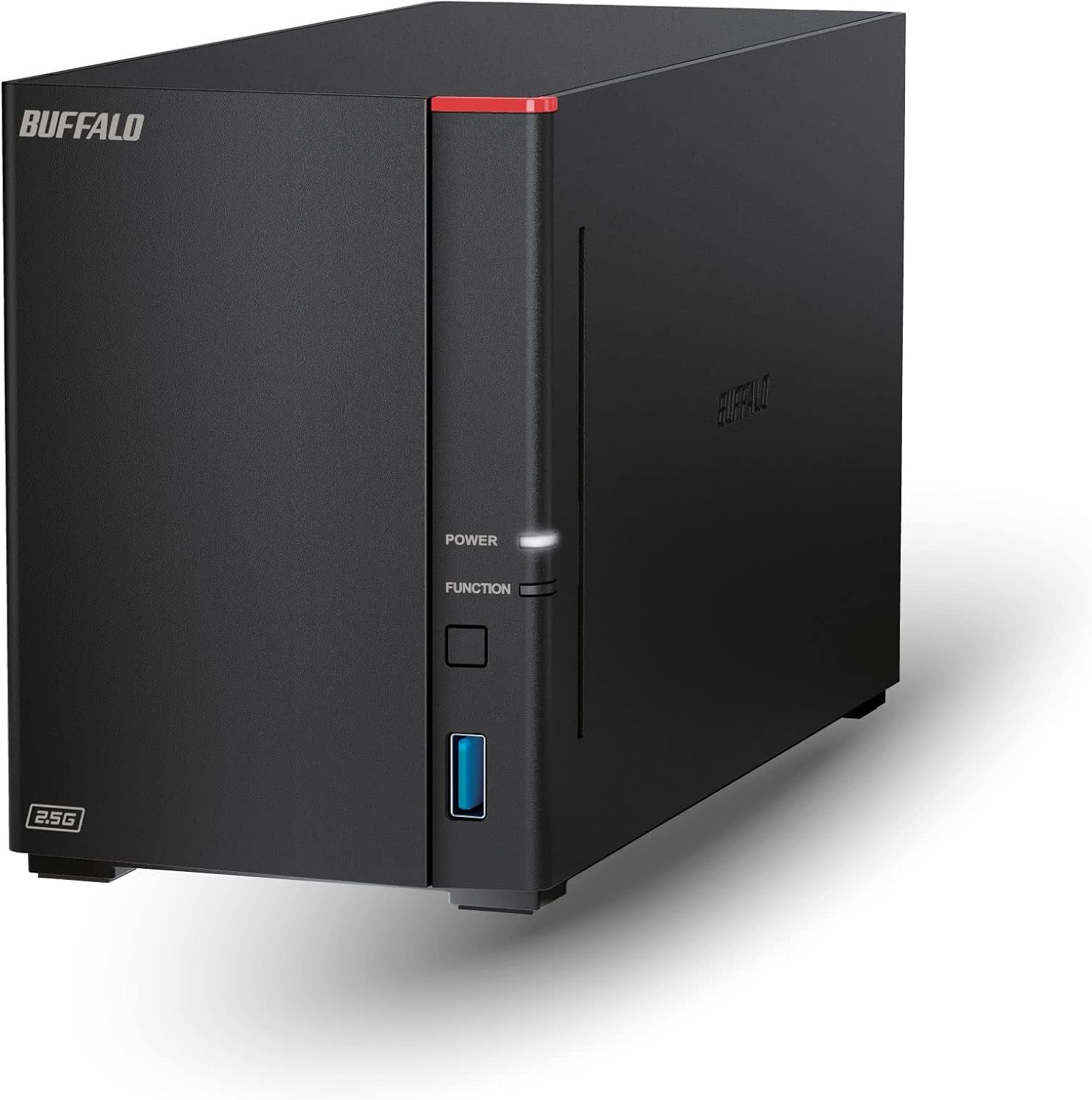
BUFFALO LinkStation 720 4TB 2-Bay Home Office Private Cloud Data Storage with Hard Drives Included/Computer Network Attached Storage/NAS Storage/Network Storage/Media Server/File Server
Original price was: $309.99.$52.99Current price is: $52.99.

USB 3.0 Hub, 4 Port USB Hub Splitter,Portable USB Adapter Mini Multiport Expander for Desktop, Laptop, Xbox, Flash Drive, HDD, Console, Printer, PC, Keyboards, HP, Dell
Original price was: $9.99.$6.99Current price is: $6.99.
-21%




FJH from HK –
Clear path to higher speeds and better coverage
Upgraded from Eero 5 to support higher internet speeds. Was able to get by with fewer units to cover my house. Setup was easy and works well.
Amazon1800 –
Setup Easier than Expected
This was literally one of the easiest things I have ever set up. I would consider myself fairly technologically intelligent. I know more than just “turn it off and turn it back on” but I am not inputting personal code or repairing computers. This took my Arris Surfboard modem/router (great modem, poor wifi) to a whole new level. I now have full, stable wifi speed all over the house and the whole set up was done in 30 minutes for the hub and 2 nodes. All my smart bulbs are happy because I kept the same 2.4ghz wifi network name and password. The unit has automatic bandsteering, sorting your wifi enabled items to the correct ghz.The only issue I ran into is that the eero setup fails to tell you to put your modem in Bridge mode (it’s very easy, you just need to your modem’s setup/IP address). In simple terms, if you don’t turn it in Bridge mode, it tries to connect to two different wifi’s with the same name. Think of it like having two friends named John and you keep shouting “John” trying to get a specific one to respond. The communication is crappy, the connection is lost and everyone is mad. So make sure you take that extra step. Other than that, I cannot wait to see how this works as I settle in and add more smart devices to my home.
Stephanie Morales –
Great coverage and stability for 2800 sq/ft, two story home
This is a solid Mesh system. Using with Xfinity Modem/router in Bridge mode. Easy to set up: follow app directions, up and working within 20min. Excellent stablity no issues.
Rob –
Great system, but missing a key feature
I’ve been using Eero for a while and really appreciate its reliability, sleek design, and ease of setup. It’s a solid mesh system that works well for most households. However, one major feature is missing: device prioritization.In homes or offices where multiple devices compete for bandwidth—especially during video calls, gaming, or streaming—it’s essential to be able to prioritize traffic for a specific device. Competing mesh systems like Google Nest WiFi and TP-Link Deco offer this, but Eero doesn’t. There’s no way to designate a “preferred device” or apply Quality of Service (QoS) settings.I hope Amazon adds this to the Eero roadmap soon. Even a simple toggle to temporarily prioritize a device would make a big difference. If you’re considering Eero and this feature matters to you, keep it in mind.
PLAMEN DIMITROV –
Incredible Coverage and Speed for Larger Homes
This eero 7 mesh system completely eliminated dead zones in my house. Setup through the app took less than 10 minutes, and all three units synced perfectly. The Wi-Fi 7 speeds are noticeably faster — streaming and smart devices stay stable even with multiple users online. Excellent upgrade for large homes or offices.
Howard Comeaux –
Great new routers
Easy setup app works good, speeds so far are very consistent. Connected to fiber
I Bought That? –
Not compatible with Amazon video streaming devices.
First things first… This is an Amazon company/product advertised to work seamlessly with Amazon smart home devices. My house is loaded with Alexa/Echo/Fire devices.Bought this as an upgrade from the original Eero I have had for a few years.After upgrading my internet to gig fiber I wanted to maximize that bandwidth. I contacted Eero support to inquire about benefits and backwards compatibility with my original Eero mesh units. I was told the this upgrade would increase my coverage/speed/smart device support.I purchased this on sale and utilized the Amazon trade in option, so I saved quite a bit of money.Initial setup was done following the instruction manual and using the iPhone app. Now we get to how terrible this decision was.Compatibility with my Fire TV devices, multiple generations of Fire sticks and Fire cubes, this includes current generations. The Fire devices would only work with Amazon Video. Netflix would report unable to connect to server. YouTube MIGHT advertise a video but once launched it would buffer and then sit at a black screen for 15 minutes up to 5 hours before the video would playLet me reiterate… Amazon video worked just fine.iPad, laptops and PC’s all work as expected via browser or apps. Just the Amazon devices do not work.Reminder… Eero is an Amazon company/product and advertises full compatibility with Amazon devices and legacy Eero’s.Eero support did not even know that they were an Amazon company.After 2 hours on the phone with support I was told that they did not know what was wrong and to return it to Amazon for a replacement.Got the replacement set it up and had the same issues!!Did some research and found that this is not an isolated issue with Amazon streamers. Many posts about incompatibility and Eero not able to resolve the issue.Spent 2 more hours on the phone with support. No one acknowledged that this is a know issue, even though it is discussed on the Eero support forums.One suggested fix was to connect Streamers to the “Guest” network. At first it would stream but my “Amazon Home Theater” setups would not work because the speakers (Echo/Dot/Studio) are all on the standard network and will no longer communicate. Eventually the streaming also stopped working.One of the legacy access points would not connect unless I brought it to the base station. Then it would not support full bandwidth in the room it has been in since I initially bought it.Speaking of bandwidth… The satellites now only support 1080 streaming to my 4K devices.Support finally stated that Eero was still working on compatibility issues with “some” devices and suggested I step backwards to the last generation of Eero.Well this creates another issue. I bought this on sale and also utilized the Amazon Device trade in to get an even better deal. The suggested replacement would cost me almost $100 more. Support was unable or unwilling to even acknowledge this issue and offered no help.I have returned this and rolled back to my original setup. The exchange only took a few days with no questions asked. The return took almost a month to refund my money. As of this time I have lost the 20% trade in credit and can not get it to apply to another qualified product.
Peter L Martin –
Fast powerful WiFi with easy setup
Super easy to set up. Scan a QR code from inside the box, get the eero app and it wslks you through setup.They can also provide support if it can’t set itself up. It’ high quality and performance.