


Product description


The video showcases the product in use.The video guides you through product setup.The video compares multiple products.The video shows the product being unpacked.
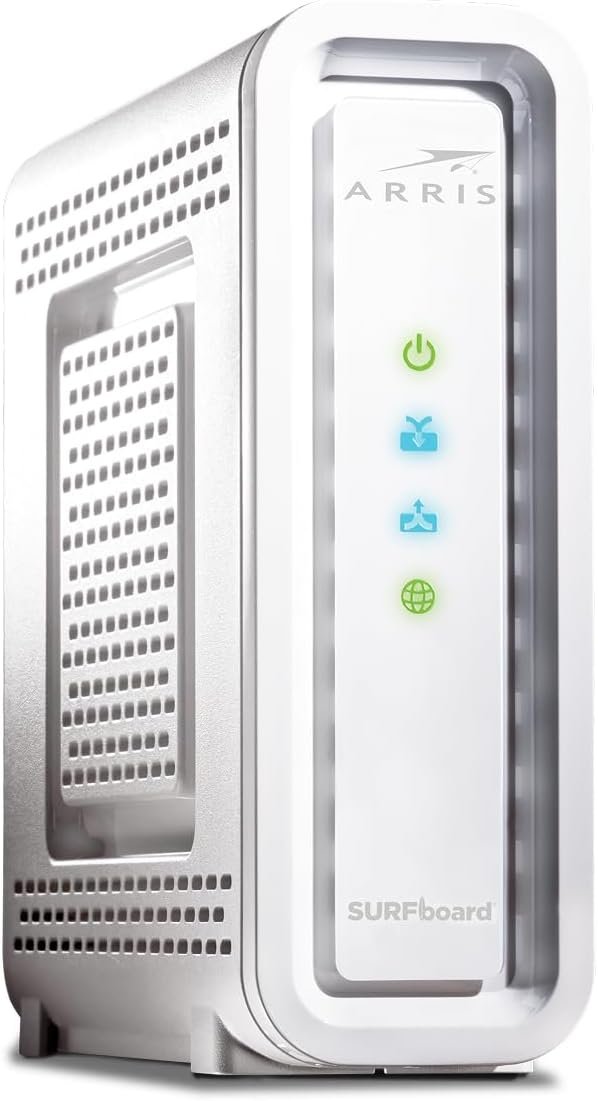
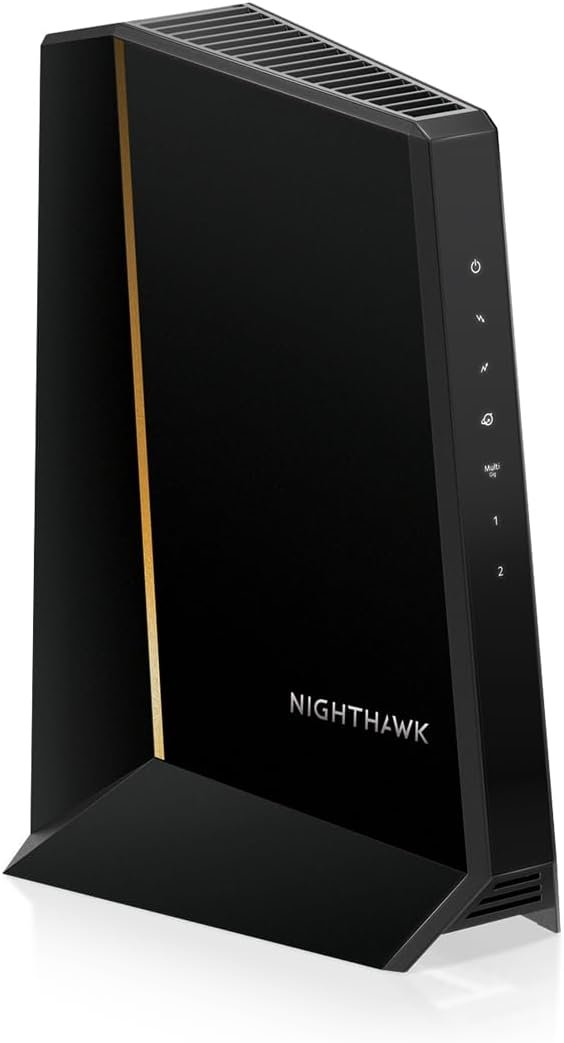
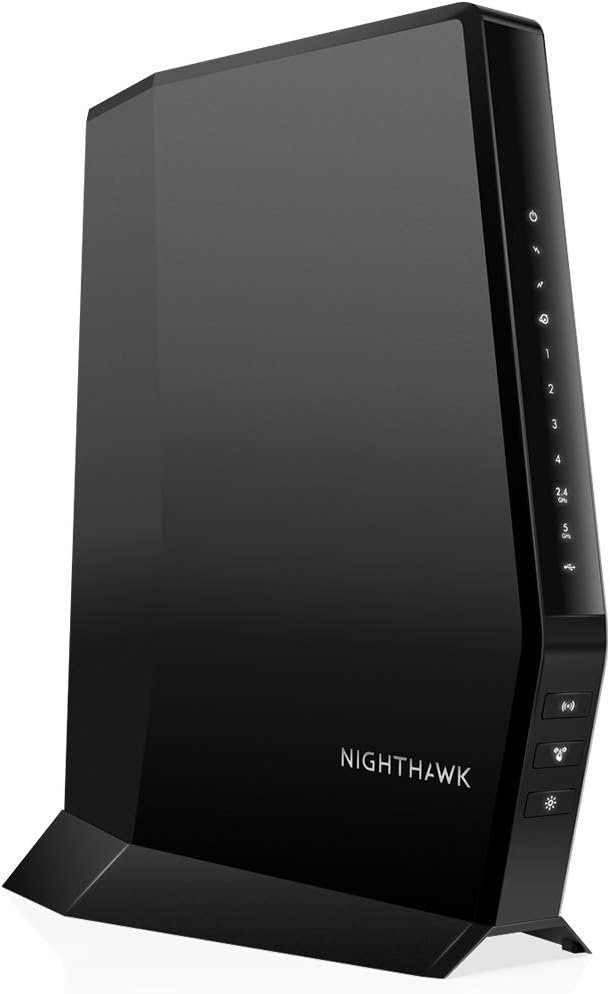
Ultra-fast DOCSIS 3.1 performance paired with a 2.5 Gbps ethernet port for true multi-gig internet speeds.
Approved for Comcast Xfinity, Cox, Spectrum, RCN and Astound and supports the fastest internet plans available. The products are residential only. Please verify your ISP requirements prior to purchase.
Superior next generation technology but pays for itself. Owning your own modem eliminates up to $168 per year in monthly rental charges.
Fast streaming, conferencing, gaming – Applies Active Queue Management (AQM) for reduced Internet latency and better app performance, including online gaming, conferencing, and streaming.
Multi-gigabit Ethernet speed – A 2.5 GB Ethernet port delivers true high-speed connectivity to even the fastest routers and computers, providing downstream speeds just below 2,500 Mbps and upstream speeds up to 800 Mbps when supported by your internet service plan.
This model replaces the MB8611 with 32 x 8 Channel Bonding
2 Year Warranty and US Technical Support available
Technical support available via phone, chat or email. Please contact us for any issues with connecting to service



Truth Teller –
It Does Make a Difference!!!
Pricy, but worth it. Motorola is the go to brand for high quality. This modem delivers, but remember keep in mind you have to use a router in order to use multiple devices in your home. I got the Motorola AC2600 4×4 WiFi Smart router. Installation of both devices was very easy. Literally, plug and play. However, you will most likely have to deal with your internet service provider in order to register your modem with their service and allow the modem to receive their signal. That was the most painful process. Everything else worked flawlessly. After buying and installing both the modem and router, I upgraded my Roku device to the Roku Ultra HD/4K streaming device with voice activated remote. I’m very pleased with the results I got. See my review for the Roku Ultra below:For about three years, I was using the same Roku device that was provided free with my Sling subscription. It was frustrating to watch a movie only for it to stop and start buffering. It was frustrating to try and watch YouTube content only to crash during the “loading” period or stop in the middle due to buffering issues.After researching and troubleshooting I came up with the following fixes that have resulted in awesome streaming, seamless channel surfing and no buffering once any channel is loaded (within 5 seconds or so).First, you need to run a speed test of your current internet. You should get results like 400mbps on a higher end laptop (i.e., Macbook Pro). If you get anything less, you need to up your internet service provider download speed. If you have multiple devices, I recommend at least 600mbps. Ideal would be 1000mbps. Next you need to make sure your modem can handle the speed. I got a Motorola MB8600 modem. This modem will handle speeds in the gigabit range. Hold on, that’s not all. With this modem you need to get a router that can continue to support the new speed and the internet service that you are working with. I bought a Motorola AC2600 4×4 WiFi Smart router. This router will increase coverage to your home and will seamlessly support the internet speed and connectivity of the Motorola modem.All three of these devices compliment each other and will help you dramatically improve your video streaming ability. Please keep in mind that if your internet service isn’t high enough, you will not get much of an increase in performance. You have to look at the entire system in your home.1. The internet service that you are paying for monthly. This is critical. It has to be high enough (600-1000mbps).2. A good Modem. Your modem is the device that takes the internet signal coming from your service (i.e., Xfinity, Verizon). I recommend you make sure your modem can handle speeds in the gigabit range. This should be good for about 3-5yrs.3. A good compatible router. The router takes the signal from the modem and splits it so that multiple devices can use the internet signal coming into your home. Note- There are cable modems out there that are combination modem/routers. If you are on a budget they will work. However, I have found that my new combination of separate modem and router has improved my internet performance tremendously.Lastly, if you are on a budget and can’t afford all the upgrades, then getting this Roku device will just be a waste of money. This Roku device is a high-end streaming device that will only perform at it’s best if you have all the other devices in place that can provide the clean and fast internet signal it needs. I did a complete overhaul of my home system and can’t be more pleased with the results. I replaced each component that I’ve described in stages just to see if each device really made a difference (a noticeable difference). I’m happy to report that each stage made a big difference.
Fixer-upper –
Simple, solid, reliable, minimalist. Rental independence. Great. I love it.
WARNING: THIS IS A LONG REVIEW, BUT I MAY HAVE SOME ANGLES ON THIS OTHERS DON’T :-)Wow. I really like this modem. This is a barebones rock solid dead simple workhorse.It’s got a plug for the cable and one ethernet (RJ-45) port out and I think an on/off switch.That’s it. It makes a connection. And hasn’t failed since I got it a month or so ago.All I had to do was call my ISP and give them the MAC address (on the sticker on the device)and they updated their tables and that was it. Turn it on. It goes through the startup cycle. Takes a few minutes to connect like they all do and that’s it. Set it and forget it.What prompted me to get it, is I don’t like having to rent the modem from the ISP @ $10.00/mo forever. This literally pays for itself in 16 months, and most people will have their Internet connection for many times that long, and time flies. So it’s a good investment.It doesn’t have phone connection like the ISP’s modem did. So I called the company/provider that owns copper phone lines in the area and ordered landline service. I’m a nerd/techie and don’t care what people say about landlines being for old fogeys, it’s like having a backup generator … I know I can use that landline if the power goes out or if the cell tower gets overwhelmed (too many calls or cell traffic at once), or there’s radio interference in the area. Technically cable phone is a ‘land line’ (hardwired cable connection to provider) and the battery backup in the modem (which the ISP charges more for), could give you emergency phone service in an outage, but a cable phone connection can (and does) fail for more reasons than copper wire phone service does. (Those copper wire connections are called POTS – which stands for Plain Old Telephone Service), and copper wire phones are the most reliable.Having a separate modem from a router is optima for a few of reasons… Generally hybrid units of anything do everything okay, but nothing optimally (for example combination modem-router units like my ISP rents out). Better to keep the modem separate from the router. Then you can swap either out independently to upgrade as needed, disrupting less of your own network configuration doing so, and also help avoid a single point of failure. Plus, you might be able to score a router in a pinch on shorter notice than a cable modem if the router is the component that fails. Then you can choose the router you actually like, for whatever reason, and don’t have to settle for whatever bundling du jour your ISP decides is right for you (even if it isn’t).That gets me to the other point. What DID the ISP decide was right for me (but wasn’t)?For awhile my ISP modem connection was dropping briefly in the middle of the morning. My computer came back up connected to the ISP’s ‘general public’ wi-fi connection to their router which did not work for me and I’d have to keep manually switching back to my own internal Wi-Fi LAN (network). That was not only inconvenient but it forced me to investigate was was going on there.I learned my ISP gives lets passersby connect to their rental-modem’s Wi-Fi signal, without giving me any way to disable that service! That really pissed me off to learn. The idea is that people driving around who have accounts with the provider can get internet access around the neighborhoods. If I was a passerby, that could really help me, so at first glance maybe ‘why not, be a good samaritan’.But wait! There may be more too it than that.Besides the fact that I don’t like it (for good reason), they give me no control over that ‘feature’!And I see some downsides. What’s good for the ISP isn’t necessarily optimal for me.What I don’t like about that ‘service’ is that one or more people could sit outside and suck down bandwidth (e.g. slow my connection down), unbeknownst to me. It also might cause the unit to use more energy and put out a stronger wi-fi signal than it needs to. Which health conscious people are well advised to be aware of. Wi-Fi is radiation. Not strong and may not ruin your life, but it is a stressor at a cellular level, this is known. And strong signals, persistent signals and people who are more sensitive or have immunity issues can be more vulnerable (headaches, sleep disruption, or worse). But I like Wi-Fi so I settle for whatever unknown health consequences I may not be aware of.Also it makes me wonder if a hacker might be able to use it as an additional point of access to my home network.I also wonder if it’s 100% clear to law enforcement at first glance who might be visiting sites or doing something nefarious from the connection point. Might it look like the owner is doing something that a passerby did (and even if they can sort it out later, what if it takes awhile to figure out and they make a bad assumption?)Anyway, I don’t have that problem with this modem and I’m just much happier with it all the way around.Plus it’s blazingly fast.