

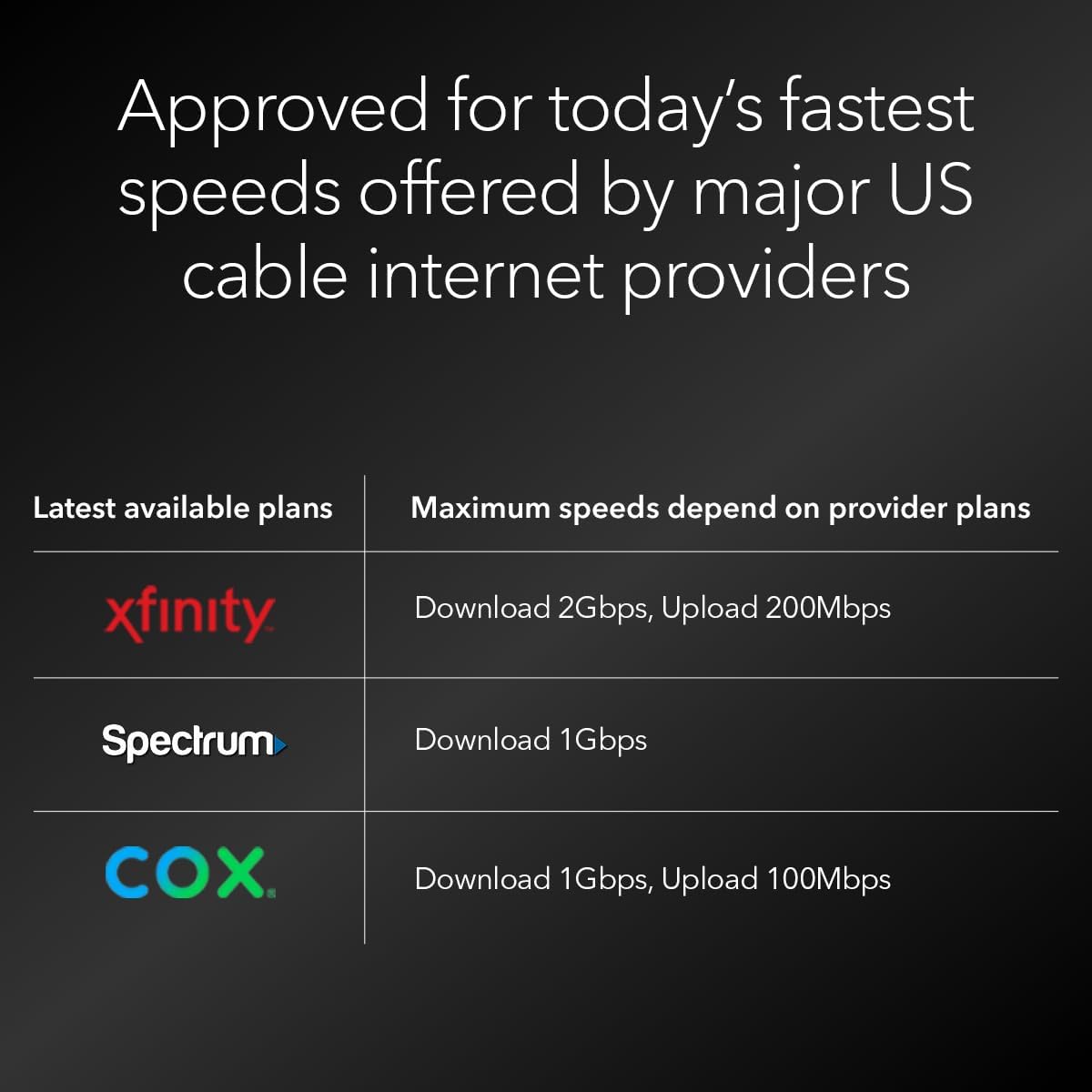


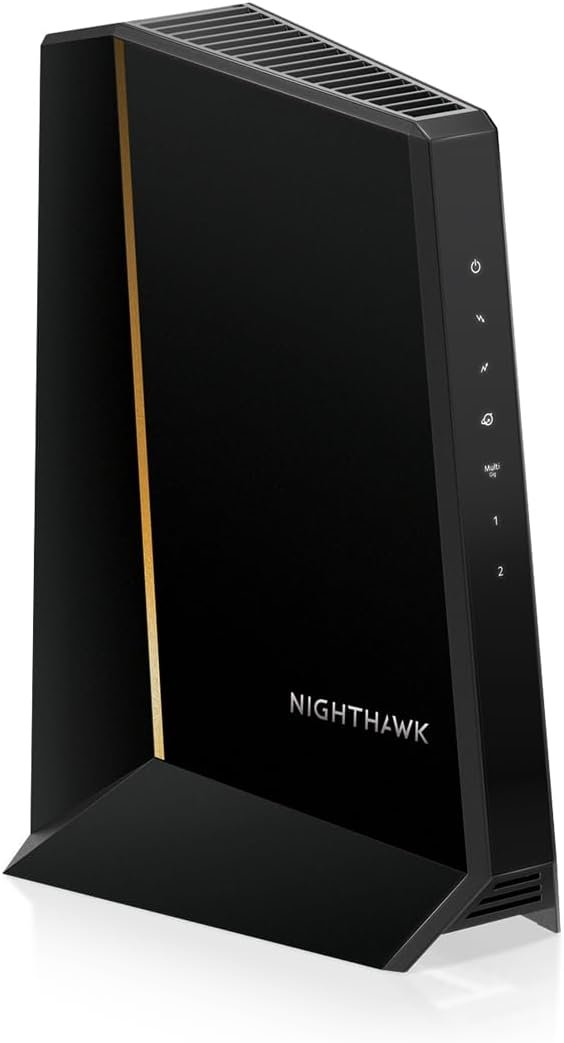
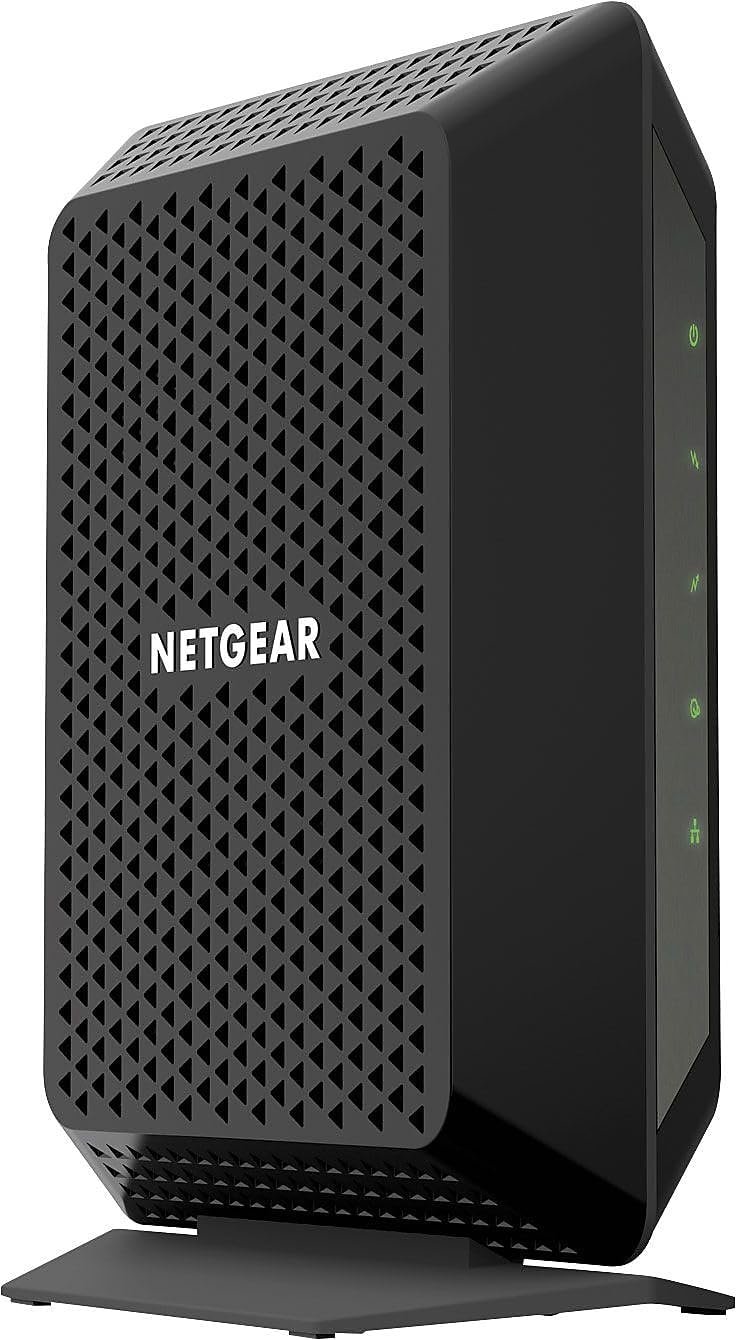
Upgrade to faster speeds with the revolutionary DOCSIS® 3.1 mid/high-split cable modem from NETGEAR. The Nighthawk® CM3000 cable modem is specifically engineered to handle today’s fastest DOCSIS 3.1 cable internet speeds that can only be accessed with mid/high-split technology, such as Xfinity’s 2Gbps Internet download speeds and 200Mbps upload speeds. Your entire family can enjoy faster download speeds up to 2.5Gbps and unprecedented upload speeds up to 1Gbps for lag-free gaming, crisp video conferencing, smoother music and video streaming, and instant app downloads. And to push your Nighthawk’s performance even further, you can simply pair the CM3000 with a NETGEAR WiFi 6E or WiFi7 router or with our amazing Orbi system. The Nighthawk CM3000 works seamlessly with every major U.S. cable service provider.
Mid/high-split DOCSIS 3.1 cable modem delivers up to 2.5Gbps of download speeds and 1Gbps of upload speeds
Specifically engineered for today’s fastest DOCSIS 3.1 cable internet speeds that can only be accessed with mid/high-split technology, such as Xfinity’s 2Gbps download speeds and 200Mbps upload speeds. Works with all major US internet providers
Blazing-fast download speeds powers your digital lifestyle with enhanced speed, capacity, efficiency, and response times
Impressive 10x faster upload speeds delivers seamless multi-family gaming, video conferencing and uploading large files—simultaneously. Plus provides easy remote access to your home security cameras and NAS files
For the ultimate in performance, link a NETGEAR WiFi 6E or WiFi 7 router or Orbi system to the CM3000 cable modem
Be ready for future Internet speeds with much higher performance levels
Save up to $300 a year in ISP rental fees by owning this high-performance modem
Connect for multi-gig Internet speed by plugging your router’s multi-gig Internet port directly into the modem’s 2.5Gig port. Or connect the two Gigabit ports to a router with link aggregation for up to 2Gbps
Made for use in the US only

TP-Link 5-Port Gigabit Ethernet Easy Smart Switch| Plug and Play | Desktop | Sturdy Metal w/Shielded Ports | Limited Lifetime Replacement (TL-SG105E), Black…
Original price was: $29.99.$19.98Current price is: $19.98.

Seagate IronWolf 16TB NAS Internal Hard Drive HDD – CMR 3.5 Inch SATA 6GB/S 7200 RPM 256MB Cache for Raid Network Attached Storage, with Rescue Service (ST16000VN001)
Original price was: $469.99.$12.99Current price is: $12.99.
-89%




PBV –
So Far So Good
I decided to upgrade from my modem router combo and go with this CM3000. Set up was simple through the xfinity app. No issues and now my speed is up to 2gigs. this plays nice with my orbi 770 mesh router.
BP –
I purchased the CM2000 for one reason only (Update included)
The ISP (which will remain nameless), that I rented my Internet gateway from did not adhere to sound security protocol. I myself, as a cybersecurity professional with more than 10 years experience, am naturally paranoid about weak passwords. This particular ISP limits the variety of keyboard characters allowed for cable modem management passwords, making them easier to crack! In fact, on a few occasions, my passwords were changed without my consent. From that point forward I decided to buy my own cable modem that would allow me to choose the access passwords without character limitations. Now that it is up and running I am beyond happy. My desired security posture is now a reality, and my internet finally achieves 1gb downloads, better than the ISP’s cable modem that was supposed to do the same thing. My network is tight security wise, and this Netgear Nighthawk CM2000 helped me realize that. Finally, I had to overcome one technical issue that I thought was generated by the CM2000. After registering my cable modem with Netgear, called tech support. Best dang support I’ve dealt with in a long time! From one geek to another, we were able to speak the same tech-ease and I learned more about my new CM2000 and the DOCSIS standard than I knew before the call. Found out that the CM2000 was not the culprit, so I called the ISP to handle it, problem resolved. The one setback for Netgear that I thought was serious enough to mention is that as far as firmware upgrades there seems to be tit-for-tat between Netgear and this particular ISP. Either group seems to point the finger at the other when it comes to whose responsibility it is to push out firmware upgrades. I hope, for customers’ sake, that these two outfits work out their differences on this. Heavens forbid that there is a security vulnerability that requires a firmware upgrade! I shiver to think about that outcome. Other than that, I am very happy with my purchase.UPDATE (6/2025)It’s been a few years since I pinned the above review of the CM2000. Now it’s time for an upgrade from the CM2000 to the CM3000. This is what I’ve learned: The CM2000 performed honorably for the most part. However over time the status LED lights began to shut off one after the other. Today the only one that is still operational is the Online LED. I understand that there are others who’ve experienced the same malfunctioning LED issues as well. Other than that I am pleased with its performance, so much so that I am considering purchasing it’s more mature cousin, the CM3000. The one BIG issue I have with this consumer-class cable modem is what seems to be the unwillingness of its manufacturer Netgear & my cable service provider Xfinity/Comcast to agree on WHO WILL PROVIDE THE FIRMWARE UPGRADES! This was the 800lb gorilla that otherwise would make the experience with this product a 9/10! Just as with the CM2000, Netgear advises users to access their cable service provider for the firmware upgrade for the CM3000. With both devices Xfinity does not have documentation on its website which gives instructions on upgrading the Nighthawk CM model firmware: https://www.xfinity.com/search?q=Netgear%20cm2000 . Similarly, Netgear support encourages users to contact their ISP for upgrades: https://kb.netgear.com/000036375/What-is-the-latest-firmware-version-of-my-NETGEAR-cable-modem-or-modem-router . Either way, if there is a need for a future firmware update anyone purchasing this item will risk ending up with an expensive paper weight if both the manufacturer and the ISP refuse to come together and resolve the issue. For this reason I am exploring other cable modem options, ones where firmware updates are available for ISP-approved devices.
Amazon Customer –
Does not work with xfinity!
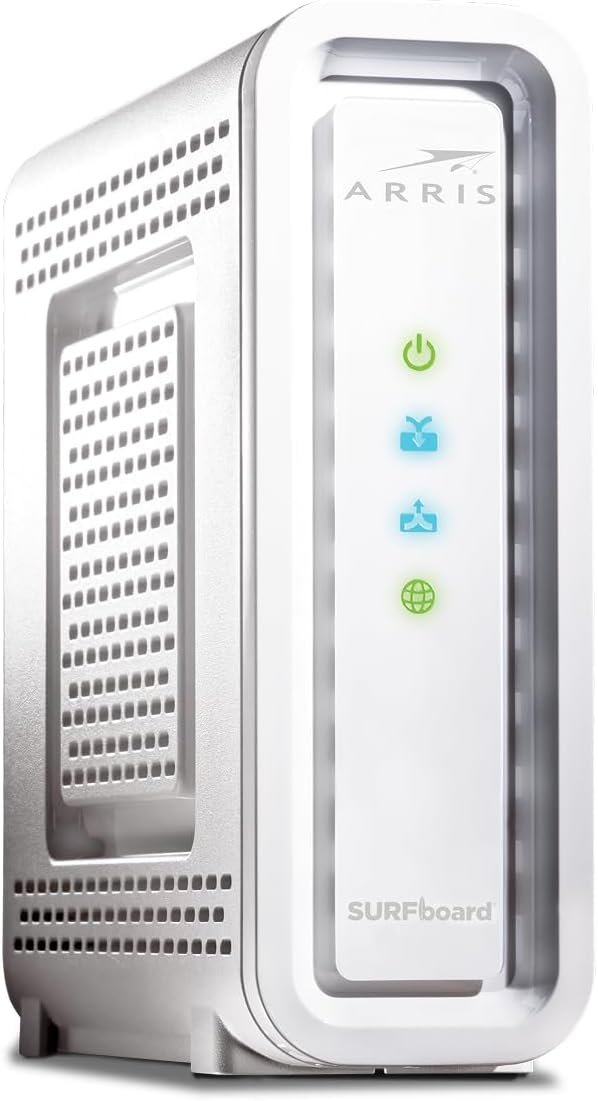
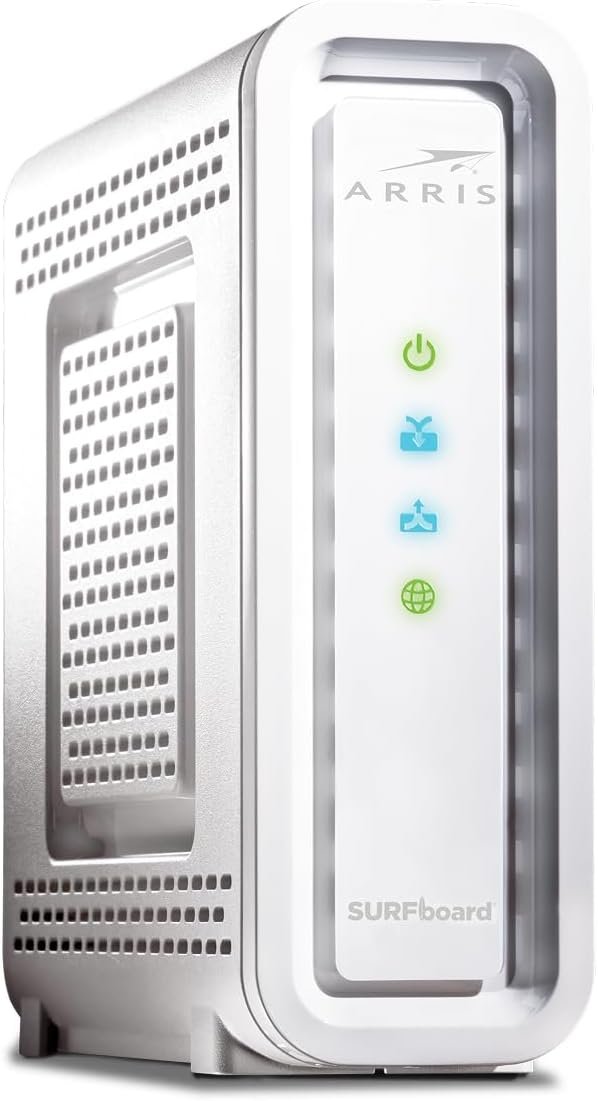
Summary: This modem does not work for xfinity customers. Maybe in the future the two companies will resolve the issue, but for now, you should avoid. Get the Arris S34 instead.Pros: Super fast, when it works.Cons: Internet connectivity degrades and then drops for 15-60min every day. The root cause is a firmware issue that causes this for xfinity customers (search for “netgear CM3000 V6.01.03, xfinity” and you will see the widespread complaints). This has been going on since May and neither Netgear or xfinity are owning up to fixing the issue. I wasted hours with customer support on both sides and neither of them had the knowledge to be able to resolve the issue. This is not worth your time.
Edster –
State of the art, plus option to use two cables.
Good Modem. Follow the directions setting up and use the app from your cable provider. I found it easier if I just took pictures of the bottom and back of the device so I’d have all the login and setup info ready when I went to do it. Faster than the 5 year old modem I use to have. Use 2 cables in agg mode to double your speed if your router supports that.
bc –
Not a simple plug and go setup
Once the device is setup, it works very well. for my cable provider, I could not just replace the old with the new. I had to get technical support help desk to configure new modem on their side. My provider is MediaCom. If I were to purchase again, I would not buy from Amazon as shipping took 12 days to get to my door. Go to Best Buy instead – same cost.
Mr. Eddie S. –
Perfect Match with the Nighthawk BE19000
This Netgear Nighthawk CM2000 cable internet modem is pure awesome. I quickly noticed a increase in both my speed and performance while using this unit. It’s so very many light years above the Arris Surfboard S33 that I last had that it will never be funny again. The best perfect match for this unit that I have come across as you all see in photo is the Nighthawk BE19000 router, future proofing my purchase with Wifi 7. I am paying for internet speed of 1gbps, with that said, looking at the photo again you can see that I am getting every bit of my money worth and then some. Another thing that I like about the CM2000 is that it doesn’t get hot like my Surfboard S33 was until it played out. The two Nighthawks look so beautiful together. With this setup came another change, that change was my eithernet cables, going from using the round ones to the flat. Awesome outcome. Like the old saying goes, you get what you pay for. I pulled out and these two devices with the flat cables put out. Giving me every single drop that I am paying for and you can not get better than that. And this is also why I never ever except gear from those I am buying my service from. You’ll never get all that you are paying for, and one other thing, I never ever buy a modem that doubles as a router to…. this is never the way to go. For the best performance, these things were made to join forces and become that mighty force. And that’s exactly what I have here now. The best part is yet to come and that’s when Wifi 7 is in place, I’ll already be ready for it with the BE19000 and the CM2000 having it’s back. For those that’s down playing these products, it’s strictly because of something that “YOU” have going on, not because of these products. My first two routers were Netgear, so it’s more than safe to say that I have only come back home. They are handling every single thing I am throwing at them. I recall the days when the play store would load when I open it, with these devices paired together, opening the play store now a days it’s like it never went anywhere or was never closed. Now I don’t see the word “Downloading”, I see installing. If anything happens to this setup, I’m going to first cry and then re-buy.
Nico Wolter –
Das Modem ist nicht für Deutschland vorgesehen und wurde bei mir auch nur mit dem US Netzteil ausgeliefert, konnte am Vodafone Anschluss nicht in Betrieb genommen werden.