
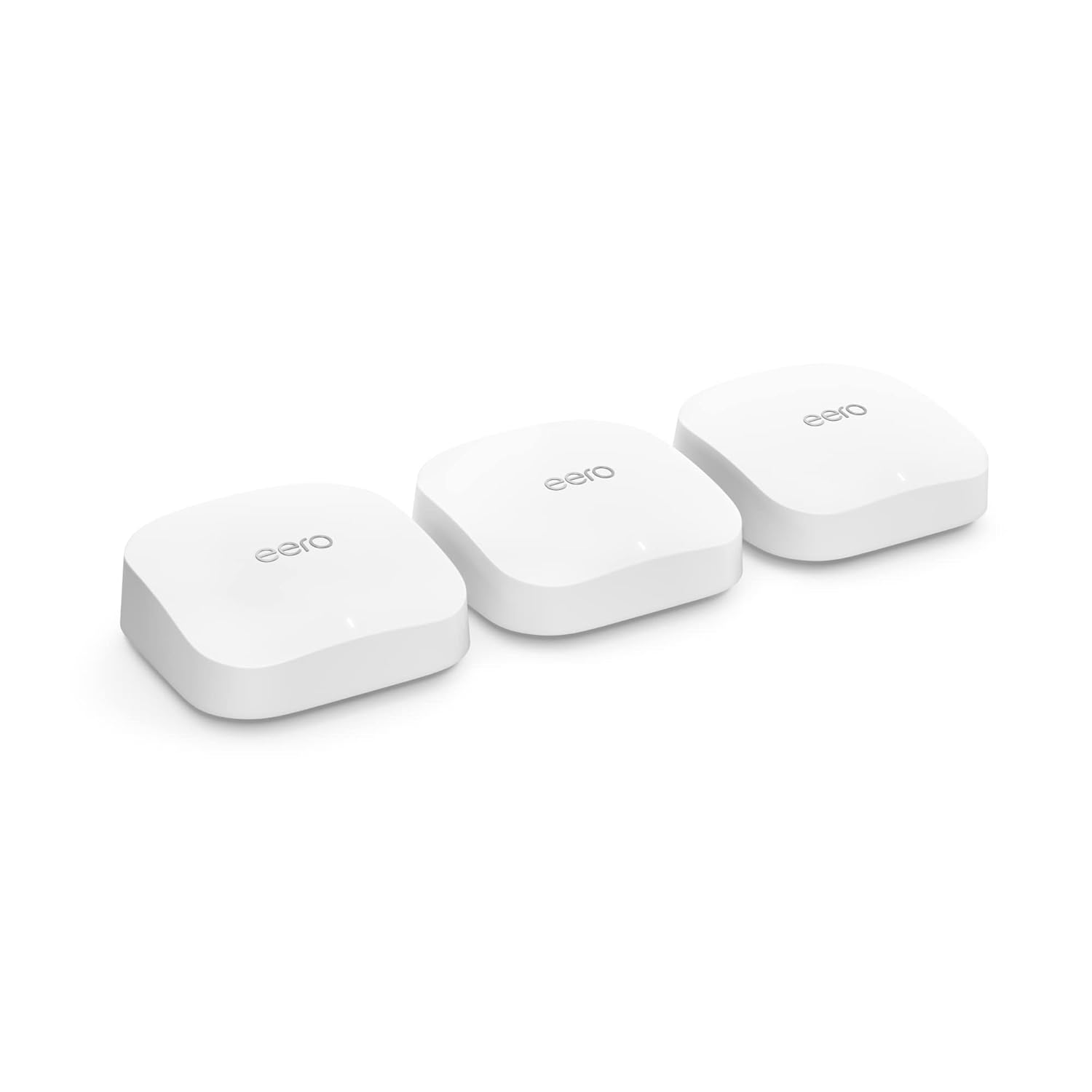

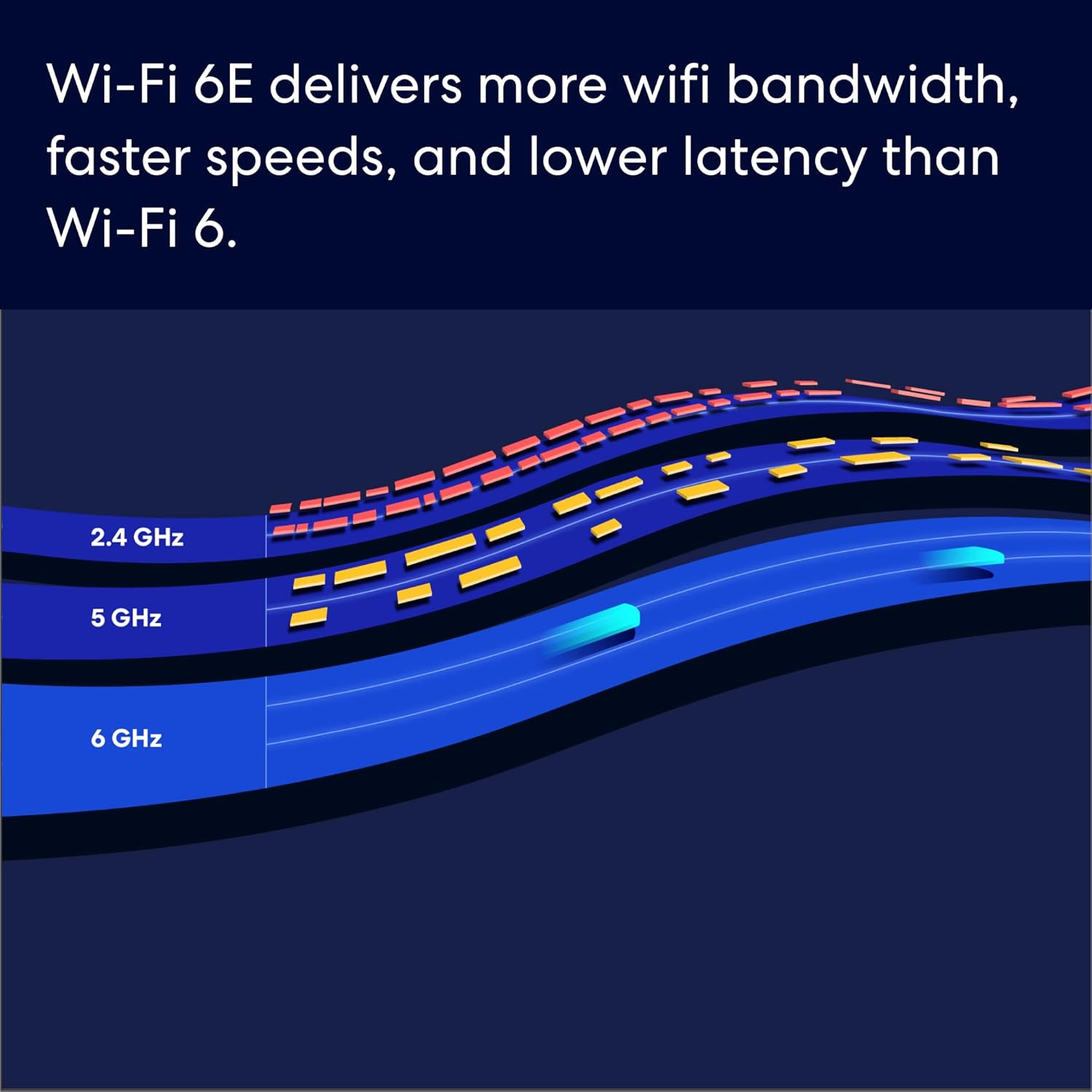
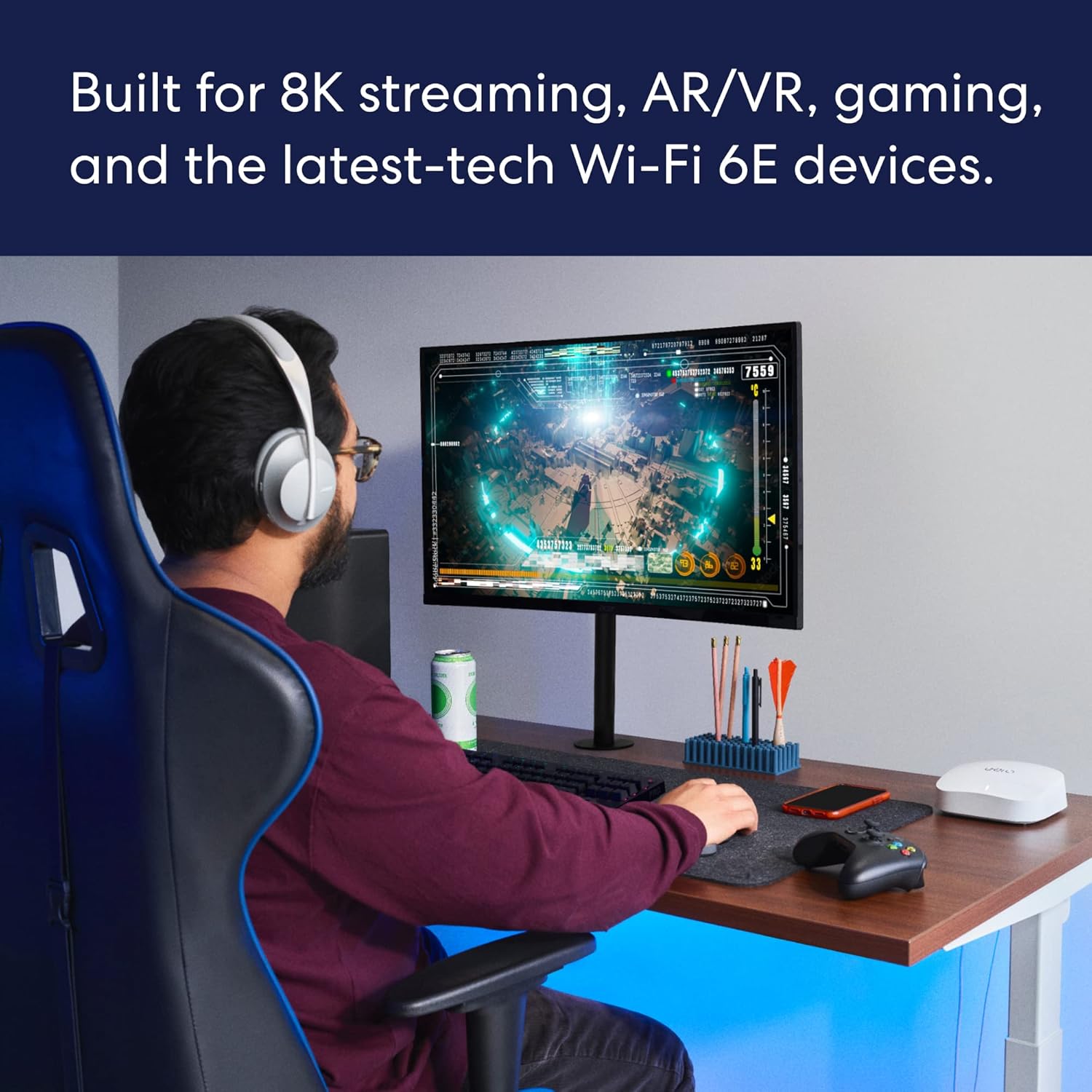


EERO’S FIRST Wi-Fi 6E SYSTEM – eero Pro 6E supports fast speeds and access to the new 6 GHz band when using Wi-Fi 6E devices, resulting in lower latency across your network, even for non Wi-Fi 6E devices. Backward-compatible with previous-generation eero devices.
WIRED SPEEDS, WITHOUT THE WIRES – Game, work, or stream reliably with eero Pro 6E.*
EERO TECHNOLOGY OPTIMIZES YOUR WIFI – Supports blazing-fast gaming across your whole-home network.
MORE BANDWIDTH, GIGABIT+ SPEEDS – Supports network speeds up to 2.3 Gbps—including wired speeds of up to a gigabit and wireless speeds of up to 1.6 Gbps. Enables gigabit+ internet plans when using the 2.5 Gb Ethernet port.
MORE WIFI FOR MORE DEVICES – Network coverage up to 6,000 sq. ft. and support for 100+ connected devices.
EXPERIENCE THE EERO TRUEMESH DIFFERENCE – eero’s patented TrueMesh technology intelligently routes traffic to reduce drop-offs and dead spots.
SET UP IN MINUTES – The eero app guides you through setup and allows you to manage your network from anywhere.
WORLD-CLASS CUSTOMER SUPPORT – Any questions? Our expert wifi troubleshooters are ready to help by phone in the US at +1-877-659-2347 or by emailing support@eero.com.
GETS BETTER OVER TIME – Receive automatic updates to help keep your network safe and secure. Online security and additional network management features available via a separate subscription.

Western Digital 20TB WD Red Pro NAS Internal Hard Drive HDD - 7200 RPM, SATA 6 Gb/s, CMR, 512 MB Cache, 3.5" - WD201KFGX
Original price was: $419.99.$12.99Current price is: $12.99.

Logitech MK270 Wireless Keyboard and Mouse Combo for Windows, 2.4 GHz, 8 Multimedia Keys, PC, Laptop, Wireless Keyboard Compact Mouse Combo - Black
Original price was: $29.99.$19.99Current price is: $19.99.
-40%








314 –
Works very well. Very easy to set up.
Previously just had the standard wifi router provided by ATT with fiber connection. It was fine really but some parts of the house lacked good signal. Purchased the 6 Pro E and put the ATT router in bridge mode, the Eero instructions on doing that were perfect and it worked. The 6 Pro E was up and running in minutes and did it’s own software updated immediately. Was super easy to rename the network, set the password and permissions and every single device that was previously on the old router connected seamlessly on it’s own without any intervention. I think possibly one 2.5GHz device may not have auto-connected but it connected just fine once I put it in pairing mode. We have a lot of devices, mixed 5ghz and 2.5ghz, and so far both networks broadcast fine and everything works. Also 5th Gen Echo Dots seamlessly boost the wifi signal and I already had those in nearly every room before getting the Eero 6 Pro E.Few things to note:I don’t pay for Eero Plus subscription so I don’t use any of the extra reporting features.New devices connect with what looks like a random code or with a manufacturers name, which usually does not help identify what it is. That can be a challenge when you’re trying to figure out if it is something you just added or someone else who managed to get in passed the firewall. Googling the name that shows up does not always help figure out what it is.For some reason my iphone reconnects every few weeks as a “new device” with a name of “unknown device”. This does not happen with my husband’s iphone. This means that at any given time there is one active “unknown device” and several others that are inactive with that name. Looks like eventually they drop off the recently connected inactive list. Even if I rename it to something specific, after a few weeks it will reconnect as if it’s brand new and I’ll get an Eero notification that a new device has connected. It is frustrating to have to continually check the app to make sure it’s just my own phone and not something intruding.The Eero devices have a Zigbee hub built-in but my recent purchase of motorized Alexa compatible shades with Zigbee motors had issues. They connected sort of, but were not functioning in the Alexa app even though both Eero and the shade manufacturer said they should work. Eventually I had to also buy 2 older 4th gen Echo’s that also have a Zigbee hub built-in, only then would they be found by Alexa and then they started working in Alexa app with voice and scheduling. However, adding the old 4th gen echos created two more issues: While every single other device in my house on other floors away from the Eero 6 Pro can connect just fine because I have 5th Gen Echos in most rooms boosting the mesh coverage, for some reason, the 4th Gen Echo placed on the second floor could not connect to the 6 Pro E router on the first floor. I had to end up buying a second Eero 6 for the second floor to act as a booster up there as well. Only then did the second floor 4th Gen Echo connect to wifi and stay connected. That’s very odd because everything else on the second floor and in the basement and detached garage had no issues connecting to either the wide array of 5th Gen Echos or to the main 6 Pro E on the first floor. The second new issue… the Eero devices are set to roam automatically which is the point of mesh coverage. However, the Zigbee shades hated that feature and would constantly bounce from the nearest 4th Gen Echo to the 6 Pro E and back. Each bounce made them “unresponsive” in the Alexa App. Eventually I had to turn off that roaming feature in the Eero app settings so that every device now connects to whichever Echo or Eero it sees first and then stays there. Defeats the purpose of having mesh but it was the only way to make the $2000 worth of “smart” shades actually work with the network and Alexa.
RoadiJeff –
Great Mesh WiFi System
I have 4 of these eero Pro 6E mesh routers in the 3 stories of my 2650 sq ft home, including the basement. The system is connected together via Ethernet backhaul, wired with Cat 6 Ethernet. It was a little more work than connecting them all via WiFi but I wanted the fastest speed at each eero throughout the house.I used a cold air return duct to run the Ethernet from the primary eero that is connected to my fiber optic modem on the second floor to the basement, where it connects to a 1G unmanaged 5-port Ethernet switch. From there, other Cat 6 cables feed the other three eero devices on the first floor and basement. I’m getting around 620MB up/dn out of my current 500MB internet plan, so I didn’t need any hardware that was capable of speeds faster than 1GB.The eero listing on Amazon can be a bit misleading. It says “coverage up to 2,000 sq ft”, which sounds like a great distance. However, that means that each eero covers a maximum 25 ft radius out from the unit. If the WiFi has to go through a wall or floor that distance might even be slightly less. I had a weak zone in one bedroom after I had initially installed a 3-pack of these. I added a fourth eero in that room and all is well.According to the eero app, I have 43 WiFi devices connected to the system – Ring cameras, Alexa devices, etc. The WiFi signal is the same high speed, whether I measure it near the primary eero that is connected to the fiber optic modem on the second floor or at the eero down in the basement. I am very pleased with how things turned out and the little extra work to hardwire everything was worth it to me.
Gerry –
Effortless Setup, Seamless Coverage, and Sleek Design
I’ve been using the eero Pro 6E mesh system for a couple of months now, and it’s been flawless. Setup was refreshingly simple—no tech headaches, just plug in and go. With two units, I get full coverage across our 2-bedroom, 2-bath home, and the signal is strong in every corner.One feature I really appreciate is the ability to connect wired devices to the secondary router. It behaves just like the main one, which is perfect for things like printers or media hubs. We have over 30 devices connected—smart switches, plugs, laptops, iPhones, TVs, and more—and everything runs smoothly with zero hiccups.Bonus points for the design: it’s clean and modern, a huge upgrade from my old router with its six awkward antennas. If you’re looking for reliable performance, easy setup, and a system that blends into your space, this is a solid choice.