




From the brand


About Us
Launched in 2013, BroadLink focuses on smart home control, bringing a convenient and smart lifestyle to over 2 million customers.
Users can control their appliances, lights through smart phones from anywhere, anytime.
We have been working in the field of smart universal remotes, smart bulbs and sensors for more than 10 years, bringing the smart home into a new era with real zero-setup and auto-networking.

Broadlink RM MAX
Faster Setup. Offline Local Control.
Our next-gen smart hub for IR and RF control.
Upgraded Smart Hub
Smart Universal Remote
FastCon Smart Light Bulbs
Smart Wi-Fi Bulbs and Sensor
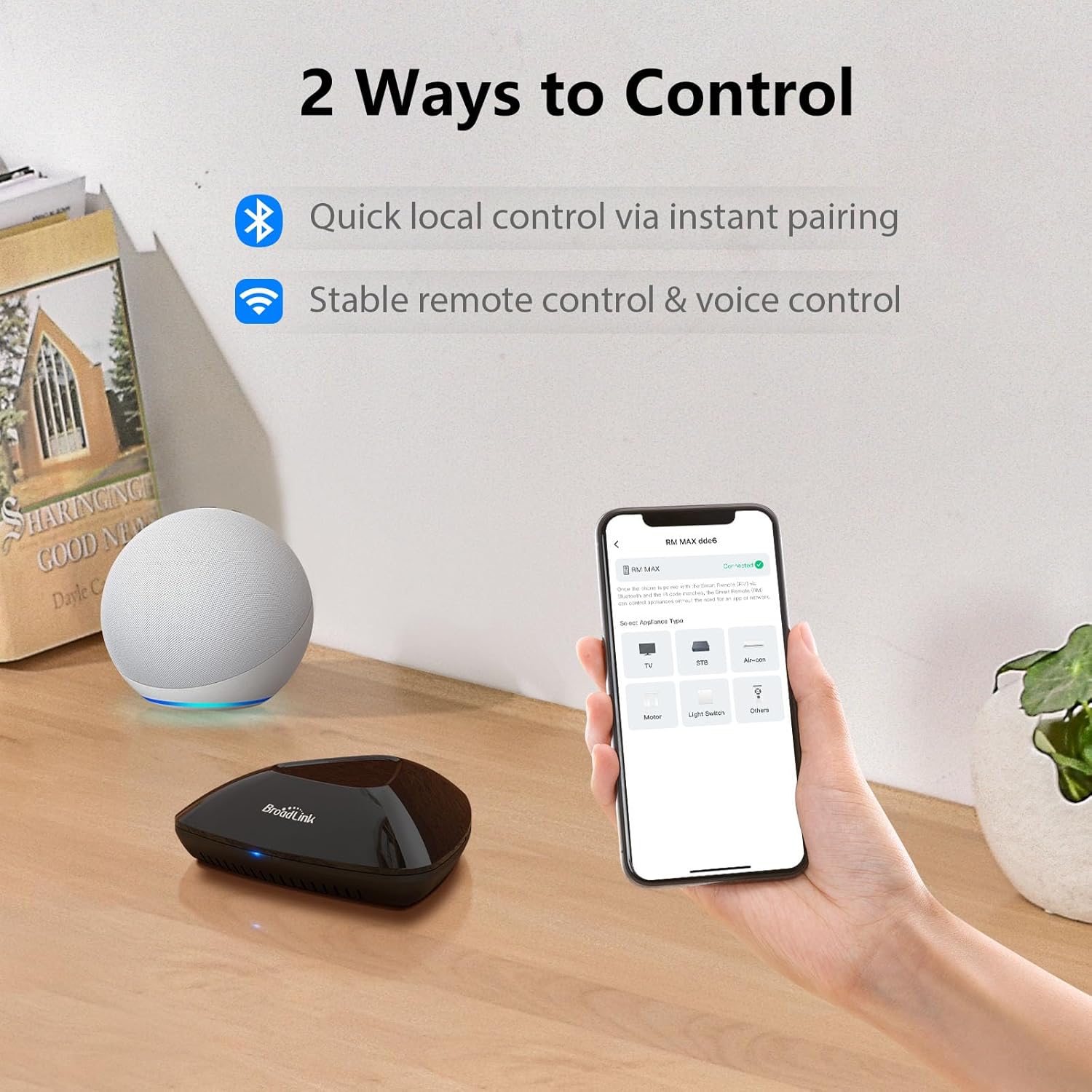
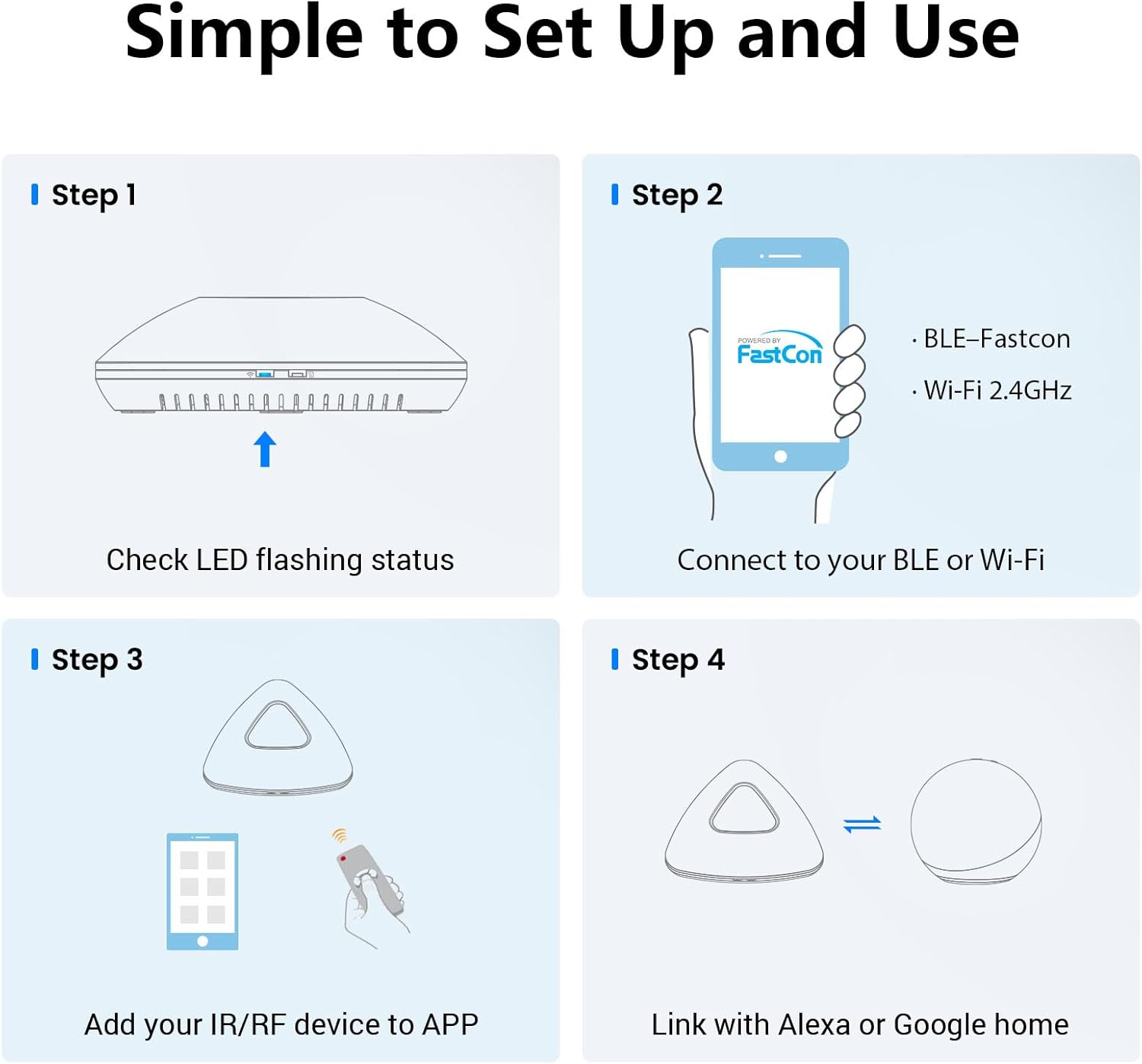
【Next-Gen Smart Hub with BLE Quick Setup】Broadlink RM MAX is our new smart Wi-Fi hub, enhanced with BLE for faster device discovery and local control. Get your smart home running in minutes with smoother configuration and a performance-optimized experience.
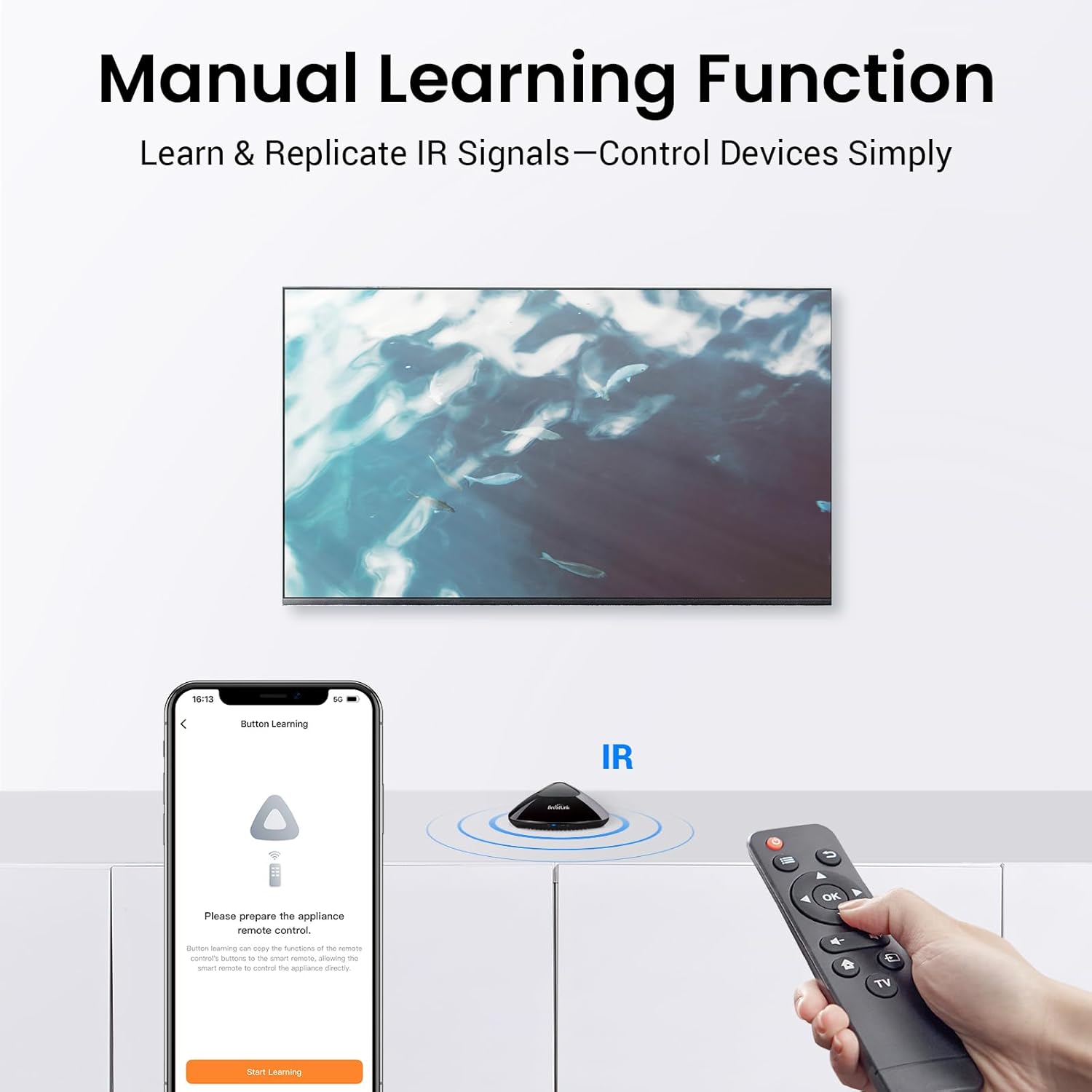
【IR & RF Universal Control】Supports a wide range of IR 38KHz and RF 433MHz-controlled devices—from TVs, air conditioners, and audio systems to RF fans, roller blinds, and switches. Unify your home electronics in one app with reliable control.
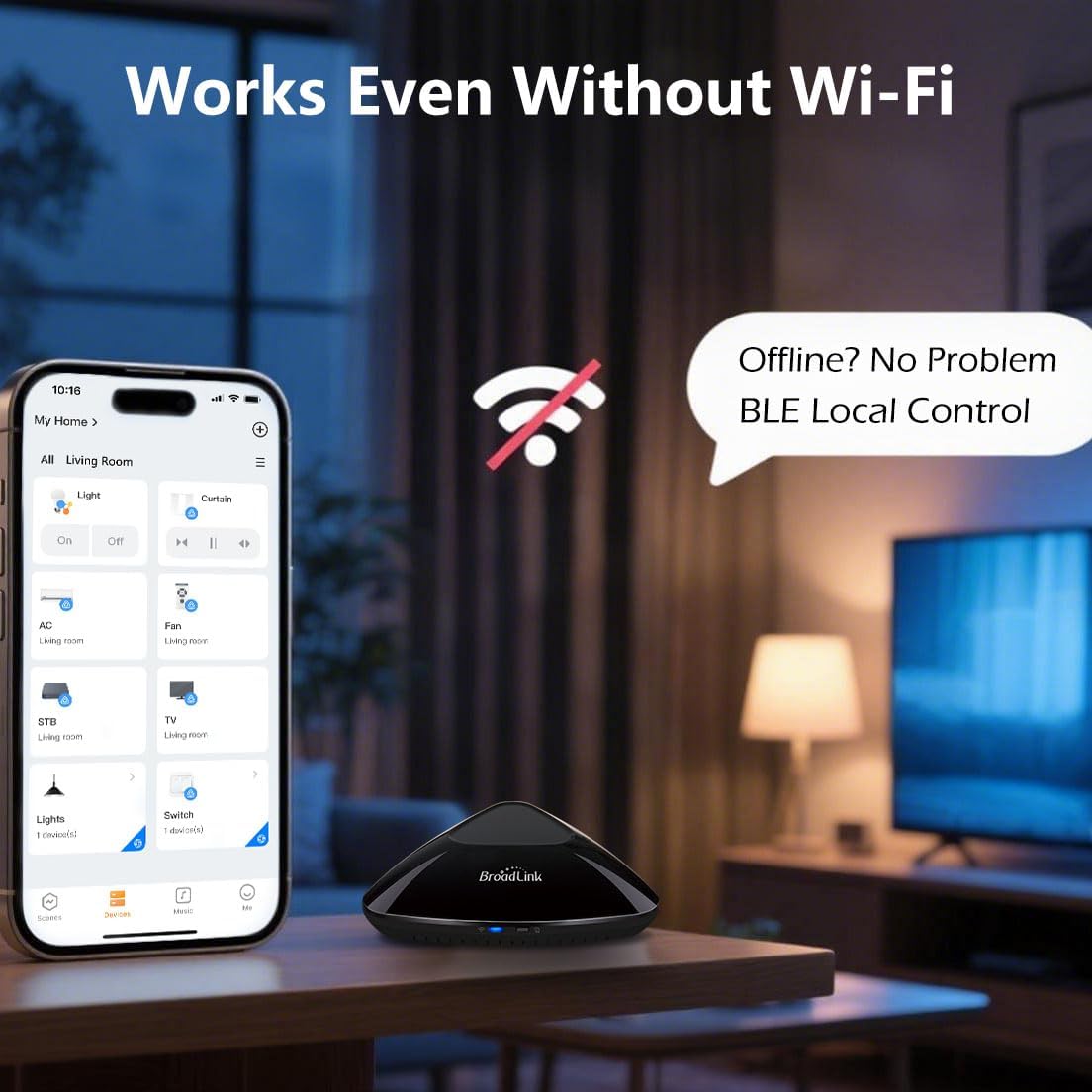
【Reliable Local Control & Offline Scenes】Once configured, devices can be managed locally through BLE, ensuring uninterrupted operation during network outages. And all your custom scenes are stored directly on the hub, so even without internet access, your scenes like “Good Morning” (to open blinds and play music) or “Bedtime” (to power down devices) can still run smoothly. RM MAX ensures reliable offline control for smarter, energy-efficient living.
【Upgraded App with FastCon Integration】The new Broadlink Magic Home app delivers a refined interface and integrates FastCon-enabled smart bulbs (LB4E26, GU10) and sensors (motion, door, temperature/humidity). RM MAX acts as the smart hub for managing and automating your FastCon ecosystem.
【Hands-Free Voice & Remote Access】After connecting to a 2.4GHz Wi-Fi network, RM MAX allows remote control of your devices and supports voice assistants like Alexa and Google Home. To complete the setup, please open the app and tap “Authorize Device” to enable Wi-Fi control. Once authorized, you can manage your devices anytime, anywhere—at home, in the office, or on the go.
【Please Note】Devices added through the app’s preset panels can be directly controlled by Alexa and Google Home. For buttons created in learning mode, voice assistants cannot recognize them individually. To use voice control with these devices, create a custom scene in the Magic Home app and link it to Alexa or Google Home. This allows you to manage learned devices via scenes efficiently.


Humberto –
Roadlink
Funciona bien pero no reconoce en RFC algunos controles de lámparas
Francisco R Orsini Chinea –
Don’t have every code needed, find out before ordering
Hi, I bought it to control a home depot celling fan and don’t have that frequency so I return it
J. Zion –
Stay away… piece of junk.
Do not buy this. I have had a Bond device for years, with issues, but it’s a newish smarthome technology, so I gave it some leeway. Then recently, it stopped working with Alexa. So, I decided to try and get it working again by messing with the Alexa skill, which just wouldn’t work.So, I decided to check on better options, and this one came up. Stay away from it at all cost. I couldn’t even get it to connect to my network. The documentation is a very small leaflet with no help and a few qr codes that lead to videos that aren’t labeled, meaning you have to watch all of them to find the one you need. Even then, they’re of no help if the product doesn’t work completely fine. I checked Reddit and all I found was some really long and detailed process that didn’t work for me.Turns out that if we have any sort of non alphanumeric characters in our SSID or password, it just wont connect. I’m not about to change that and then have to change settings on all my smart devices… again…to make this possibly work. Just sending this piece of crap back.And what do ya know… the Bond skill is back up and working now. Didn’t need this in the first place. Heh…
Donnie Ellis –
It won’t integrate in to Google Home the way you think, or hope, it will.
It will mostly donas it advertises. I bought it to control my ceiling fan and lights that have RF remotes with Google Home. Since they’re not listed in the app I had to program them in manually, which is fine. You can control the devices directly in the native app and you can link that to Google home. The problem is that the device will only show up in Google home as a humidity sensor and nothing else detecting the purpose of the purchase. It feels as if there’s mild false advertising here when it comes to working with google home.
Donald L. –
Good but could be better
Firstly, I am happy with the product. I gave it a 4 because I found the application leaves much to be desired. The cloud based matching worked, but the functionality provided was very limited for my Yamaha receiver. I had to create the needed functionality by creating buttons and teaching them from my remote. The creation of scenes was limited to one button per unit (i.e. Yamaha receiver could only have one button activated per scene). I also needed to create routines in Alexa to activate a scene. Once I figured out the limitations, everything works very well.
Cord Roberts Jr –
RF is strong
RF very strong.
Leslie M. –
Only for basic functions. On, off, volume
This remote can only control basic functions. You will not be able to control anything with Bluetooth. It can turn on and off your components and volume up and down. And maybe change channels if your TV is not Bluetooth. That may be all you need. It doesn’t deserve low stars because it does do functions most people would like. Turn everything on and change the volume on your infrared components
DBH –
Does connect to all motorized shades
The info said this would connect with motorized shades, maybe it does, but it would not connect with Levolor brand shades.
Francisco –
Excelente producto funciona muy bien y tiene excelente alcance.