




More than just a thermostat, The EB-STAT-02 features Wi-Fi Connectivity to the Internet, Cool Mobile Apps, Easy Web Portal, Live Weather, and a Full Color Screen. Secure Online Web Portal for Remote Management and diagnostics. Free over-the-air Software Upgrades. Gas, Oil, Electric, Boiler, and Heat Pump Compatible. 365 Day Scheduling, 7-Day Programmable, Vacation Programming. Humidifier, dehumidifier and ventilator control. Free Smartphone / Tablet App. Downloadable System Reports.
Intuitive User Interface makes it easy to quickly set a personalized program
Built-In Wi-Fi enabled. Adjust settings anywhere, anytime via Computer, Smartphone, or Tablet
Build-In Live Weather Functions to assist in saving the most energy possible
Intuitive User Interface makes it easy to quickly set a personalized program
Built-In Wi-Fi enabled. Adjust settings anywhere, anytime via Computer, Smartphone, or Tablet.
Build-In Live Weather Functions to assist in saving the most energy possible
Mobile Apps available for Apple IOS and Google Android smart phone and tablets
Broadband Internet access required for Wi-Fi, Weather, and Mobile features
Back to products

EIGHTREE Smart Plugs Compatible with Alexa Only, Voice Control, Outlet Timer, 10A Smart Outlet, White
Original price was: $44.99.$16.99Current price is: $16.99.


Bob in Savage MN –
Great thermostat
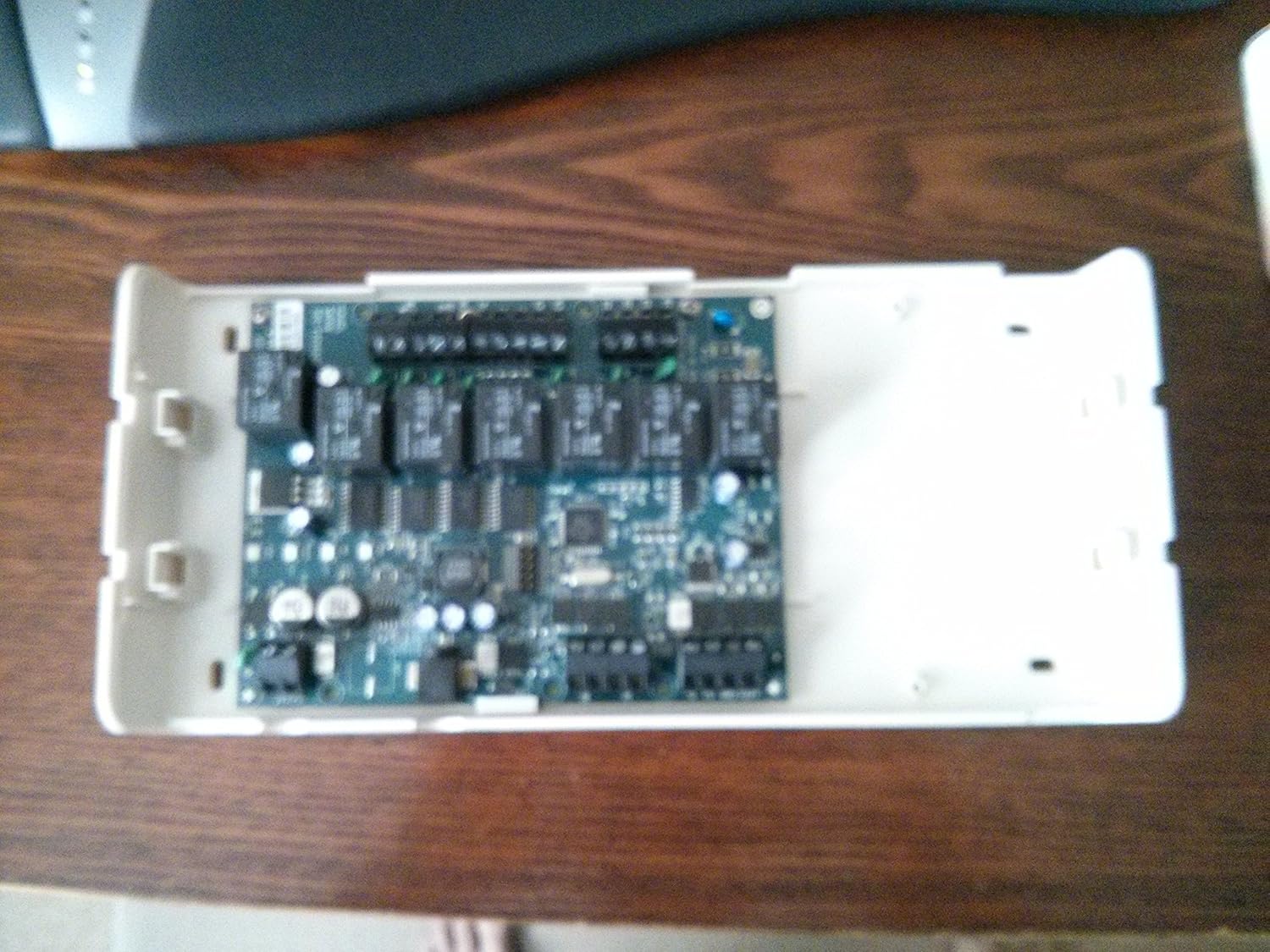
I usually don’t do product reviews but this thermostat deserves one. I waited to get over the initial wow factor before reviewing it.I live in the Minnesota and have a pretty simple setup. 2 stage variable gas/blower furnace, single stage AC, and Aprilaire 400 humidifier. So far this thing has been great. The phone app is easy to use and looks just like the tstat. I can turn the blower on/off, turn the humidifier on/off or change the humidity percent, and change the temp. The web interface can do the same plus additional settings.I’m not a plumber, electrician, carpenter, etc., but I have done all three in my homes. Even so, I was really close to calling someone to install this when looking at the manual online before it arrived. Once I got it and pulled the cover off the furnace it really wasn’t that bad. Pretty simple actually. My furnace board was labeled just as the Ecobee manual listed. They have several diagrams for different situations. I took a couple pictures just to be safe before I did anything. My biggest fear was I would accidentally drag a bare wire across the furnace board and fry something. I even visioned getting the electric space heaters out and running the fireplace until someone could come out to fix my screw up. I made certain there was no power coming to it.There are 10 wires needed in my situation from the furnace board to the outside of the furnace. 9 to the Ecobee module and one to the humidifier. There are 4 wires needed for the module to the thermostat itself. I pulled out the existing tstat wires from the furnace board and connected 4 to the module and matched the same colors to the tstat on the proper terminals. I watched some videos on youtube and read some forums and they say power can be tapped off the 24VAC from inside the furnace. Just make sure it’s not for the blower and it’s on all the time. My furnace has a 24VAC transformer right inside with two leads coming off. I tapped those and made connections to the module, one wire from H on the furnace board to the humidifier, and 7 more to the module. I used three wire bundles total, one with 2 wires for the power, and two with 4 wires for the rest. I made a little cheat sheet and labeled the wires so I could figure this out in the future if need be. Several install pictures show the modal screwed to the duct work. My supply duct gets really hot and didn’t think that was a smart place to mount it. I had no room on the return duct plus it was farther away needing longer wires. Ultimately, It found a home on the wall. I did a quick test before cutting the wires to length and making them look neat and clean.After walking through a quick setup on the tsat and getting it on the wifi I made an account at ecobee.com. The touchscreen interface on the tstat needs less than more. Pressing too hard is not good. Moving the up/down slider is really the only issue I have but after getting used to it, it’s fine. There is a programming wizard to run and get an initial program going. From there I did the rest from the web interface.After running for some time, the tstat will learn how long it takes the house to warm up, or cool down. It will then adjust itself automatically based on the program. My program is -I wake up at 7 am, leave at 8:30 am, come home at 5:30 pm, go to sleep at 11 pm.My tstat will start to turn on heat around 5:30 am or so (it changes based on the inside and outside temp) to ensure the temp is what I set it to be when I wake up at 7 am. Same with my come home schedule. It will start around 4 pm so it’s warm when I get home. It will also keep the house from getting too cold by running on its own to make sure it can meet the temps. I can see this happening by looking at the reports. It takes a reading every 5 minutes and shows me what every function is doing. This is a really nice feature. For instance, I had my humidifier set to turn on just the furnace fan and run. It did this at night several times and it ran for hours trying to get the humidity up. Without the furnace heat on, it took a long time to get the humidity up. So, I changed the setting and now it only runs when there is heat.There are a few fine tuning settings I have played with. There is an option for how long stage 1 runs (low heat and low blower) before kicking in stage 2. The furnace would typically do this for me running stage 1 for a set time and if heat isn’t reached stage 2 kicks in. I have it set to run stage 1 for a max of 30 minutes and only if within 2 degrees of what the tstat is calling for. Anything over 2 degrees and stage 2 starts right away. If after 30 minutes the temp still hasn’t been reached then stage 2 starts. My furnace already did this but I am making stage 1 run longer that what the furnace was doing. The tstat can detect a temp change as low as .5 degrees and call for heat. This can be adjusted higher and probably be more cost effective but less comfortable due to larger temp swings.I also have a whole house air cleaner. During times when the house is occupied, I have the furnace blower run all the time at a low speed. During the away time and sleep I have it turn off. I figure if people aren’t moving about there is no dust kicked up and less to filter. I had the blower run 24/7 before so this may lower my electric bill.Looking at my reports, I can see that after the furnace blower is own (just the fan, no heat) for 30 minutes that the inside temp rises a little. I’m guessing the circulation evens out the temp a bit. So with that, I made a fan only program to run for 30 minutes once during the sleep and once during the away times. Running it more than once did not make a difference when watching the reports.I don’t have this set, but it can also run the blower from 0 minutes to 55 minutes per hour. It breaks this up in 15 minute times. So if it is set to run the fan for a minimum of 40 minutes, it will run it 10 minutes every 15 minutes. If there is a call for heat/cool, the blower times will be included and it will only run the remaining time, if any.The humidifier has a frost control option. If enabled, it will not let the humidity rise above a certain % based on outside temp. It asks how efficient the windows are in the home and takes that in account as well. There is a google group for ecobee users that is monitored by ecobee. One user had trouble with the frost control setting and support said there is a beta firmware that has more choices for window efficiency. Support offered to upgrade the software, just email them the SN of the tstat. I asked for the upgrade and a day later it was done. I now have double the choices for the window setting.I have alerts set to email me if the temp gets too low, temp gets too high, humidity too low, humidity gets too high, water panel change in humidifier, and filter change in furnace.I had narrowed my purchase to 3 tstats, the Nest, the Honeywell Prestige 2, and the Ecobee.A friend has a Nest. It looks nice and is designed for simple use. I like to have more options and control. Plus I don’t like how it is powered.I couldn’t find as much info on the Honeywell as far as tweaking the tstat or installing. Definitely geared towards a pro install. Most of the forums I read were for hvac people as well. Plus, to get it online took extra parts.
anselor –
Overpriced and unstable, Total Cost of Ownership: over $700. No warranty support through online purchases.
The installation instructions are lacking at best. Very little is explained and I ended up having to call an AC guy out to do the install. It took over 8 hours for him to figure it out and cost me over $500 for his time. So be warned, it costs twice as much to install the unit as the unit itself.The thermostat takes a really long time to boot – on the order of minutes. The screen is laughably low quality; it’s very unresponsive and unstable and randomly registers clicks while you’re trying to use it. Note that there smartphones from 5 years ago that have screens that are more responsive and higher quality. I think even my Palm Pilot from 2002 was more responsive than this.I could almost excuse it if the thermostat functioned as advertised. One of the driving reasons to use this thermostat is its WiFi connectivity. The WiFi connection is flaky at best. I tried moving my router into the hallway with the thermostat and it still had trouble connecting.It eventually figured out how to connect itself to WiFi on its own after days of trying and multiple calls to tech support. The connection was intermittent and allowed me delayed remote control capabilities. I accepted this level of control as being sufficient since it usually received my request by the time I returned back home.I guess Ecobee caught on that I was actually getting some use out of the WiFi connection and decided to shut that down. It now will not connect to WiFi and hasn’t for weeks. When I tried to troubleshoot it I found that the option to manage WiFi has now be removed from the menu. The Ecobee WiFi thermostat has forgotten how to manage WiFi.Stay away. This is overpriced even excluding the cost of installation. Once it’s installed it’s nothing but constant frustration. I was better off with my $35 7-day programmable thermostat.– Update 10/28/2013 –Tech support claims that the WiFi function on my thermostat has failed after only 3 months of use. Also, they said if you purchase this online like I did, the only way to get a warranty replacement is through the retailer you bought it from. Ecobee does not directly service warranties and will not replace it directly. The /only/ way to get your thermostat replaced when it stops working is through the retailer from which you bought it. In my case, the purchase was serviced through an Amazon 3rd party seller so who knows if it’ll ever get replaced.
charles presseault –
Good information