


The HS103 Kasa smart plug is the easiest way you can start controlling lamps, fans, humidifiers and other home electronic appliances. With it adding voice control to any outlet, you could also enjoy the hands-free convenience. The Kasa app contains not only all the feature you expect from TP-Link Kasa family, but also guidance for you through each step of the installation to connect your smart plug with your home Wi Fi, Alexa or Google assistant.
Is Discontinued By Manufacturer : No
Product Dimensions : 1.5 x 1.57 x 2.62 inches; 7.05 ounces
Item model number : HS103P2
Date First Available : March 6, 2018
Manufacturer : TP-LINK
ASIN : B07B8W2KHZ
Best Sellers Rank: #368 in Tools & Home Improvement (See Top 100 in Tools & Home Improvement) #3 in Electric Plugs
Customer Reviews: 4.5 4.5 out of 5 stars 76,341 ratings var dpAcrHasRegisteredArcLinkClickAction; P.when(‘A’, ‘ready’).execute(function(A) { if (dpAcrHasRegisteredArcLinkClickAction !== true) { dpAcrHasRegisteredArcLinkClickAction = true; A.declarative( ‘acrLink-click-metrics’, ‘click’, { “allowLinkDefault”: true }, function (event) { if (window.ue) { ue.count(“acrLinkClickCount”, (ue.count(“acrLinkClickCount”) || 0) + 1); } } ); } }); P.when(‘A’, ‘cf’).execute(function(A) { A.declarative(‘acrStarsLink-click-metrics’, ‘click’, { “allowLinkDefault” : true }, function(event){ if(window.ue) { ue.count(“acrStarsLinkWithPopoverClickCount”, (ue.count(“acrStarsLinkWithPopoverClickCount”) || 0) + 1); } }); });
Voice Control: Add voice control to any outlet. Enjoy the hands-free convenience of controlling any home electronic appliances with your voice via Amazon Alexa or Google Assistant.
Control From Anywhere: Turn electronics on and off from anywhere with your smartphone using the Kasa app, whether you are at home, in the office or on vacation.
Scheduling: Use timer or countdown schedules set your smart plug to automatically turn on and off any home electronic appliances such as lamps, fan, humidifier, Christmas lights etc. The button on the side of each HS103 Smart Plug will toggle the power state of the Smart Plug, and the appliance connected to it.
Easy Set Up and Use: 2.4GHz Wi-Fi connection required. Plug in, open the Kasa app, follow the simple instructions and enjoy.
Trusted and Reliable: Designed and developed in Silicon Valley, Kasa is trusted by over 4 Million users and being the reader’s choice for PCMag 2020. UL certified for safety use.
Maximum Load *for The New Version : 15 Amps Resistive @ 120VAC*

ecobee Smart Thermostat Premium with Siri & Alexa & Built in Air Quality Monitor & Smart Sensor (Renewed), Black
Original price was: $499.97.$219.99Current price is: $219.99.
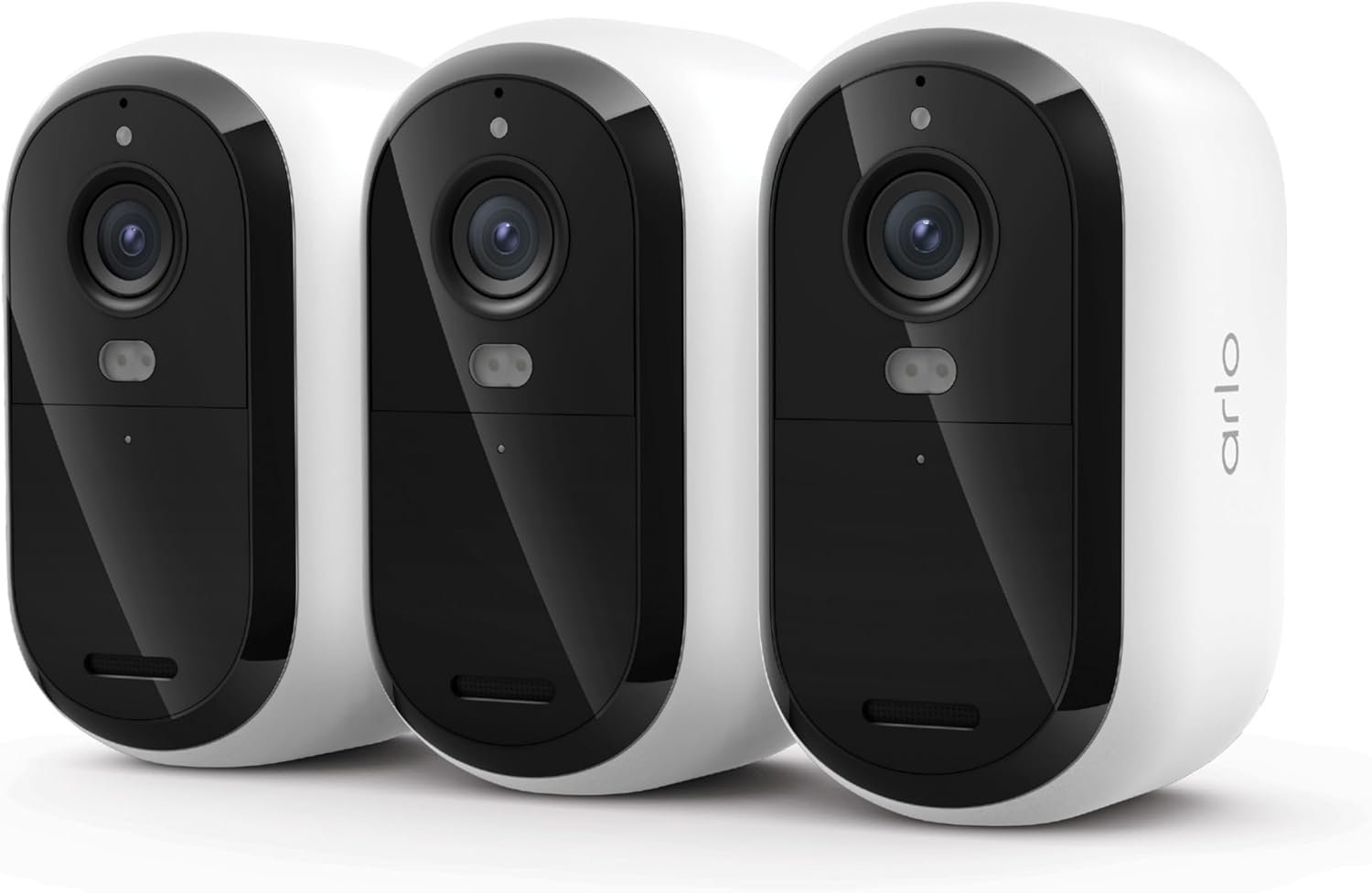
Arlo Essential Security Camera 2K (3rd Gen, 2025 Release) - Wireless Outdoor Camera, Battery Power, Person Recognition, Package Detection, Animated Preview, 1-Month Trial of Secure Plan, 3 Cam, White
Original price was: $169.99.$16.99Current price is: $16.99.
-45%


DROB –
Great devices to turn off and on when away from home
I love this device. Now I can turn on/off my lights at home when I am away from home or put it on a schedule if I go on vacation. Easy to setup. And it works great with my Amazon Dot and Echo. I feel as though I am saving more on electricity now because it is easy to turn the lights off either from the app or from using the Amazon devices. One of my best buys this year and the cost isn’t bad either. One other thing sometimes when you come home from the outside when the sun went down and your house is dark inside; now you can turn your lights on before you enter into your house. So nothing will jump out you because it is dark. A great buy!!!
B. Bumeter –
Setup worked on the first attempt! Easy Alexa add too
Setup was (compared to other smart plugs I’ve used) pretty straight forward. There were several steps, but I only had to attempt the setup once per device (I ordered 2) and it worked the first time, so that was a win!Even though the units were brand new, I did have to do a firmware update on each of them, which added a minute or so per device to the setup time.Once I had created an account with the required app, signed in via the app I had to download (kasa app) and entered my wifi password into this app (choose your security risk adventure yourself) everything worked well.I used this to put a pair of lights on one plug and on the other I connected it to a woodburning stove fan.Added both in a room, and customized the name for each item.Adding them to Alexa was easy, after one item was added to alexa, (enabled in the Kasa app) after I initially added the second device to the kasa app, that named device was automatically added to Alexa.transcript of my video review follows(note I was a good distance away from Alexa device so when I have alexa turn things on and off, I had to turn my head to speak more clearly, which has nothing to do with these plugs and their app)This is a 2 pack Smart Plugs they work with the Kasa app and they tell you to download that. In here they’ve got an on off button. I actually write that on the plug because months, years later if I move around or even if I move to a different house or something like that, it helps me to remember which plug goes with which app.And so on. But about to get these set up. I’m actually replacing some others that from a different source that didn’t make it possible to upload the Wi Fi when changed Wi Fi devices. Hopefully these will have some better options for updates. Got it all set up. App wasn’t too difficult to connect to.And had to do an update, firmware update. And then after that I was, I was able to connect it to the Alexa app. Alexa, turn off the front lights. Okay. Alexa, turn off the front lights. Okay. Alexa, turn on the front lights. Okay. I then set up the second one. It was easier than the first because the app already had my Wi Fi password.And that’s a warning. You will need to input your Wi Fi password eventually. Plus allow for a location setting. And maybe some scheduling type stuff, so consider that whether or not you want to do that. After all that, I was able to connect this to Alexa as well. The second one went faster than the first.Alexa, turn on the stove fan.Alexa, turn on the stove fan. And just getting ready to start a fire, so I got stuff in the wood burning stove, but I wanted to get the fan on the thing. Pretty cool that it works.
Ryan L Randall –
5-Star Plug! (Especially for SmartThings Users)
I’ve went through a lot of plugs in my day. I also own 6 of these plugs, and this plug earned its “5-Star” review. If you are a SmartThings user, you will really like this plug. After you hookup this plug to SmartThings, you will see that the plug works with SmartThings’ “Energy Mode” in the “Life” section. You can use the “AI Energy” mode in SmartThings to save energy on whatever is connected to this plug.This device can first connected to either TP-Link App, “Kasa” or “Tapo”. In both of these Apps, you will see live power control as well as the history. There is also a “Power Protection” mode that turns off the device if it exceeds “X” amount of power.Using matter to connect this plug is extremely fast and simple. 2 plugs can easily connect to the same wall outlet. This plug is white without writing all over it. The only writing is on the sticker with the matter code on the side. This allows the matter code to be easily scanned in. Also, you can change the icons to match the device, but the selection is limited. 17 icons.If you have many things that need to be plugged-in around the same area, I would recommend a TP-Link Smart Power Strip. These are nice because you can connect up to 6 devices in one power strip, and they will stay nested under that one device. Otherwise, you will just end up with screens and screens of individual plugs.If you do need individual plugs, I would recommend getting these. Remember, these plugs connect via matter. If you don’t have a matter connection, you will have to get a different plug. If you do buy them, you won’t regret it. I sincerely hope this helps out someone to get the info they need.
Random Guy –
You have to use specific TP Kasa App!
It works perfectly as intended. I’ve been using it for my Christmas tree, and now I have the ability to control when it turns on and off. I’ve set up a routine for it to automatically come on and go off, so I don’t have to manually switch it off every time.The SetupThe setup process is quick and effortless. You need to download the Kasa TP-Link app from the Play Store, and once you have it on your phone, it connects easily. However, connecting it to Alexa was a bit tricky initially. The first attempt didn’t establish a proper connection, so I had to try again, and then it connected seamlessly. The app initially claimed it was connected, but it wasn’t. I just had to repeat the process to ensure a successful connection.I gave it 4 stars primarily because you have to download and use the Kasa TP-Link app. I would prefer a direct connection to Alexa or the Smart Life app. That way, I can manage all my plugs through a central app instead of needing multiple apps for different types of smart plugs.QualityThe plug itself is of good quality. It feels durable and made of high-quality plastic that will withstand the test of time.ConclusionI would recommend purchasing it again if I had other Kasa TP-Link smart products. Otherwise, I would opt for another smart Wi-Fi product that seamlessly integrates with my existing smart products.
Cliente de Amazon –
Tapo, lo mejor.
Alex –
Excelente producto, tengo uno en cada contacto de casa, los tengo programados para que prendan cuando los necesito y apaguen a ciertas horas o cuando no estoy. Me ayudan a cuidar las baterías de mis dispositivos al no cargar todo el tiempo, me facilita la vida dejando de recordar desconectar cosas y además me sirven para prender y apagar lámparas de piso desde la app.La app y la instalación son de fácil uso (configurarlo puede dar problemas si tu red es 5hz y no 2.5hz)
Luis J. –
Compre estos enchufes para utilizarlos para encender algunos reflectores y lampara que están en el patio. Tengo 5 meses con ellos y funcionan de maravilla, no he tenido problema alguno con ellos siendo que están a la interperie debajo de una marquesina por lo cual no les da el sol directamente ni la lluvia pero el polvo y otros factores si.en cuestión de conectividad tienen buen alcance tengo uno que esta en el primer piso y mi router esta en el segundo piso de extremo a extremo de la casa y nunca he tenido problema con la conectividad de red. El otro punto es que se sincronizan bastante bien con Alexa se encienden con rutina o por comando de voz, también tenemos la App Oficial la cual nos permite encenderlos o apagarlos estando fuera de la Red interna osea fuera de casa. lo que no he podido lograr es que interactuen con otros dispositivos como las cámaras (ni con las cámaras de TPLink) para cuando detecten un movimiento enciendan las luces.El empaque la verdad es muy simple una cajita de cartón natural que aparenta como si el producto fuera reconstruido pero no, los enchufes son totalmente nuevos. El precio pues esta al precio de Enchufe de amazon solo que aqui son 2 enchufes.
Turon Master 69 –
I picked this up to automate a couple of non‑smart lamps around the house, and it’s been working perfectly. Setup was quick and it connected right away with my existing Tapo app, which I already use for my outdoor cameras. Having everything in one app makes managing and configuring devices super convenient.The plug itself is compact, doesn’t block the other outlet, and feels well‑built. The energy monitoring feature is a nice bonus, letting me keep an eye on usage. So far it’s been seamless, and I’ll definitely be buying more as I add more devices
Mario Cremer –
Como casí todos los articulos de TP-Link funcionan sin problema, se conectan facilmente y se configuran de forma intuitiva.