


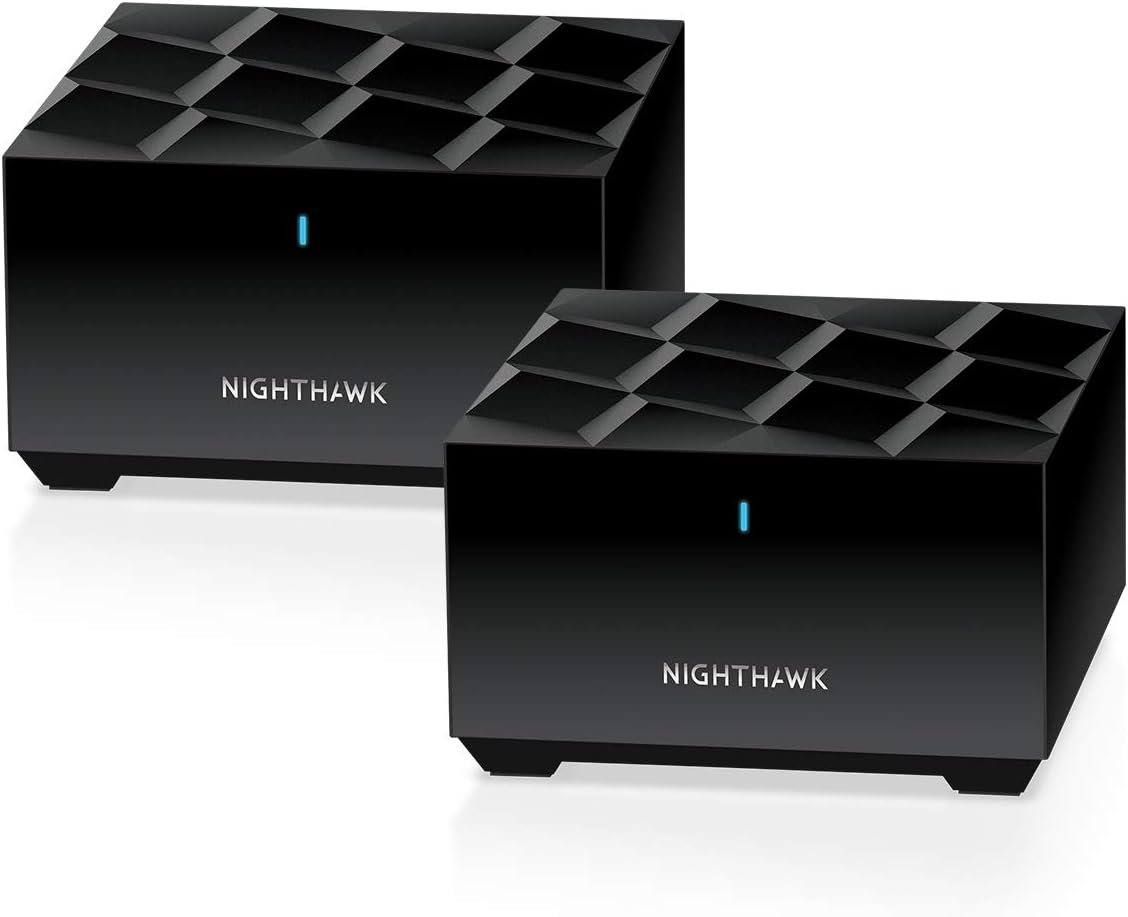
Your family wants super-fast, reliable WiFi for your whole home, up to 3,000 sq. ft. With the Nighthawk® Mesh WiFi 6 System, experience the future of WiFi with next-generation 802.11ax (WiFi 6). Enjoy dual band technology designed to handle 4X more connections and the increasing demand for fast gaming without interruption and smooth streaming. The Nighthawk Mesh System comes with one high-power satellite to provide you with broad WiFi coverage. Nighthawk® app allows for easy setup and WiFi management.
WiFi Coverage up to 3,000 sq. ft., and for 35 plus devices
Fast AX3000 Gigabit speed with WiFi 6 technology for uninterrupted streaming, HD video gaming, and web conferencing
Connects to your existing cable modem (separate unit) and replaces your WiFi router. Compatible with any internet service provider up to 1Gbps including cable, satellite, fiber, and DSL
Plug in computers, game consoles, streaming players and more with 2 x 1G (1 plus 1) Ethernet LAN ports in the router and satellite
Expand coverage by 1,500 sq. ft. with each additional Nighthawk MS70 Whole Home Mesh WiFi 6 satellite (sold separately); not compatible with Nighthawk Tri-band or Orbi WiFi 6 Mesh systems
NETGEAR Armor software provides an automatic shield of security for your WiFi and connected devices for real-time protection against hackers and added privacy with VPN. 30-day trial included
NETGEAR routers have security features enabled out of the box with automatic firmware updates, and industry-leading safety features to help protect you and your family
Easily set up and manage your WiFi with the Nighthawk app
Made for use in the US only
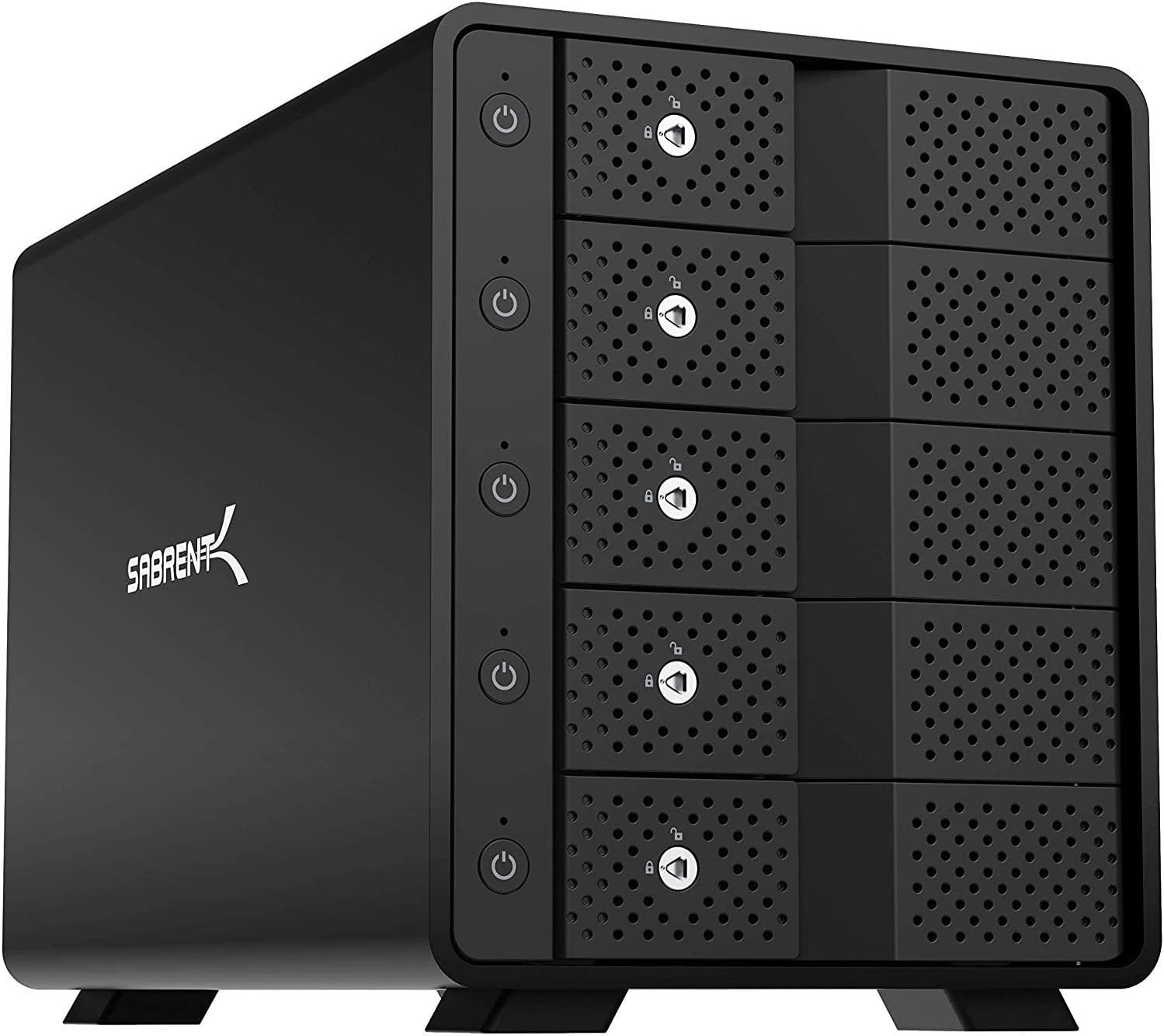
SABRENT 5-Bay USB 3.2 Gen 2 SATA Docking Station for 3.5” HDD/SSD, 10Gbps USB-C DAS, Tray-Less Hot-Swap, Aluminum Enclosure with 120mm Cooling Fan, Individual Power Switches, No RAID (DS-SC5B)
Original price was: $279.95.$222.99Current price is: $222.99.
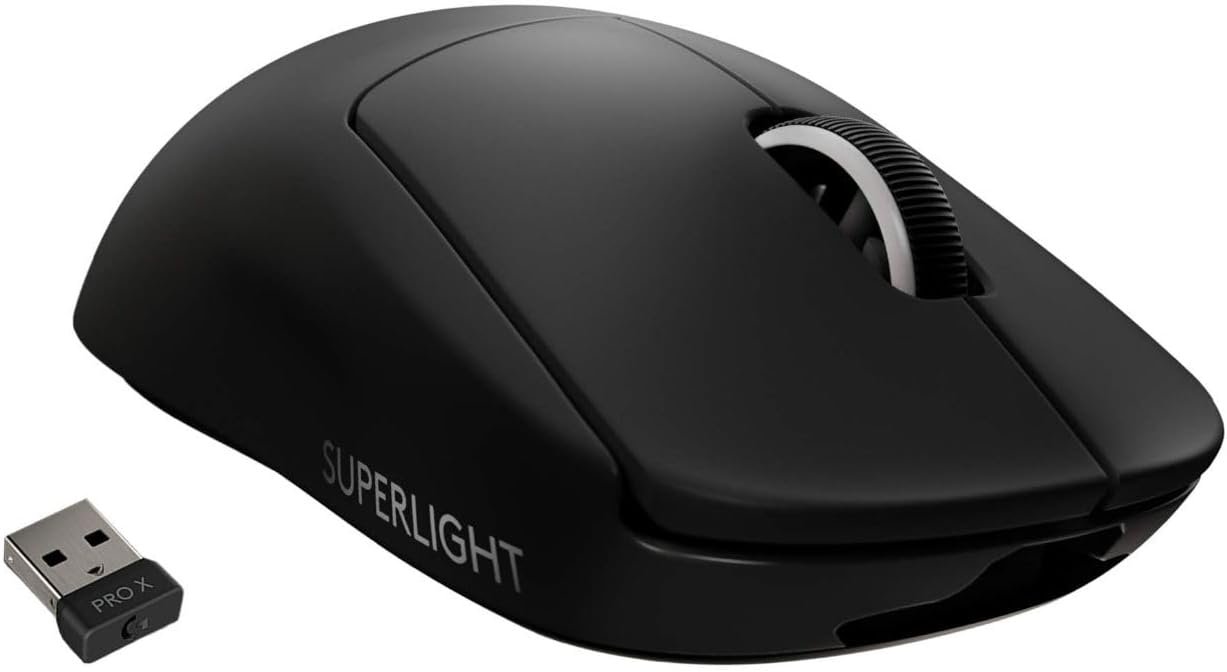
Logitech G PRO X SUPERLIGHT Wireless Gaming Mouse, Ultra-Lightweight, HERO 25K Sensor, 25,600 DPI, 5 Programmable Buttons, Long Battery Life, Compatible with PC / Mac - Black
Original price was: $149.99.$9.99Current price is: $9.99.
-90%


Michael H. –
Great value
Great value. We live in a colonial. My previous internet provider had a modem that could reach all my areas, the new providers range sucks due to a cheaper router, but the service is half the price and they wanted $10 a month for an extender when I complained about the range. I bought an extender for $30 and it was useless. Returned it and bought this. It took me 1 1/2 hours with customer service to get it set up and I still need to change the channel on the guest wifi to a 2.4gh my pellet smoker wifi only works on 2.4. But its still a great value, even with the time needed to set it up.
Kari Howard –
Best system ever!
We have multiple modems, in our house, but none reach where we need it, our camera over the garage. I researched high and low and found this. NETGEAR Nighthawk. It reaches where I need it, when I need it. The best mesh system for the price.
Somer –
Mine came defective.
Some devices constantly drop their connection to the WiFi, while some don’t. It doesn’t matter if they’re right next to the router or satellite and not moving. I’ve been using it for only about a week and the problems started within a few days. Firmware was updated immediately. Netgear Armor turned on all by itself after a few days, too. Maybe mine is defective.
Aron g –
Top mesh system highly recommend
After using the Netgear WiFi mesh system for a while now, I can confidently say it’s been a game-changer for my home network. Here’s a breakdown of my experience:Setup (5/5):The setup was surprisingly simple and user-friendly. The instructions were clear, and the Netgear app guided me through every step. It took less than 20 minutes to get everything up and running. Even if you’re not tech-savvy, you’ll have no problem setting this up.Coverage (5/5):This is where the system truly shines. I’m getting strong, consistent signal across the entire house—even in dead zones where my old router struggled. Whether I’m upstairs, in the basement, or even in the backyard, I’ve got solid WiFi.Speed and Performance (5/5):The speeds are excellent. Streaming 4K content, gaming online, video calls, and running multiple devices at once—everything runs smoothly without lag or buffering. The mesh system automatically connects devices to the closest satellite, so there’s no manual switching or drops in speed as you move around.Design and Build (4.5/5):The units are sleek and minimal, and they blend into the home nicely without looking like bulky tech equipment. They don’t take up much space and can be placed pretty much anywhere with power.App and Features (4/5):The app gives solid control over your network. You can see connected devices, run speed tests, set up guest networks, and even pause the internet for certain devices (great for families). It could be a bit faster or more intuitive, but it works well overall.Price (3.5/5):It’s definitely an investment. Netgear’s mesh systems aren’t the cheapest on the market, but in terms of reliability and performance, you’re getting great value. If stable, high-speed internet is important in your household, it’s worth the extra cost.Overall (4.5/5):If you’re tired of weak signals, dead zones, and constant buffering, this Netgear mesh system is a solid upgrade. It’s powerful, reliable, and delivers exactly what it promises. Just be prepared to pay a bit more for premium performance.
freewayracing –
Works just frustrating set up.
Pain to set up and slow loading times in the app. After I finally got it set up I was able to use these 2 to extend my network to the garage where I have cameras set up. I tried range extenders first and they didnt work. This did. Im happy.
West*1 –
NETGEAR = Consistent Quality
NETGEAR: <> How can you go wrong?This is my 2nd set; (used in 2 residences). Never an issue with either set.Would not hesitate to buy again. & p.s. Netgear Support is Also Excellent.
BRUCE S. –
Good coverage
Very goo home coverage, it’s able to reach short distances of outside devices
David T Roth –
The settings do not allow control of all aspects of the 5GHz WiFi.
1) If you wish to set your 5GHz to a specific Channel (36 – 161). The selection only covers Channels (36 -124)2) The 5GHz WiFi auto-sets the channel BW to 160MHz (8 x channels). Because this requires using some DFS channels if radar is detected on any DFS channels the AP automatically switches to another channel. Which is Channel 149 with BW of 80MHz (4 x channels). And because of the 1st problem is not even selectable.Note: WLAN devices that operate on DFS channels must detect the presence of radar signals and switch to another channel if they encounter one.3) The is not any selection in the 5GHz settings to even select the BW 20MHz (1 x channel), 40MHz (2 x channels), 80MHz (4 x channels), or 160MHz (8 x channels). So I cannot choose channel 36 @ 80MHz and avoid being switched to another channel.Note: The lower the channel number (2.4GHz & 5GHz) the better coverage you will have.I live in an apartment building where there are many competing WiFi Access Points (APs). So it beneficial to be able to choose your WiFi Channel both 2.4GHz & 5GHz and control the WiFi BW used to limit interference/competition from the other APs in the building near me.
Cliente de Amazon –
Excelente producto. Funciona muy bien y la aplicación hace que la toda la información esté clara y fácil de monitorear