

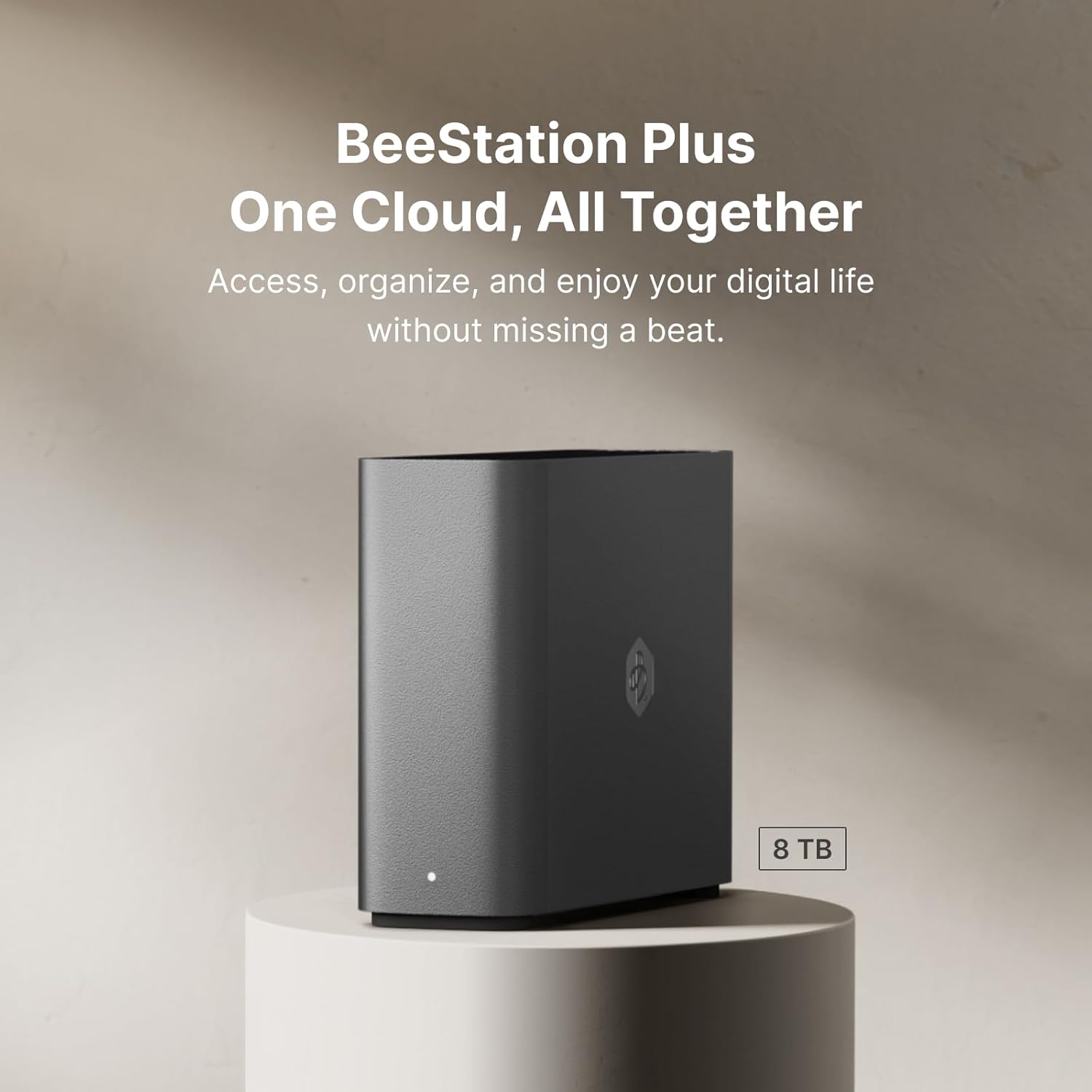


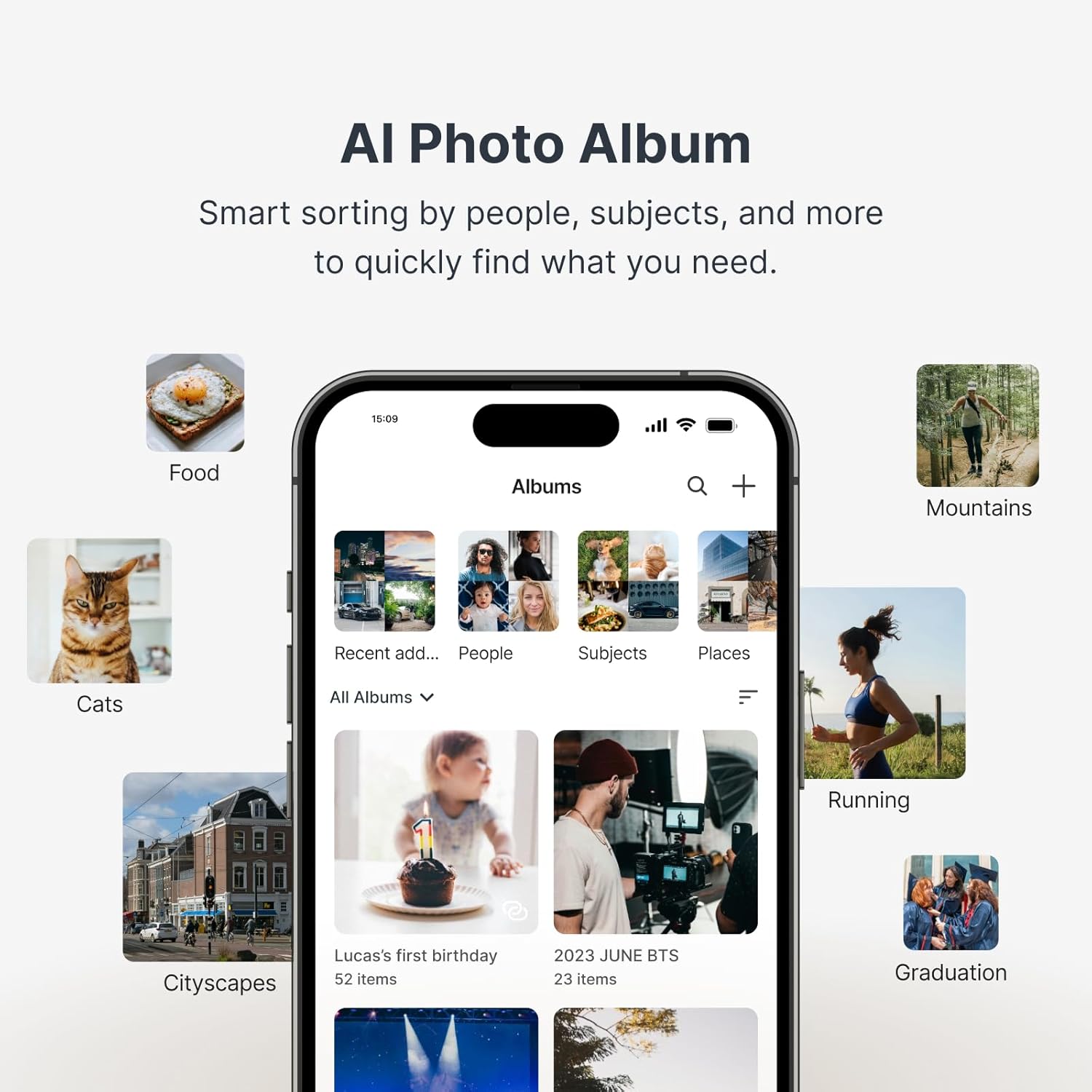

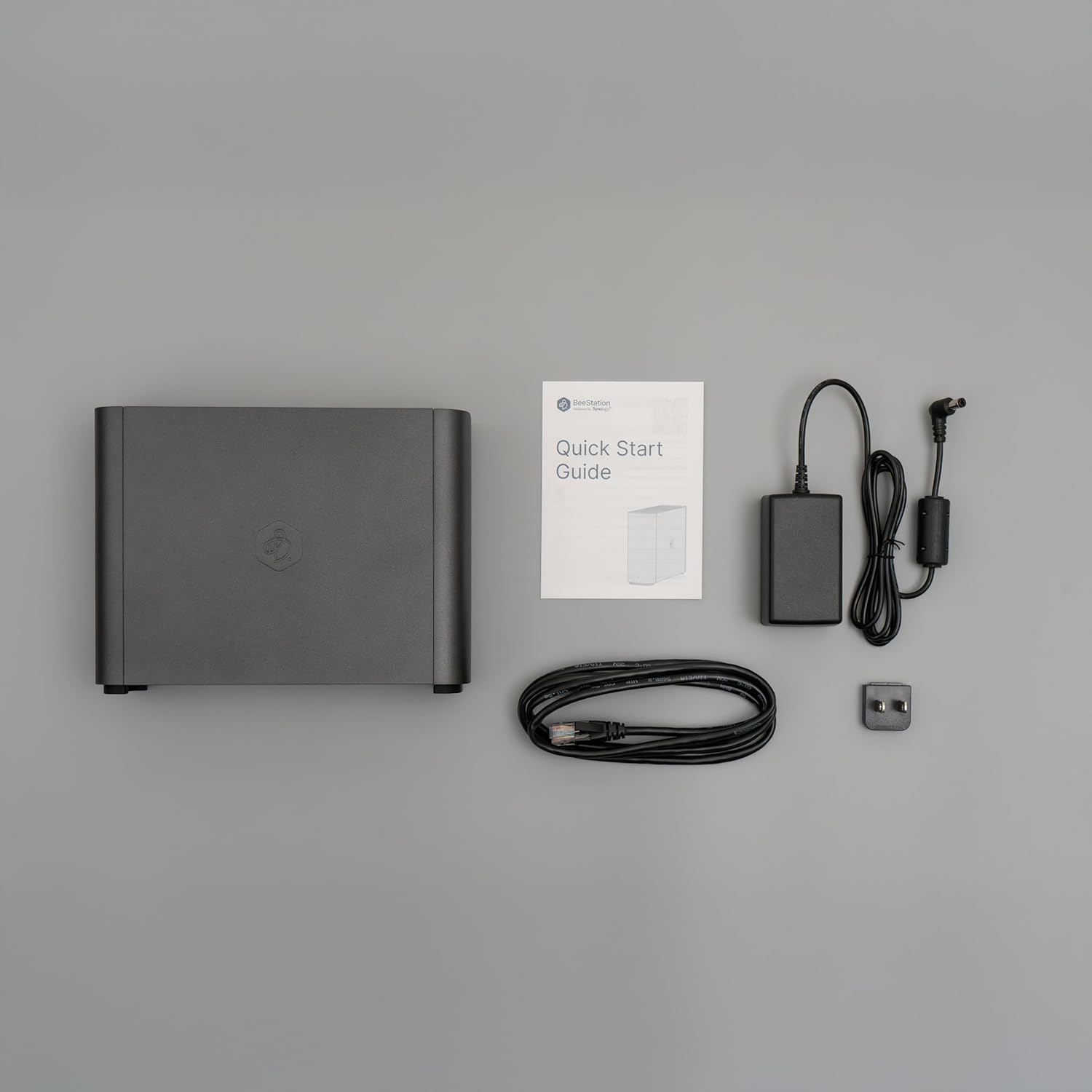

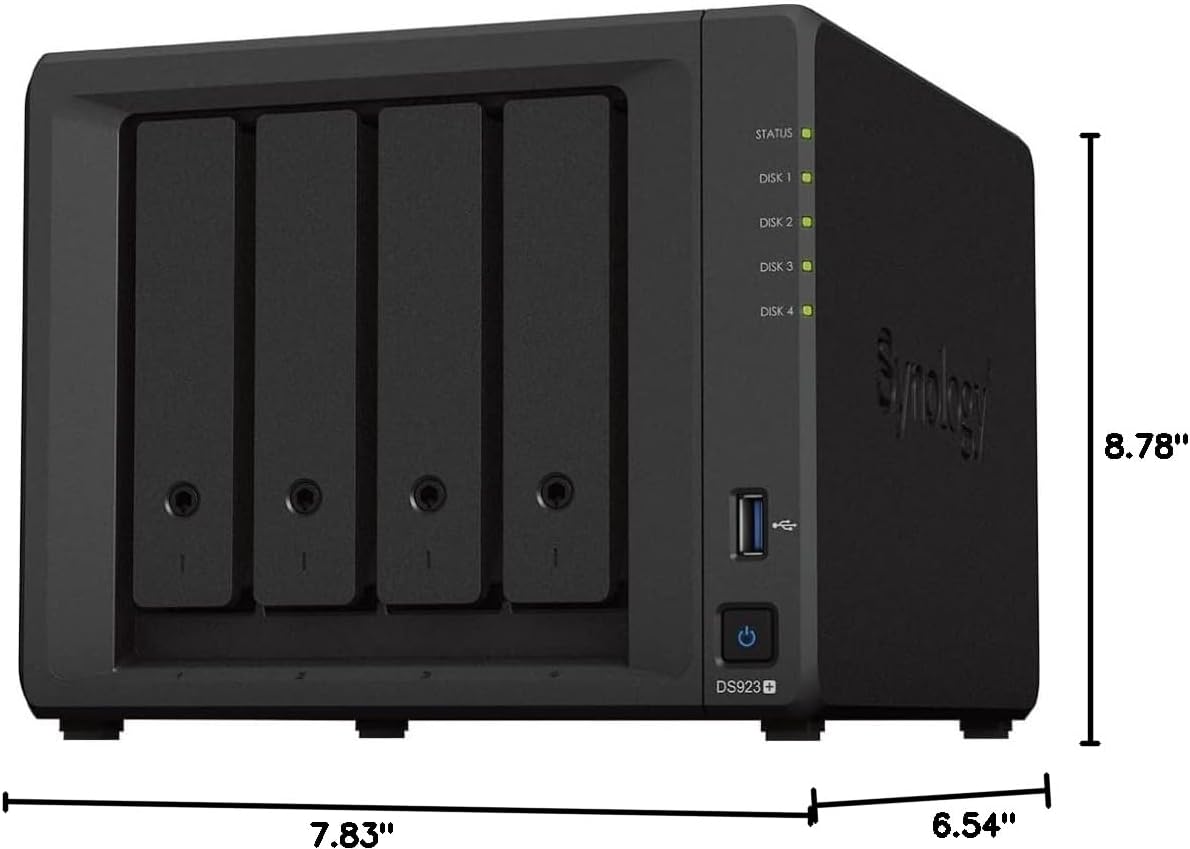
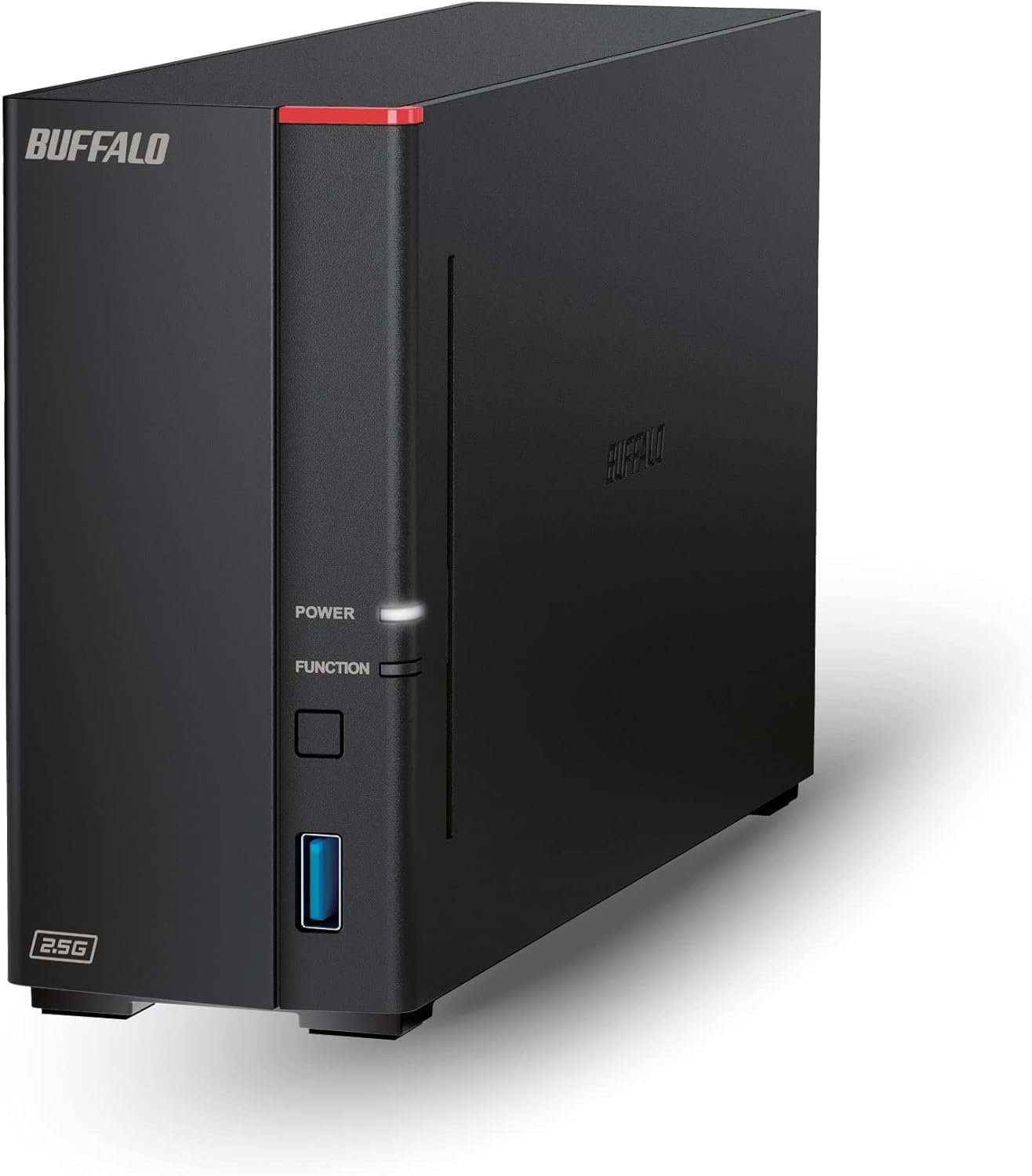
With 8TB of built-in storage, BeeStation Plus is designed for data-intensive professionals, households, and small studios seeking a cloud alternative. It efficiently manages large volumes of data, whether transferring content-heavy files on your desktop, backing up thousands of mobile photos, or organizing files via the web. Experience high-performance, cloud-like workflows while keeping full privacy and control.
Set up a private cloud in minutes and get right into data managing works
Bring your data from computers, tablets, phones, external drives, and cloud services to one place and access them anywhere, anytime
Share storage with family or team members, giving each person their own cloud space
Back up phone photos and let local AI find who or what you’re looking for
3-year warranty included

2026 WiFi Extender Signal Booster for Home, 10X Faster New Wireless Long Range Amplifier, Covers up to 15,000 sq.ft, WiFi Repeater with Ethernet Port & EasyMesh, Support 99% Devices, Easy Setup
Original price was: $79.99.$7.99Current price is: $7.99.

TP-Link AX1800 WiFi 6 Router (Archer AX21) – Dual Band Wireless Internet, Gigabit, Easy Mesh, Works with Alexa - A Certified for Humans Device, Free Expert Support
Original price was: $79.99.$52.22Current price is: $52.22.




bareyb –
Easiest Time Capsule (and Plex Server) Replacement Available
Hi Gang! By now you’ve probably heard that Apple’s legendary Time Capsule has finally reached end of life and will no longer work after the next Mac OS update. So where do we go now? Plugging in a removable drive once in a while isn’t going to get you hourly backups (unless you leave it plugged in all the time, ah… no) and most people over time are simply going to forget to do it. What we NEED is a Time Capsule replacement that does it all and hopefully does it better and with more features. Same goes for anyone who is looking for a replacement for WD My Cloud Hard Drives. Well look no further than the Synology Bee Station PLUS. Why the Plus? It’s got a faster processor, 4 gigs of RAM (instead of 2), and a built-in Plex Server (which works great!).I did a ton of research and this is really the only direct replacement I could find. Sure you can get a full blown NAS but now you’re looking at nearly a thousand bucks by the time you buy two 8 TB drives, not to mention the extreme amount of set up and learning curve required to get it working, all to implement a bunch of features you will most likely never use. This thing is the perfect replacement. It’s easy to set up and will do everything the Time Capsule and WD drives do (and more) and do it all faster and with double the space.Setup is fairly easy if you watch the Tutorials published by Synology and by users on YouTube. I personally used GROK Ai as my technical assistant and he was very helpful. What a crazy world we live in. How long before we have a personal Robot to do all this technical stuff for us? Anyway, since it’s still up to us humans here’s setup in a nutshell:Time Machine: To set up your BeeStation for Time Machine, go into System Settings>Advanced and hit the enable Local Access and SMB buttons on your BeeStation. That’s it on the Bee. Next go to your Mac’s Time Machine settings and click “Add Backup Disk”. Select your BeeStation from the list (it’s called TimeMachine), click “Set Up Disk,” and enter your Mac’s administrator credentials, followed by the local username and password you created for your BeeStation. Don’t worry there’s a Wizard that walks you through it. You can also set a quota for your various Macs if you want to control which devices gets the most hard drive space or simply set them up as per normal and let Apple Time Machine manage the allocation. Easy Peasey. No worries about Time Machine using up all the space on your Bee Station, since Synology automatically limits the total amount of space you can use for Time Machine to 4.4 TB. That’s more than double what the Time Capsule had. I set ours up to give my Macbook a 3 TB quota (which is triple the size of my hard drive) and 1.4 TB quota for my other Macbook which is triple the size of the HDD in that one. Most sources say double the size of your Hard Drive is enough since Apple compresses them, but I only have two Macs and wanted to do some over kill since I don’t plan to use the Bee Station for anything other than Time Machine and my Plex Server which uses less than 500 Gigabytes.Plex: To set up a Plex server on BeeStation Plus, navigate to System Settings > Integration in the BeeStation portal and click the install the Plex Media Server button. You can install it normally or use the recommended method of installing with a Plex Claim Token for easier account linking by signing into your Plex account and copying the token. After installation, you will need to complete the initial Plex setup wizard, where you can name your server and add media libraries by pointing to the folders within the automatically created “Plex Media Library” folder on your BeeStation. To upload files you will use the Bee Files App and either drag and drop the files into it’s window or you can click on the little “+” sign in the upper left corner where you can add folders and media from there. If you want more details Synology provides links to their own tutorials and there are tons of videos on YouTube on how to do it as well.Once THAT’S done, YOU’RE done. You’ve now got tons of space for Time Machine backups and tons more for Videos in Plex that you can access any time from anywhere. I am currently running hourly backups with Time Machine on my Macbook Air M4 and my wife’s Macbook Pro M1. To be perfectly honest it HAS had a couple of hiccups saying the “Disk became unmounted” when I first set it up. Not sure if I caused it by unplugging the unit and Ethernet cables when I moved it to my makeshift server closet. Today I ran backups on both Macs at the same time and just for grins I played a Movie on my Plex server at the same time. No strain whatever. Worked like a charm. Then tonight I opened my wife’s laptop to take that pic for this review and the next backup failed saying the disk wasn’t properly ejected… Only thing is, I believe I never cancelled out of Time Machine and may have left it open when I closed the lid. So who knows? I’ll take off one star for it being temperamental but Im not convinced that the glitches I’ve encountered were not caused by me. Other than that it’s been working perfectly.So yeah, I’m keeping it. It’s the easiest one to set up and the more expensive and complicated NAS systems out there will probably have some initial glitches too. This one is specifically designed to work with Time Machine (a lot of the others aren’t), it costs the least, and is the easiest to understand and set up. It runs cool as a cucumber (see pic). The fan is quiet enough, but you can hear the hard drive very slightly when it’s cranking along. I don’t think it will be an issue for most people and any mechanical drive is going to do the same thing.Overall it’s the best replacement I could find for the now obsolete Apple Time Capsule and it’s worked flawlessly 99.9 percent of the time. It did have some glitches but I suspect it’ll be fine once I stop messing with it. If not I will let you know.UPDATE: I have confirmed that the problems I encountered were indeed caused by yours truly. So know that going in. If you unplug it or any of the cables it will lose the next couple of backups. Same will happen if you open Time Machine backups and then close the lid on your laptop without properly exiting out of the program. Oops! My bad. So I put it back up to 5 stars. It was the Apple software that had the glitches not the Bee Station. As with all things Apple, it has fixed itself now and it humming along happily.
SHIHJYE H. –
Highly recommended product
Easy setup high performance daily back up 2 people iPhone. Apps are easy to use too. Highly recommended product for a typical user
RonV –
The best storage solution.
A worthwhile investment and just the storage that I need. Very easy to setup.
PLD CA Shopper –
Perfect networked Time Machine solution
I am using this mainly for Time Machine backups on the home network. Set up was easy and it is working seamlessly in the background as it should.
dugway –
Piece of crap
Piece of crap have to use their stupid app can’t be used as a regular NAS with SMB
Craig Shipley –
EZ to install, tons of storage, works well, synchs changes quickly
Got this to consolidate all the data on my wife’s various laptops so that they can finally be retired. Seems to work fine, changes to data are synched quickly. Very easy to install and manage.
FFey –
Easy set up and access.
Easy set up and access. Great combo of cost affordability and high volume storage.
Celenia –
Great investment
I love it! Wanted an out of box cloud storage system without having to learn all the NAS stuff. It was a learning curve at first , I only wish it had better tutorials on how the backups worked but it does get the job done.
Amazon Customer –
I buy this product for my hydrabad shop speed too slow I don’t recommend and not have a service properly