


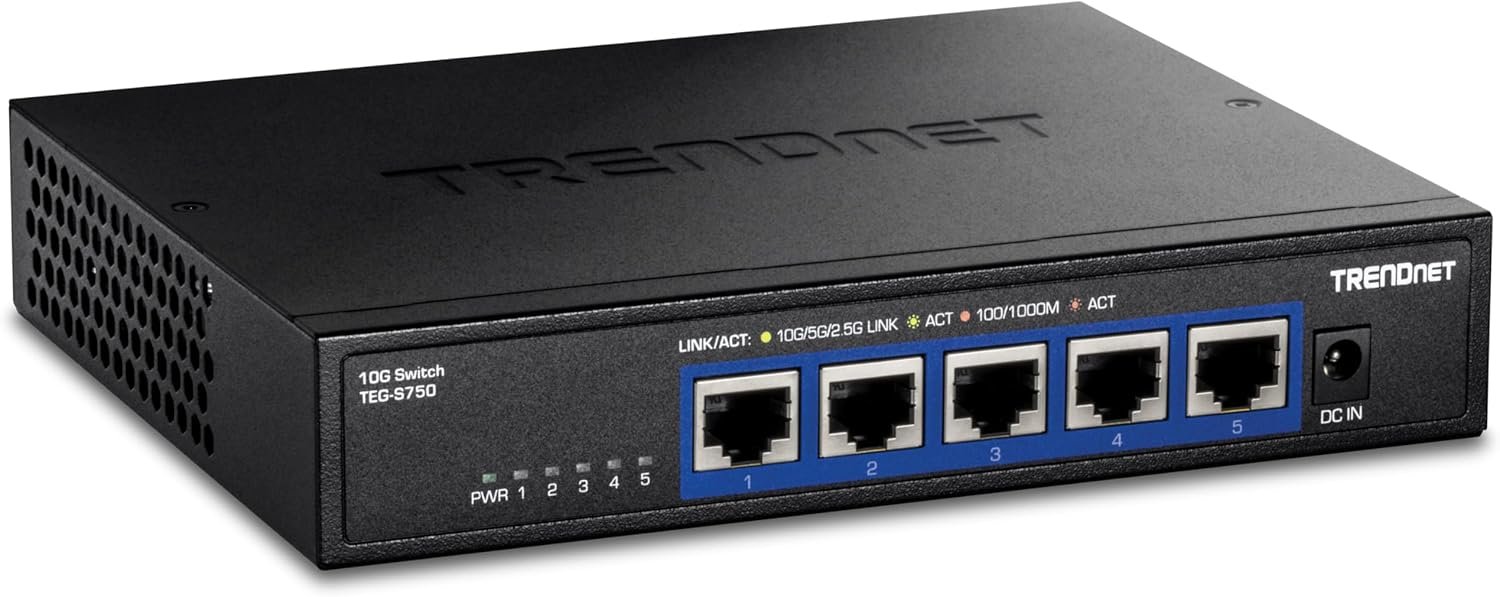
TL-SG105E 5-Port Gigabit easy smart Switch is an ideal upgrade from an unmanaged Switch, designed for small and medium business networks that require simple network management. Network administrators can effectively monitor traffic via port mirroring, loop prevention and cable Diagnostics features. To optimize traffic on your business network, TL-SG105E offers both port and tag based QoS to keep latency-sensitive traffic moving smoothly and jitter-free. Additionally, port-based, tag-based and MTU VLAN can improve security and meet more network segmentation requirements. Moreover, with its innovative energy-efficient technology, the TL-SG105E can save up to 75% of power consumption, making it an solution for your business network.
𝟱 𝗚𝗶𝗴𝗮𝗯𝗶𝘁 𝗘𝘁𝗵𝗲𝗿𝗻𝗲𝘁 𝗣𝗼𝗿𝘁𝘀: Expand your network with 5 high-speed ethernet ports.
𝗘𝗮𝘀𝘆 𝗦𝗺𝗮𝗿𝘁 𝗠𝗮𝗻𝗮𝗴𝗲𝗺𝗲𝗻𝘁: Manage and configure your network effortlessly via a web interface/free software.
𝗦𝘂𝗽𝗽𝗼𝗿𝘁 𝗩𝗟𝗔𝗡: Segment traffic with up to 32 VLANs simultaneously (out of 4K VLAN IDs) for better security.
𝗡𝗲𝘁𝘄𝗼𝗿𝗸 𝗠𝗼𝗻𝗶𝘁𝗼𝗿𝗶𝗻𝗴: Monitor your network effectively with port mirroring, loop prevention, and cable diagnostics.
𝗜𝗚𝗠𝗣 𝗦𝗻𝗼𝗼𝗽𝗶𝗻𝗴: Enhances multicast application performance.
𝗦𝘂𝗽𝗽𝗼𝗿𝘁 𝗤𝗼𝗦: Optimize traffic flow for various applications.
𝗟𝟮 𝗦𝗼𝗳𝘁𝘄𝗮𝗿𝗲 𝗙𝗲𝗮𝘁𝘂𝗿𝗲𝘀: Enhance network efficiency and security with features like Link Aggregation, Port Mirroring, IGMP Snooping, and Loop Prevention.
𝗙𝗹𝗲𝘅𝗶𝗯𝗹𝗲 𝗜𝗻𝘀𝘁𝗮𝗹𝗹𝗮𝘁𝗶𝗼𝗻: Suitable for desktop or wall mount.
𝟯-𝗬𝗲𝗮𝗿 𝗪𝗮𝗿𝗿𝗮𝗻𝘁𝘆: Backed by our industry-leading 3-year warranty and free technical support from 6am to 6pm PST Monday to Fridays, you can work with confidence.

40W USB C Charger Cube, 2-Pack Wall Plug Fast Charging Block, 4-Port PD+QC Power Adapter Multiport Brick Type C Box for iPhone 17/16/15/14/13/12/11/Pro Max/XS/XR/8/7, Tablets, Cellphones
Original price was: $21.99.$9.35Current price is: $9.35.
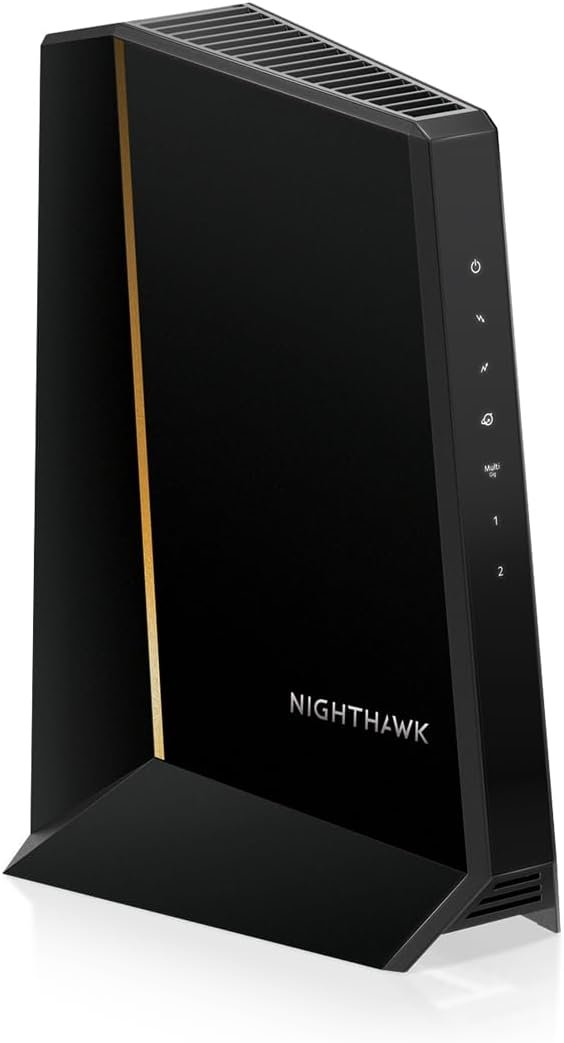
NETGEAR Nighthawk DOCSIS 3.1 Mid/high-Split Cable Modem (CM3000-1AZNAS) – Approved for Today’s Fastest Speeds - Works With all Cable Providers, Incl. Xfinity, Spectrum, Cox - Cable Plans up to 2.5Gbps
Original price was: $299.99.$33.99Current price is: $33.99.
-33%






milan skoro –
Great product – worth its weight in gold
This switch works amazingly, it is easy to set up, you plug it into the wall, and you are good to go! I have had up to 4 devices connected to it at once, and not a single issue, and it gives off 0 noise.The back of the switch has a mount that can be easily set up. The entire device is built with good quality metal, and looks nice aswell. The singal strength given off is also amazing. I am able to have a video playing on one screen, a game on another, and google open all at the same time without any issues!
ChrisFromTexas –
Reliable, compact, and easy to set up
This 5-port switch has been excellent for my home office setup. The port capacity is perfect for my needs, and each port has worked flawlessly with consistent gigabit speeds. Heat level is very low—even after hours of use, the metal casing stays cool to the touch.Port functionality is straightforward, and it handles multiple devices without issues. Connectivity has been rock-solid, and I haven’t seen a single drop or slowdown. Setup was extremely easy—just plug and play—and the compact, sturdy design fits perfectly on my desk without taking up space.A great choice if you want a no-fuss, reliable way to expand your wired connections.
POTU David, Author –
Perfert for a home office/small office setup – Easy to setup and Use
I’m into cybersecurity and best practices (laugh), so, I like the ability to switch off unused ports, and custom configure even a small network. It is a set-and-forget device for most applications.In my setup, a cable modem feeds into a Mesh Network. This device empowers my three home office systems to have hard-wired connectivity, which basically means full utilization of the available bandwidth. The Mesh Network works great for my laptops and smartphones, but the bandwidth isn’t quite the same as most wireless networks.I’ve never used TP-Link products before, and so far, I’m impressed with the quality, functionality and price/value for my temporary ‘basement’ home office setup (chuckle).
Flint –
Good if you can deal with the Java utility
Pros: Inexpensive, compact, cool, does the job well. Supports 802.1q VLAN tagging, rate limiting and a handful of other enterprise-grade features. Great for networking enthusiasts (the 802.1Q VLANs work fine in cooperation with Cisco gear in my lab setup).Cons: No web interface for configuration. You have to use an awkward Java-based utility which (as shipped) only works with Windows. (There’s instructions online for getting it to run on other platforms with an appropriate JRE) The unit clearly is a downgraded version of a similar switch, as it still exposes a Web server, but it doesn’t do anything. (The actual configuration is done through apparently encrypted UDP packets). Also, you can’t assign VLAN 1 as a tagged VLAN at all (see below for details).Upshot: Great if you need a cheap managed switch and don’t mind fussing with the Java configuration utility. Once it’s configured, you don’t have to ever use the utility other than to modify the config, so it can run for a long time without any supervision once it’s been setup in your environment.——–Details (for the network geeks): You cannot assign VLAN 1 to be a tagged VLAN on any port. The only way VLAN 1 can be used is as an untagged (native) VLAN. This means if you have an e.g. Cisco switch connected to a port, you can’t just configure that switch’s port as a trunk with allowed VLAN 1. You have to set the Cisco switch’s native VLAN on that port to 1. This is a minor inconvenience, but it stumped me for a while when trying to configure a lab environment.Not really a con, but also does not support any sort of automatic VLAN configuration, you have to manually enter the VLANs. (I don’t expect automatic VLAN config from an entry level switch though, so again, not a con.)
The Hunter –
Great Switch Box
Ethernet Connectivity is the way to go. It is faster, more reliable, and just a lot better overall connection as compared to WI-Fi. With all the hype that wireless gets, the connection is only as good as the signal strength and with the latest 5G advancement of wireless the wavelength is much shorter than previous versions 4G and below of which had the longer wavelengths. So as with 5G the short wave it has trouble going through many structures without having a tremendous outlay of many many relay towers to boost the short signal.Ethernet all-though older technology is the way to go, as the connection is always there.I recently had my house wired and purchased StarTech Ethernet Cables of varying lengths for the different connection points and components; such as router to multiple wall connection, computers, game consoles, streaming devices, security systems, exercise equipment. Yes, Exercise Equipment, there are still a few out there with Ethernet connectivity. I called up quite a few asking about Ethernet, but the trend for them is wireless. However; if you read exercise blogs and articles you find the opposite as actual real people would rather have Ethernet connections, stating many times losing wireless connection half way or three quarters of the way though an exercise routine or competition and being kicked out. There were even a few representatives of exercise equipment saying yes Ethernet is the way to go, but the manufacturers do not seem to care or listen. With exercise equipment you already have a power cord coming off the machine, so one more Ethernet cord is not going to hinder anything.I wanted a device for multiple connections in each room so I purchased this TP-Link 5 Port Gigabit Switch Easy Smart Managed,Plug & Play. Using the StarTech 6A Ethernet Patch Cables it has a nice solid connection with no wiggle, as I have experienced with other brands. Overall a well done quality product experience. purchased three so far, will purchase number four when I set up the last room. Great quality product, still have my first TP-Link 5 Port Gigabit Switch purchased years ago. Repeat customer for sure.
Yuleisi campaneria –
good and sturdy
I loved the product, it’s good, it has good quality and it works 100%. It’s exactly like the photo. I recommend it, it’s very useful and functional.
GLO –
Works well
Mik333 –
Lika bra som Netgear varianten fast billigare. Köp.
gsbruno –
Otimo equipamento.
Ale_Bellatrix –
Acquistata per espandere la possibilità di avere collegato in casa tutto direttamente tramite cavo Ethernet.Affiancato ad un modem fibra Tim.. Funziona perfettamente! Si Configura davvero rapidamente… E non perderete nemmeno un briciolo di velocità sulla vostra fibra.
ろみ –
軽量で、動作も安定しておりよい製品です。3年以上、1度もトラブルなく動作しています。