
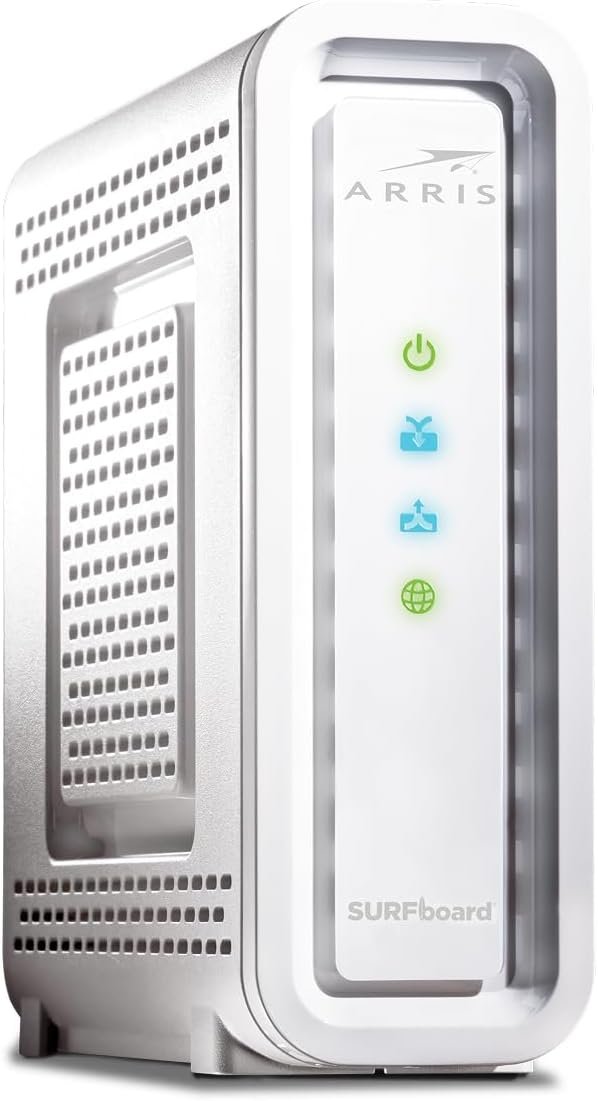
The TM822R is a telephony modem designed for XFINITY customers desiring to own their device. Using DOCSIS 3.0 technology the TM822R provides high-speed data service using bonded send and receive channels for greater bandwidth. The TM822R includes 2 Voice ports for 1ST and 2nd line telephony services. A battery backup option is available to provide emergency services in the event of a power outage in the home. Using multi-processor technology, the TM822R can achieve High bandwidth performance without affecting Voice quality, a historical ARRIS product standard for the best in service performance. The TM822R is a telephony modem designed for XFINITY customers desiring to own their device. Using DOCSIS 3.0 technology the TM822R provides high-speed data service using bonded send and receive channels for greater bandwidth. The TM822R includes 2 Voice ports for 1ST and 2nd line telephony services. A battery backup option is available to provide emergency services in the event of a power outage in the home. Using multi-processor technology, the TM822R can achieve High bandwidth performance without affecting Voice quality, a historical ARRIS product standard for the best in service performance.
Compatible with Xfinity Voice & Internet Service Download speeds up to 343 Mbps.
DOCSIS 3.0 Cable Modem. 2 Year Warranty
Eight download and four upload channels.
Battery back up capable (battery not included)
2 carrier-grade Voice over IP (VoIP) Lines
IPv4 & IPv6 Support
1 Gigabit Ethernet Port. Telephone Port:2

Apple 60W USB-C to USB-C Woven Charge Cable (1 m): Fast and Convenient Charging
Original price was: $19.00.$10.99Current price is: $10.99.

UGREEN NASync DH2300 2-Bay Desktop NAS, Support Capacity 60TB (Diskless), Remote Access, AI Photo Album, Beginner Friendly System, 4GB LPDDR4X RAM,1GbE, 4K HDMI, Network Attached Storage(Diskless)
Original price was: $209.99.$25.99Current price is: $25.99.
-87%







Sir Real One –
XFINITY: Works As Described
XFINITY: Using their iPhone app will NOT work to provision the modem even when you fill inits MTA or HFC MAC: Address- several times. This device IS an ‘approved’ unit from their site!I connected this unit for this by ethernet STRAIGHT to my computer to avoid intermediate problems.It came up under NAT: 192.168.100.1 – and gave my computer an address from its own DHCP server.Nothing to do there.Went to XFINITY Chat so keep a copy of HFC MAC address on your Clipboard as they needed to seepasted by you several times..”Provisioning” all told took about 30 mins- When running, several ‘Now Wait’ Sessions.Done!Re connected to my routerWAN and RESTARTED BOTH. Twice. Wait…!The Unit then ‘recognizes’ my OWN DHCP request from the Router WAN portand this will switch it out of it own NAT mode address above after 5-10 mins to give a real ‘live’ Internet address through the Ethernet port ready for your Router to NAT WITHOUT Double-Nat issues.Note: you can see device STATUS but cannot change anything without some sort of God log-inwith unknown credentials; the rightmost [Adcanced] menu is Forbidden : ).you DO NOT need to configure AnythingBut you do need to tell Xfinity about it- they do the rest.The 2 VOIP phone ports presumably would be configured by Xfinity, for their service not you,EVERYTHING gets done from THEIR side including a firmware update that I noticed, without intervention,NOT by YOU. This is relatively Normal. Cost: same as about a 1-month Lease from XFINITYWorks fine, Happy.
Bob M –
Make sure to use the correct activation address
I bought this modem to rid myself of the $11 per month rental fee. I have an excellent ASUS mesh router system so there was no need to upgrade to a wireless router. This model was the retail an updated version of the current modem I had from xfinity. It came from amazon in two days. Hookup was very easy. The modem linked to the network upon boot up and then proceeded to download the latest firmware and then promptly restarted. Depending on your network you should wait until this step completes. At this point you simply start your browser and enter the activation url. The only issue I had is the url in the installation instructions gave the wrong address. The correct address is: xfinity.net not .com. Once I put that in I was redirected to the activation site. You will need either your xfinity log credentials, phone number associated with the account or your account number. Once you verify your account the modem will setup. Takes about 10 minutes so be patient. You will receive a web page saying you are connected to the internet. If you have VoIP you will need to call a number that is displayed on the screen where you will talk with a live person that will complete the phone setup. You need the modem serial number and MAC address as well as you billing address and phone number. That took an additional ten minutes. All-in-all May experience was great except for the hiccup with the URL. My surfing feels faster than the old modem, however I have not checked uplaos and download speeds.
SAM I AM –
Seems to work OK with xfinity and voice- moderate issue with setup
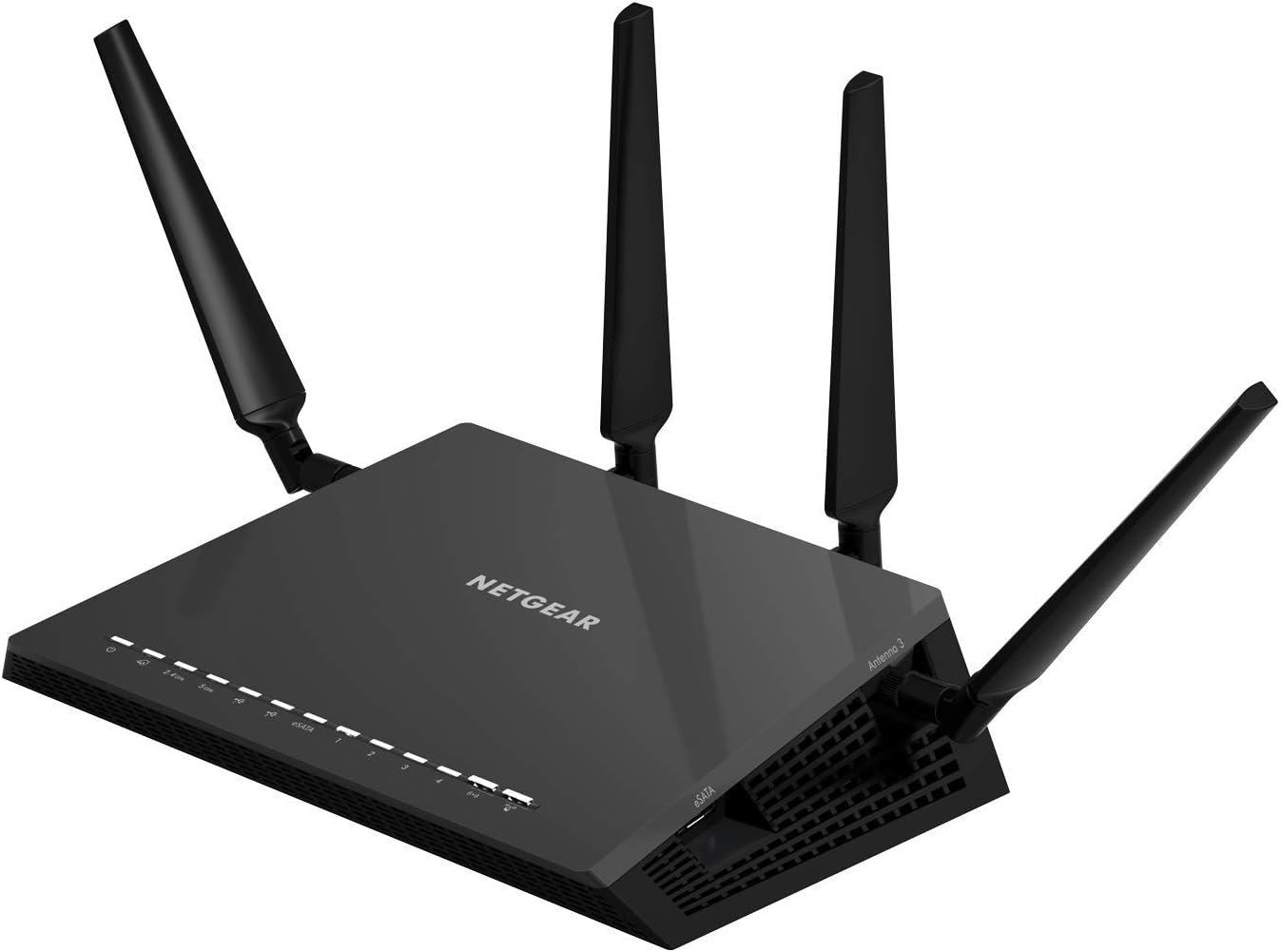
Got unit today to replace my comcast phone-wi-fi-router which while generally works OK, is a pain in the posterior re wi fi hotspot and hard to turn off wi fi channels I did not use or want_ I am using a netgear R6400 frouter- wi fi with much more flexibility now attached to my ArrisTM822R. AlSo ordered but yet to receive a $10 8 hour battery backup- much cheaper than the Comcast-xfinity do-all unit. Setup was a little confusimg- but having downloaded the manual and following it ( using a mac mini ) and firefox browser it was relatively easy IF one paid close attention to being sure to renew DHCP lease at the appropriate time. Got internet working- but problem with phone- which customer service was able to help out since I had a cell phone available to call. What the problem seemed to be ( my fault !) was plugginG the male phpne jack into phone2 instead of phone1/2 as a result of not carefully looking at the printing and following what I assumed was the same order as the lights. The other no issue issue had to do with waiting for all green NON flashing in accrdance with online instructions. The flashing light on LINK will always be flashing when connected to internet- all others will be solid green after about 10 minutes or so. Instructions could be clearer- thus the 4 star rating. IF unit continues to work OK- I’ll leave the rating at 4 stars. I’m in Wa state and an area which comcast is only service available via contract with city. keeping fingers crossed.FWIW dept – unit provided by Comcast was “Voice and Data Modem”ARRIS Group, Inc. TM822RSerial Number: 2C——DBDUAL BAND WI-FI supplied by comcast-xfinityUnit I purchased”Voice and Data Modem”Arris Interactive, L.L.C. TM822RSerial Number: A4—05PurchasedArris SurfBoardNOTE After a bit of digging I found out that IF yoiu put into your browser the ip numper of 192.168.100.1 you will get a major report- log of all the software and status info. also battery status if used..UPDATE 3 SEPT RE BATTERY INSTALL-…Copied from slip inserted with 8 hour battery for installationARRIS SURFBOARD TM822R PHONE INTERNET MODEM AUGUS 2017Please check the following in place before installing or using your Battery1) You must have an active phone service “provided only by your service provider” on your Phone Modem to use the battery pack.2) Back Batteries only support the PHONE PART of the modem.3) Internet part of your modem is not designed to be used with battery pack regardlessof if you have a phone service or not.4) Make sure your modem is directly Plugged into the Wall. (NO SURGE PROTECTORS OR POWER STRIPS CONNECTED OR APC SYSTEMS).5) Make sure the battery port is in good shape before you insert the battery as in most cases used and or rental modems have bent pins and may create an issue when inserting the battery properly.6) Your battery will now require 12-17 Hours Charge initially.7) A new battery will undergo three battery test stages;(a) an initial full charge,(b) a full discharge after that(c) a full re-charge back to a fully charged state.8) The full process will take about 6 days.+++++ MY NOTE USE 192.168.100.1 TO READ DETAILS OF YOUR MODEM