


Product description


The video showcases the product in use.The video guides you through product setup.The video compares multiple products.The video shows the product being unpacked. EMEET C960 4K Webcam for PC Merchant Video


1 PDAF Auto Focus
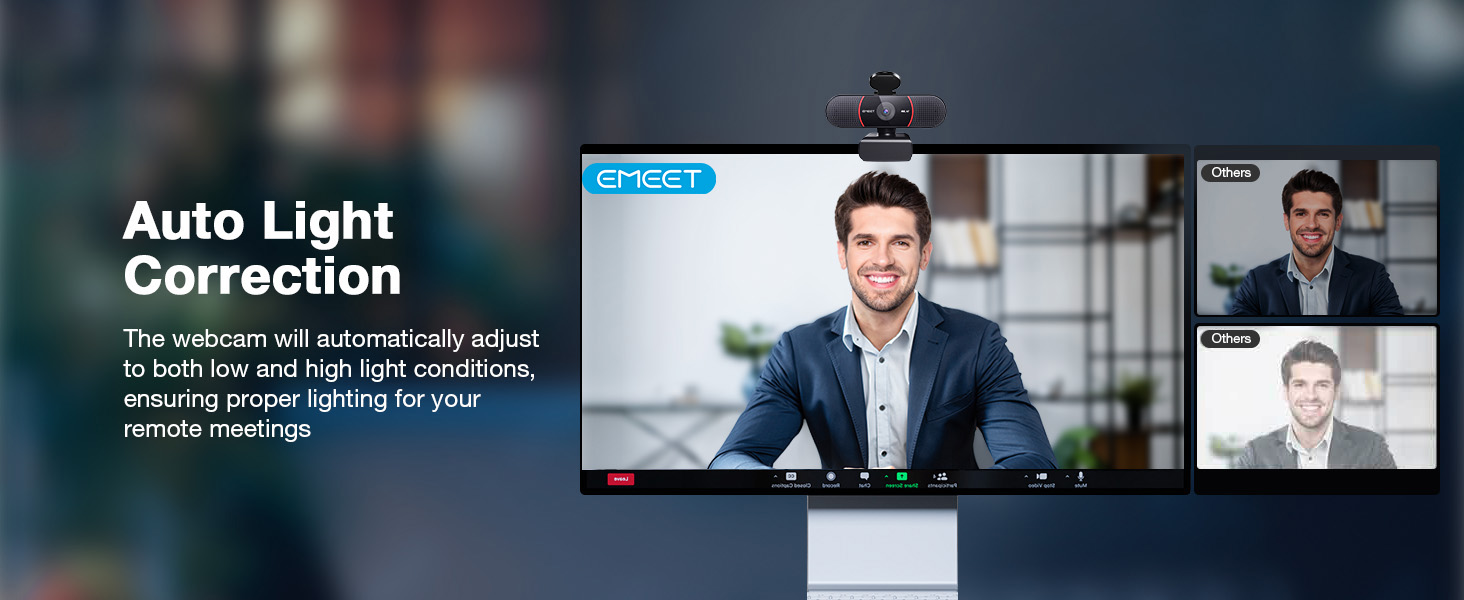
2 Auto Light Correction
3 73° FOV Only Focus on You
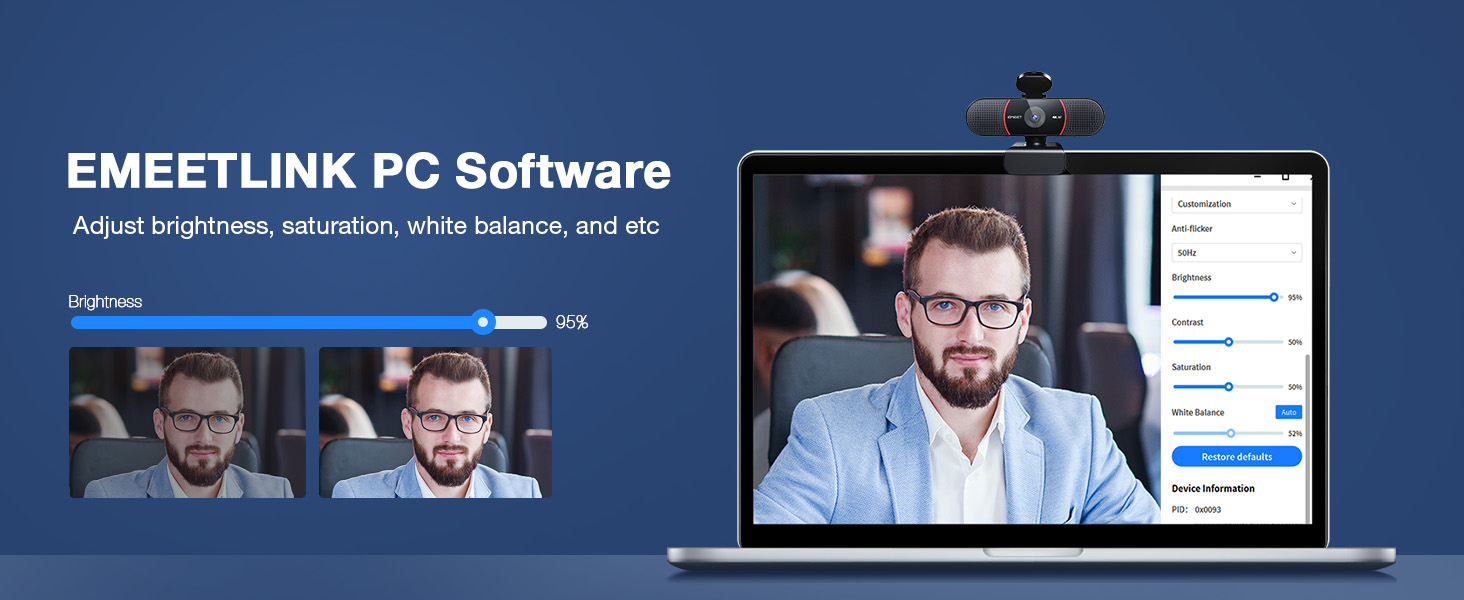
4 EMEETLINK Adjustment
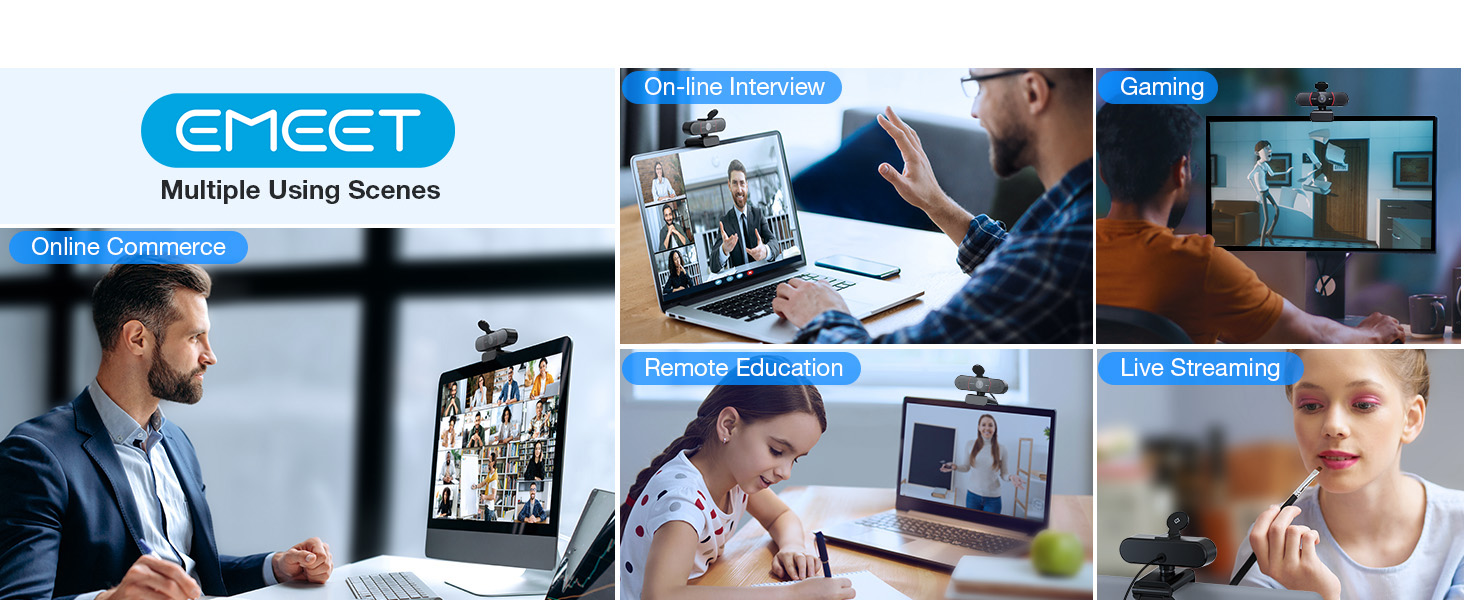
5 Multiple Using Scenes


1 2 Noise-cancelling Mics
2 USB Plug&Play
3 Protect Privacy
4 Exquisite Craftsmanship
5 Wide Compatibility


1 What is 4K?
2 How to setup 4K in my PC?
3 How to Use on Platforms?
4 How to Use on Platforms?
5 How to Experience Best 4K
Unmatched Clarity with True 4K Resolution – Experience ultra-clear video conferencing with a genuine EMEET SmartCam C960 4K CMOS sensor. No false upscaling, only pure 4K quality. Ideal for remote business meetings where every detail matters. The 4K webcam for laptop provides ultra-clear visuals that make you feel like you’re in the same room with your colleagues, students, or audience. Note: Video resolution defaults to 1080P; Switch to 4K via built-in camera software or APPs like PotPlayer/OBS.
PDAF Focus & Auto Light Correction – Equipped with PDAF automatic focusing technology, the EMEET webcam for pc 4K ensures clear and stable focusing in various scenarios like business conferences and educational lectures. Say goodbye to blurry interruptions. Online meetings can be conducted in both over-exposed and low-light settings with auto light adjustment. The 73° FOV focus on you rather than your background, no longer need to painstakingly choose or blur your conference background.
Dual AI Noise-Cancelling Mics – The built-in dual microphones are empowered with noise-suppressing algorithms for crisp, natural audio. Perfect for conference calls and remote teaching, where clear communication is paramount. The webcam with microphone enables you to savor crisp audio quality, fostering an immersive meeting experience that enhances your productivity. Be sure to designate the EMEET SmartCam C960 4K USB webcam as your default microphone device for optimal performance.
USB Plug and Play & Privacy Assured – The simplicity of plug-and-play technology meets high performance in the C960 4K webcam. The default USB-A interface ensures that you’re up and running in no time no matter your level of tech expertise. The webcam comes with a privacy cover for your security. With the flexible mounting options, you can have a computer camera that adapts to your needs without compromising on your privacy. No Driver/Wi-Fi/Bluetooth/Cloud Storage is used to assure privacy.
Compatibility and Versatility – Works effortlessly across multiple platforms such as Windows (Win7,10,11), macOS (10.14 and above), Android TV V7.0 and above, and Linux. Ideal for use with popular communication software from Zoom to Teams to Skype. Personalize your video settings with EMEET’s proprietary EMEETLINK software. With adjustable 360° horizontal axis, 15° vertical adjustments, and a 1/4-inch tripod thread, this webcam can be securely mounted on various screen types and tripods.


LLAWLOR1 –
I Highly Recommend
I researched long and hard to find what I felt would be a wise purchase. The EMEET Pixy had all the features I wanted and then some. The price had been reduced while I was doing my research but went back to the regular price when I finally made my selection. I felt comfortable purchasing it from Amazon in case I didn’t like it. But I really like it and won’t need to return it. I am very pleased with the quality of the camera. It should last me for a long time. The technology is amazing and it works well. I hope to take advantage of all the things it can do as needed.
Aisha Holmes –
Impressive optics & dual-camera design
If you are in the market for a high-quality webcam that goes beyond the basics — for streaming, teaching, high-end videoconferencing, content creation — the PIXY is an excellent choice. I am so in love with it!It marries strong hardware (4K, fast autofocus, dual cameras, PTZ) with creator-friendly features (gestures, presets, mic modes).Yes, the software isn’t perfect, and lighting + audio still benefit from external support — but the balanced package is one of the best I’ve seen in the sub-$200ish webcam space.If you ask me: Go for it if you’ll make use of the tracking/PTZ/creator features. If you just need a basic webcam for meetings, you might not need all the bells and whistles — but you’ll have them anyway and may appreciate them sooner than you expect.
Val Ems Campbell –
Excellent. Would prefer better desktop camera controls.
Definitely better than the OBSbot Tiny 2 that I bought a month ago. I kept that camera for a webcam on another machine, but didn’t like how it performed in my podcast studio. I didn’t think it handled light conditions well, and the controls weren’t very user-friendly. This EMEET Pixy is much better. I still think they rely too much on online controls. I would prefer a better desktop control panel that interfaces with my audio-video production software. They try to route you through their EMEET Studio platform, and I don’t need that. I just wanted a simple plug-and-play camera for Wondershare Filmora that zoomed and was more accurate in terms of light readings. Overall, I like this camera and would recommend it. 10000x better than a Logitech webcam.
Connor –
Excellent picture and autofocus works great!
I’m a full time online student so I needed a webcam that had good picture and can read my id when I take tests. This webcam exceeds all expectations! Amazing picture, the autofocus works really well, and the sound works great too! I recommend this to anyone who is a student or works from home who needs a reliable webcam!
Brayden Layton –
Amazing 4K webcam
My previous webcam wasn’t doing the job so after looking around I found this one. My goodness that quality is amazing! The picture is super clear and it’s mainly just plug and go. If you need an 4K webcam I 100% recommend this one.
Roberto –
Crystal-Clear Video and Audio
This webcam is incredible! The 4K quality is crystal clear, the autofocus is lightning fast, and the AI mics make my voice sound clean in every call. Even in low light it looks amazing. Super easy to use and perfect for Zoom or Teams. Totally exceeded my expectations!
Solomon Marchman –
Awesome little camera
This is an awesome little camera. I do videos for YouTube and this gives great quality for my recordings. I recently switched over to Linux (Fedora), and while not officially supported by Emeet under Linux, it does work amazingly well in Linux. I can’t comment on the microphone on this since I don’t use that feature, I have Shure MV6 I use for audio recording.
Shane Driver –
Little and mighty
This has been an excellent replacement for our main camera in the classroom to stream to our virtual students. Our original camera was fixed. We have it ceiling mounted. The preset settings are great. Zoom could be better but I can boost it through our mixer. The AI smart board view is worthless. The table view will not work when ceiling mounted. Tracking is great. The control pad on the app is too responsive and controlling via hot keys are slow. We currently use a stream deck with hot key input to control the camera. We have not tested the audio as we have sound integrated into the room.
Manuel L. –
They promise a lot with this webcam and the quality was just bad. And as I had to use it to figure that out, I just got 50% refund from them as it was used + I had to pay the return shipment. Don‘t waste your money and time with this product and the seller!
Mark Chin –
Wow! Very impressive webcam. Plucked into an empty USB port and it started working. Did a self test using Zoom app and was surprised by the crystal clear image of myself and the good voice quality. Exceeded my all expectations.
Amazon Customer –
Good improvement on camera and sound quality of laptop. Filters noise from environment well while on conference calls.Easy to plug in and use, sits over laptop camera.
KHALID MOHAMMED AL SAWAFI –
Good Product
Mona –
ممتازة بس كاميرا الامامية تجيب شكل السواق فقط مافيه كاميرا للخلف