





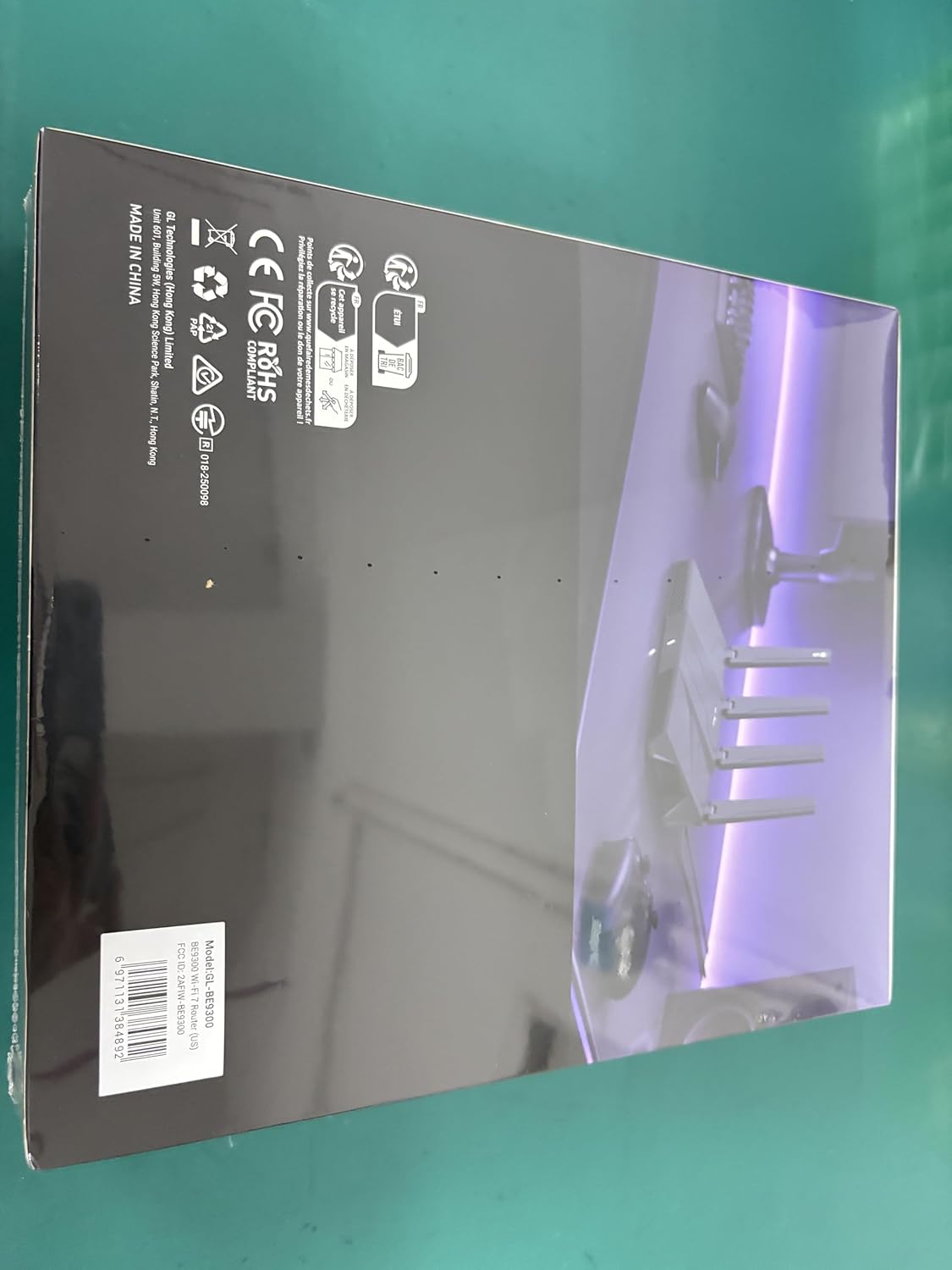

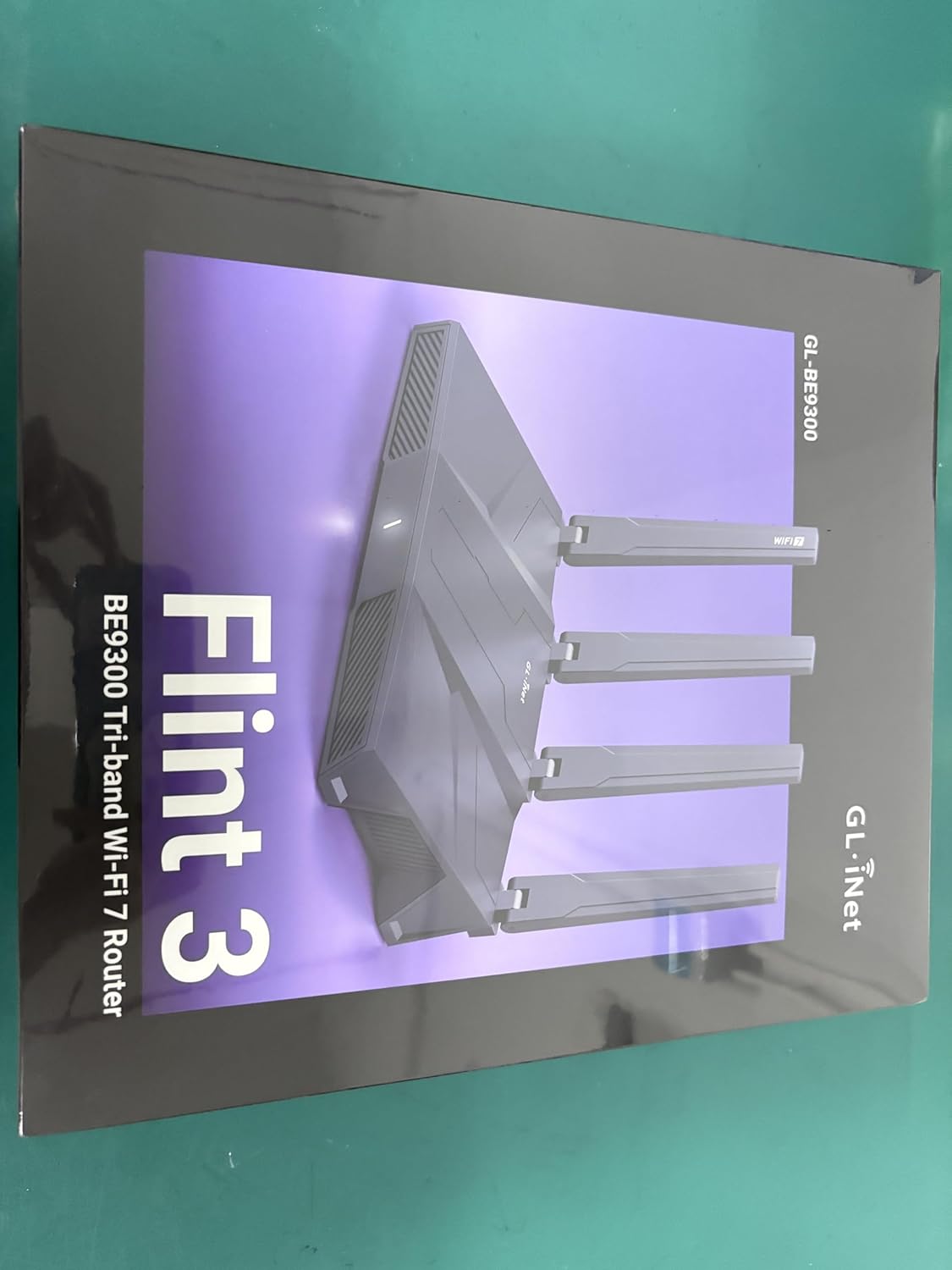
Product description
The video showcases the product in use.The video guides you through product setup.The video compares multiple products.The video shows the product being unpacked. flint3 overview video Merchant Video

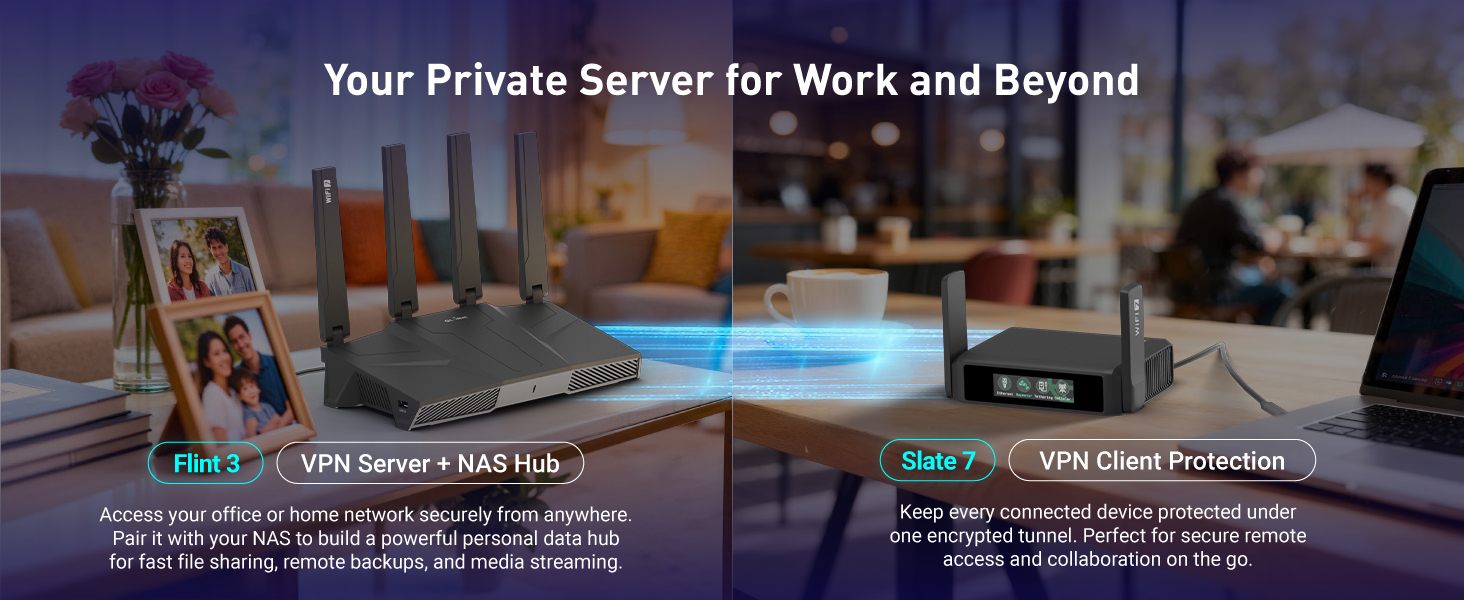
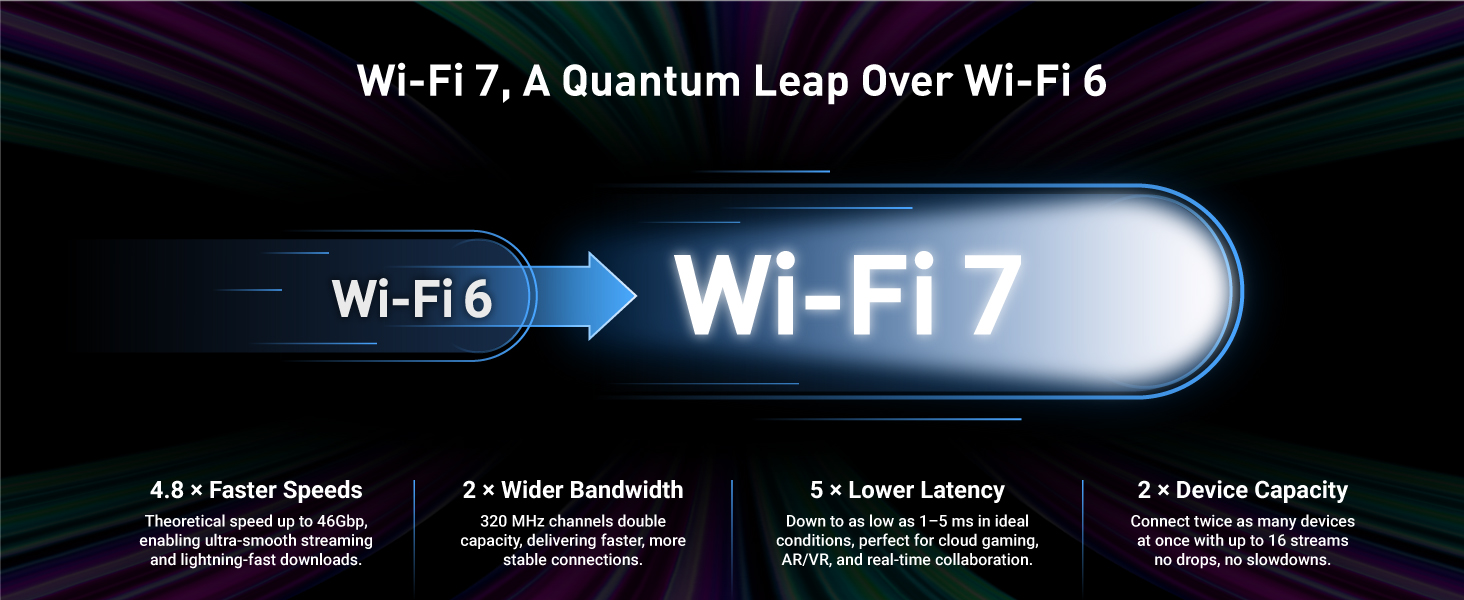

1 Wi-Fi 7
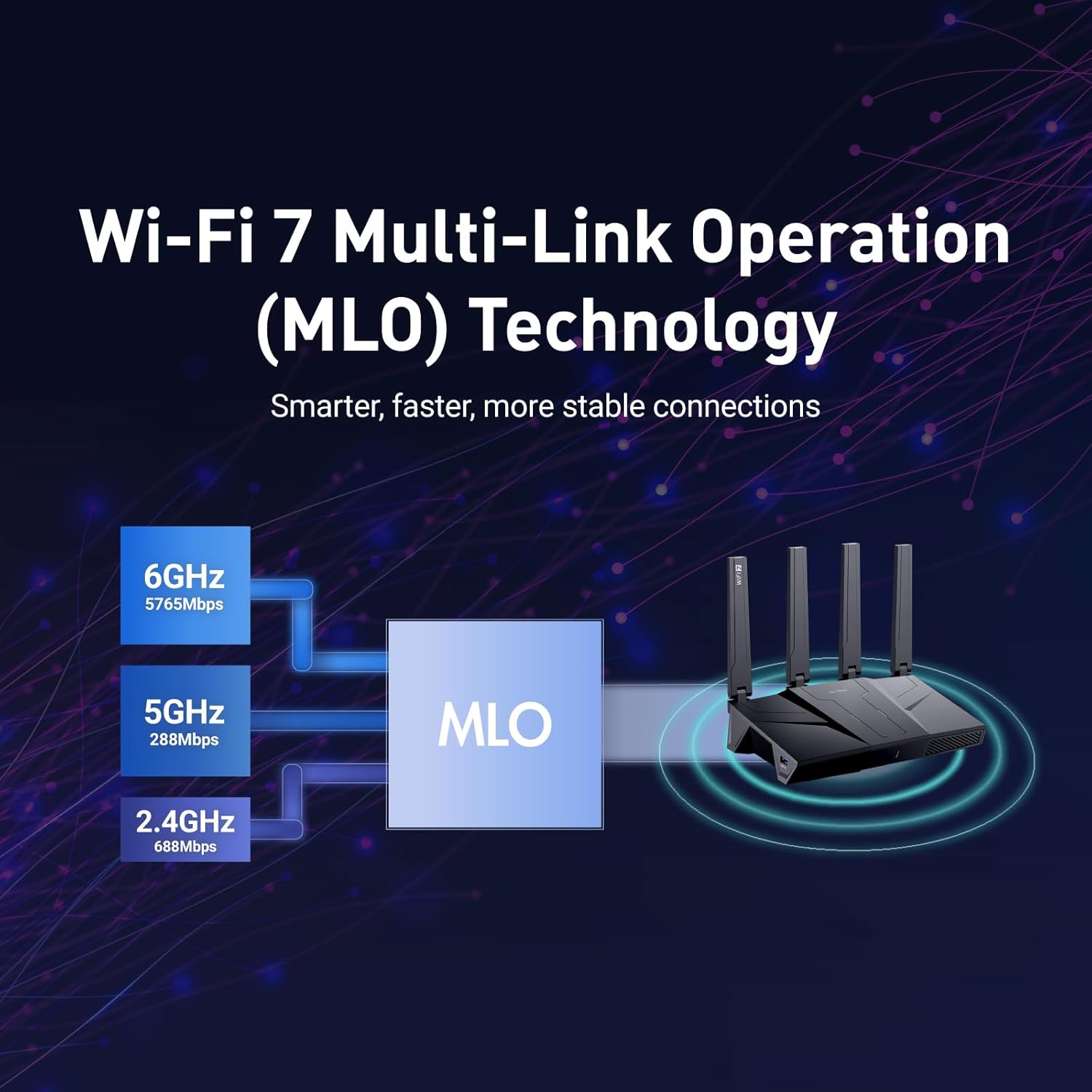
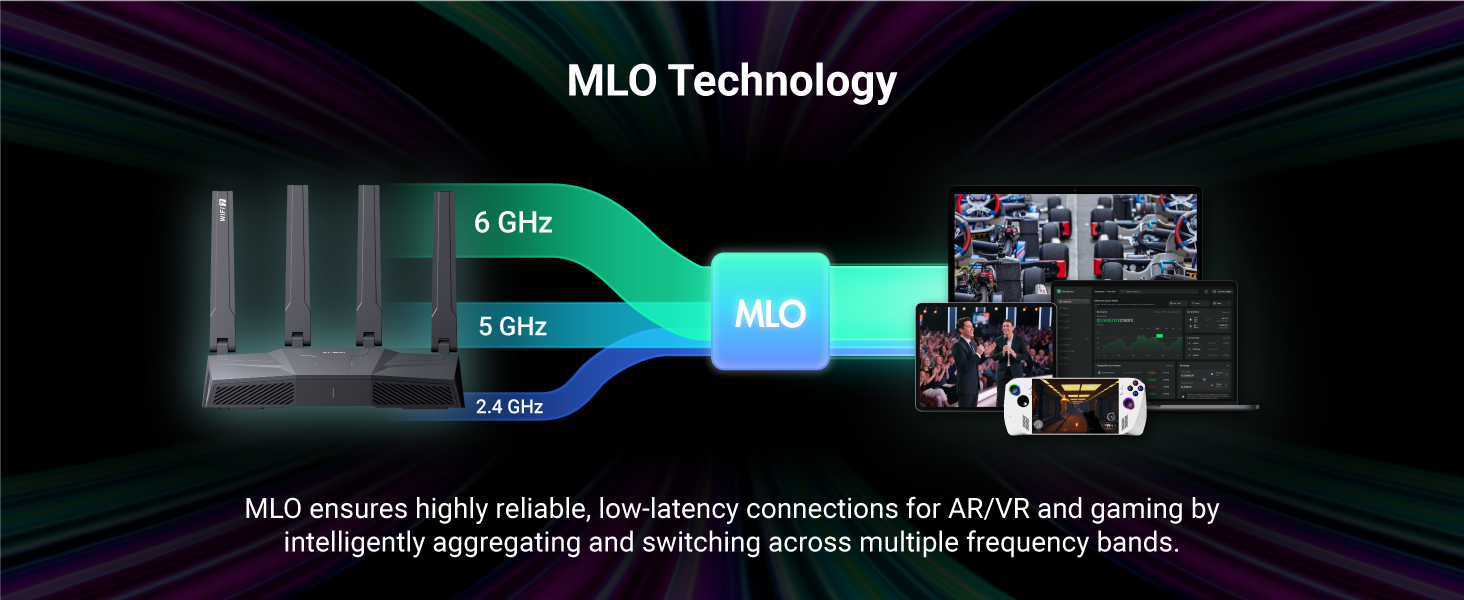
2 MLO
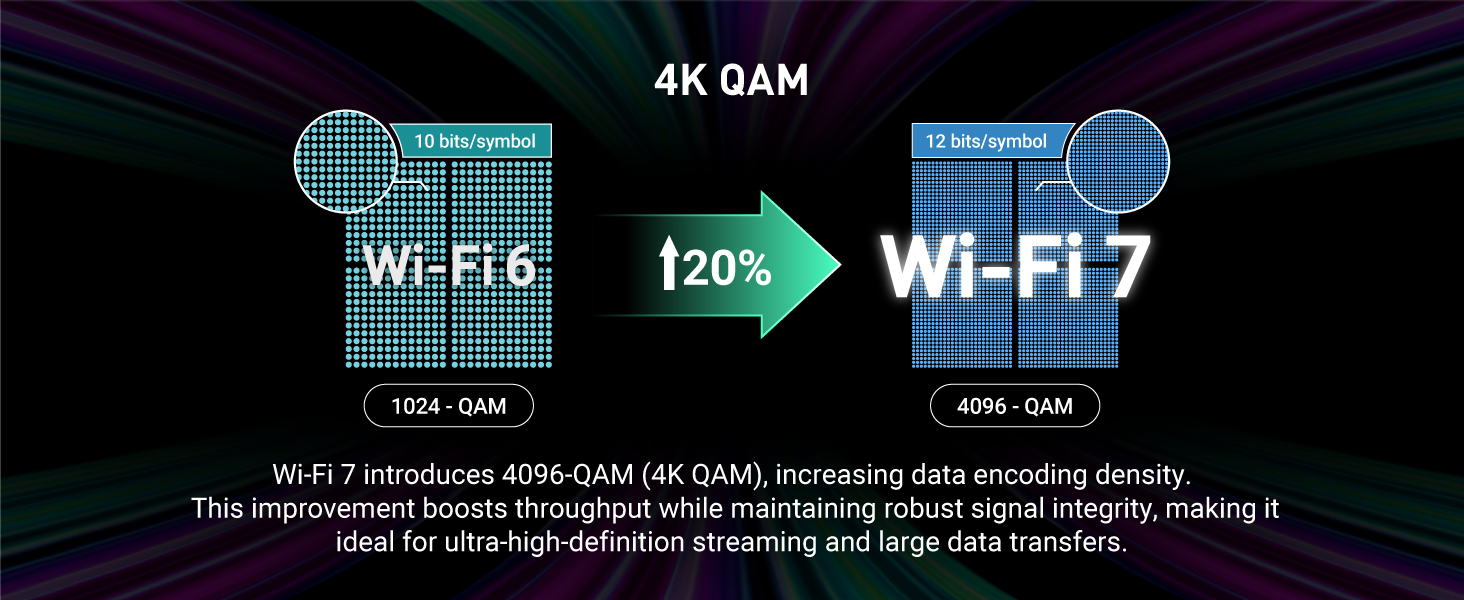
3 4K-QAM
4 Multi RU


【Rapid OpenVPN & Wireguard speed】Wireguard VPN and OpenVPN speeds both up to 680Mbps, giving you complete control over your gaming, steaming and working bandwidth. Actual speed may differ depending on internet service provider, network environment, VPN server location, VPN service provider, etc.
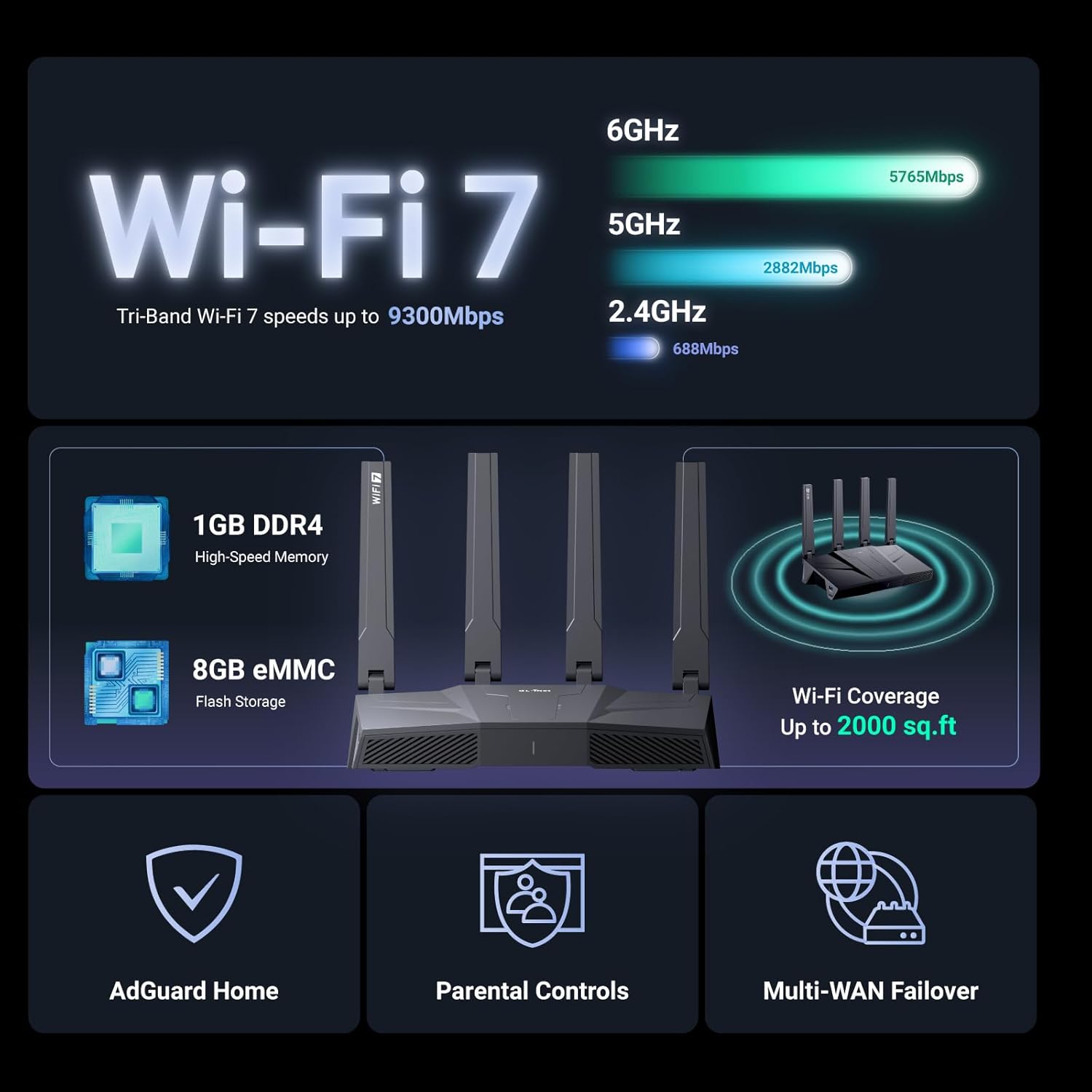
【AdGuard Home Supported】Enabling the use of a DNS server for blocking unwanted tracking and offers a convenient web interface for filtering selected digital advertisements. Users can take full control of their online experience and enjoy a clutter-free browsing environment with ease.
【Mass device connectivity】Experience enhanced online connectivity with our higher storage capacity, catering to over a hundred devices and fulfilling the requirements of DIY users seeking to install additional plugins. Enjoy stable and reliable connections, ensuring seamless performance and accommodating a wide range of digital needs.
【Easy Setup】Follow the Initial Set-up video tutorial on Amazon or Connect BE9300 to your computer via Ethernet cable to access the web Admin Panel, easy connect to wireless internet.
【MLO Technology】Flint 3 represents the future of wireless technology, delivering ultra-fast speeds, significantly reduced latency, and improved connectivity in high-density environments through cutting-edge innovations like Multi-Link Operation (MLO), enhanced OFDMA, 4K QAM, and preamble puncturing.
【Extensive Coverage】Experience seamless Wi-Fi coverage throughout your home with performance designed for Long range wifi, modern connectivity. This advanced router system delivers strong, reliable signal strength across up to 2,000 square feet.
【Parental Controls】Flint 3 helps parents tackle screen time and online safety with integrated support for Bark, the award-winning child monitoring tool. Easily filter websites, enforce safe search, and set usage limits — all to create a safer, more balanced digital environment for your family.
***Please update the firmware upon initial setup of the router, as it greatly enhances the device’s performance and ensures a superior user experience.*** 【WiFi 7 Standard with ultra-low latency】Wi-Fi 7 speeds up to 9 Gbps to let you enjoy smoother 8K streaming, gaming, video calls and more, DDR4 1GB / eMMC 8GB


Benny Hana –
Wifi 7 done almost perfectly
TL;DR This is probably the best option for Wifi 7 short of building your own router with something like Banana Pi. Should note though that this doesn’t have SMA/RP-SMA ports unfortunately.The actual review:So, this router advertises that it has “OpenWRT preinstalled”. That’s sort of accurate. There isn’t an actual community provided/supported version of OpenWRT that currently supports this hardware. What’s installed is a version of OpenWRT that’s not the open source version, and has quite a bit of proprietary stuff, like the drivers, the interface behaviors and limitations on what’s configurable, even when using the LuCI interface (the one OpenWRT uses by default, and this one offers as an “advanced” mode). You can at least install packages provided by the community like you would be able to on OpenWRT normally. And, if you have the knowledge, you can indeed login with ssh and configure it by hand pretty much how you want. However, these manual configs won’t stick around for the next firmware upgrade most likely, so its a hack more than an actual option long term. I got everything I needed done without having to resort to that in the end, but it definitely was more fiddling than it should have been.For the price, its the best option I’ve found for Wifi 7 currently available. There are a few really expensive (500+) options that are supported by OpenWRT for Wifi 7, and there’s also Banana Pi R4 if you really know what you’re doing and want to build your own router/ap. Even that, though, is usually around 280 with all the bells and whistles, which is quite a bit more than this option. So, if you want Wifi 7 with decent software under 200, this one is it. And eventually, the community may add support for the chipset this is using, which would make it even better. Overall, I’m happy with the purchase.If you don’t need Wifi 7 though, the AX1800S v2 (AX57m) is a reasonably priced Wifi 6 option that can be flashed with OpenWRT.
Jeff McClain –
Fast Quad Core WiFi 7 and VPN client setup is much better than raw OpenWRT
Overall, this came highly recommended for hardware to install OpenWRT on, however, after experiencing GL.iNet’s custom fork of OpenWRT, I much prefer their support and wizards/control. You are still allowed to access behind the scenes settings via LuCi interface, and typically won’t be too many releases “behind” OpenWRT native. Setting up and switching between VPN client connection settings is a BREEZE compared to the arduous and lengthy process under OpenWRT. They have native support for customized settings for SurfShark, NordVPN, PrivateInternetAccess and quite a few other commercial VPN services. Tons of flexibility including using the WAN port as another IP in access / switch mode, OR Ethernet 2 port as another WAN port, allowing you to have TWO SEPARATE WAN multi-access. VPN client IP steering, and just a ton of flexibility. Seems to actually be working pretty well with my existing Deco WiFi 6E mesh network, just using same SSID / password (I think…I’m not sure how well hand-off happens when moving around, but I have clients on all of the Deco nodes AND the Flint 3 wireless, and best to configure the Deco in Access Point mode and turn off DHCP and allow the main Flint 3 to handle ALL of that, I think). This is a bit expensive, as it is relatively new WiFi 7 protocol, however, I’m sold on the GL.iNet router firmware setup after using their GL-MT3000 travel router.
Speedy Geek –
Best money I’ve spent on technology in years
I needed to replace my Netgear nighthawk X10 r9000. What the nighthawk had was a four core 1.7 GHz processor. It had speed for sure. I was using DDWRT on it. And using it as an openvpn client connecting to a cloud open VPN server. I wanted to replace it with something as fast, and could do open VPN or wire guard, but I needed to buy two of them so I can have one at each of my homes. I bought two of these. This was the best money I’ve spent in technology in a long time. It feels a thousand times faster than the Netgear. It was stupid simple to set up. I set up the first one at my remote location as a wire guard server. And then I set up the other one in my current location as a wire guard client. But I also set up a pia wire guard client. And then I was able to set it up to make it to where this one specific computer on my network would always use the pia wire guard connection while everything else used my own wire guard connection. This was the easiest setup ever. Again, the speed is phenomenal. I just can’t say enough about it. It’s just amazing and if you’re looking for a new router this is it. If you want to do a VPN tunnel or wire guard tunnel from one location to another then this is the router to get.
Azamat.S –
Updated to Five stars on Nov/2/2025 freaking insane router
Update on Nov/2/2025Everything working as it should be, for a week im using MLO and getting full 1gbps speed from the router even far from it, behind walls, its insane! Previously i did not know how to setup the router now i do and ge my full speeds PLUS penetrating wall and getting same low latency as if im standing next to flint3, freaking insane.—- End of transmission Nov/2/2025No! I’m being honest and not venting anything on this router, the admin ui and features are decent, however, in a very small apartment signal is ofc will be good but significant connection quality decrease if you are far away from the router, I’m using MLO option for connecting and testing with my 16 pro max and IPad M4 pro 13 inch and neither of them reaching 1Gb internet speed from this router, I tried resetting no improvement, overall it’s good router and not something I’d recommend. Signal strength is good but latency and delays doubles if you step backward one step or getting far from router will only increase more latency and I’m talking about not condo, just 44m square apartment.
Scott P –
Fantastic upgrade — super fast and reliable!Picked up the GL.iNet Flint 3 recently, and I’m seriously impressed. Setup was quick and easy — the interface is clean, and it gives you way more control than your typical consumer router. The WiFi 7 speeds are no joke; everything in my house runs smoother, from gaming to streaming 4K video.The tri-band setup is great too — the 6GHz band handles my gaming rig perfectly, while all the smart devices chill on the 2.4 and 5GHz bands without slowing anything down. 2.4 and 5GHz bands signal strength is strong throughout the whole house, even through a couple of walls. 6GHz falters quickly the further you get away, that is expected with 6GHz though.I also love that it supports advanced features like VPN, AdGuard, and all the custom firmware options GL.iNet is known for. It’s powerful but still user-friendly.Overall, this thing is a beast for the price — fast, stable, and packed with features. Highly recommend if you want pro-level performance without spending a fortune!
Cosmin Catalin Anton –
Compré el GL.iNet GL-BE9300 (Flint 3) y la verdad estoy muy contento con él. Es un router potente, rápido y con muchas funciones avanzadas. Se nota que está pensado para usuarios que quieren tener control total de su red.La conexión Wi-Fi va muy bien, tiene buena cobertura y estabilidad incluso con varios dispositivos conectados. Los puertos de 2.5 Gbps son un plus si tienes fibra rápida o NAS. Además, el sistema basado en OpenWrt permite instalar cosas como Tailscale, WireGuard, AdGuard Home o montar una VPN en minutos.En resumen, es un router muy completo y fiable, ideal para quien quiere algo más que lo típico de los routers comerciales. Si te gusta trastear, tener tu propia VPN o usarlo como centro de red doméstica, el Flint 3 es una gran elección
Marc –
Snelle levering…wifi router bevalt prima..supersnelle wifi en bekabelde verbindingen. Super aankoop!
François –
Il router GL.iNet GL-BE9300 ha un ottimo rapporto qualità-prezzo. Riesco a raggiungere velocità oltre i 2 Gbps con la fibra TIM senza problemi.Anche in wireless funziona bene grazie al WiFi 6E e MLO. Ottengo facilmente oltre 1 Gbps anche su smartphone, cosa non scontata.Il supporto tecnico risponde in tempi ragionevoli quando serve aiuto, anche per email.Per chi vuole modificare le impostazioni avanzate, il firmware compatibile OpenWrt offre molte possibilità di configurazione.In due settimane di utilizzo non ho avuto interruzioni o disconnessioni. Funziona in modo affidabile.Lo consiglio per chi cerca prestazioni buone, stabilità e flessibilità nelle configurazioni.
courtieu jeremy –
Je suis vraiment impressionné par le GL.iNet BE9300 Flint 3. L’installation est ultra simple, même pour quelqu’un qui n’est pas expert en réseau. L’interface est claire et intuitive, tout se configure en quelques minutes. Les performances Wi-Fi sont au rendez-vous, la connexion est stable et rapide, que ce soit pour le streaming, le télétravail ou les jeux en ligne.J’apprécie aussi les nombreuses options disponibles (VPN, gestion des appareils, sécurité renforcée) sans que cela devienne compliqué à utiliser.Un produit de grande qualité, fiable et bien pensé. Je le recommande vivement à tous ceux qui veulent un routeur puissant et facile à prendre en main !