


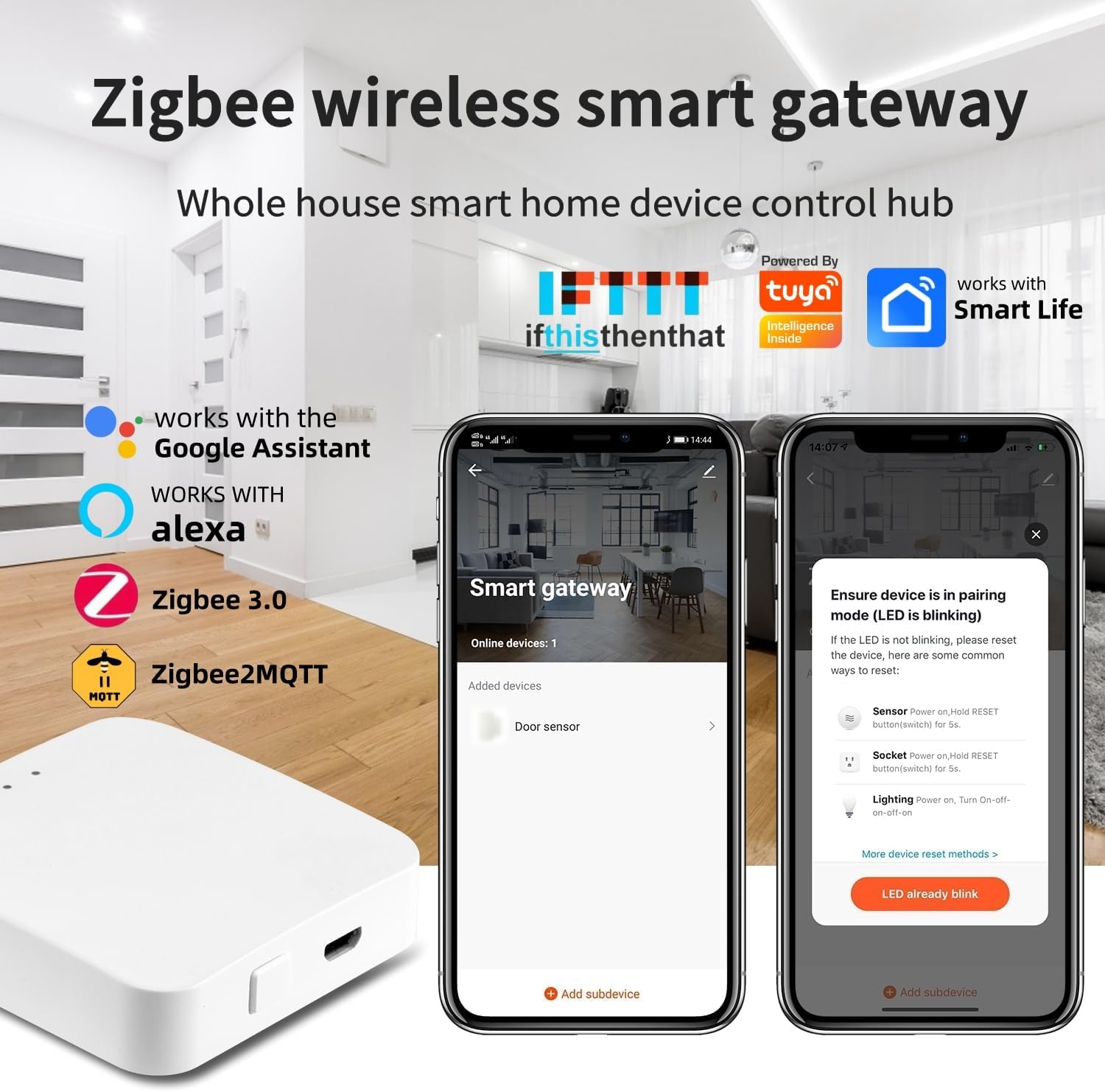


Product description

NOTE
This gateway only supports the Tuya ‘Smart Life’ app and only works with the ‘Smart Life’ app. Does not support any other apps. If you want to control it with other apps, you can try using IFTTT or zigbee2mqtt automation programs to bridge it.
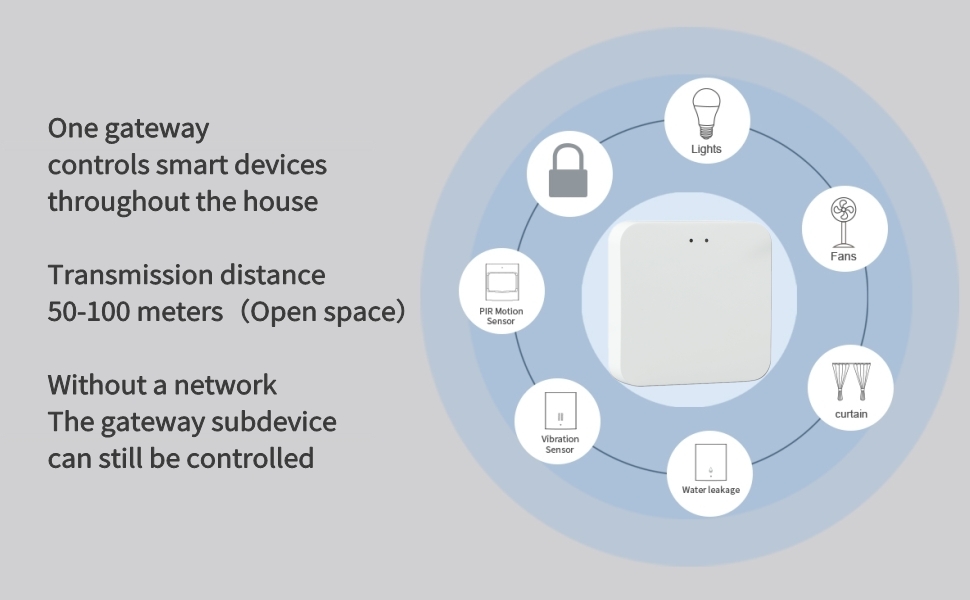


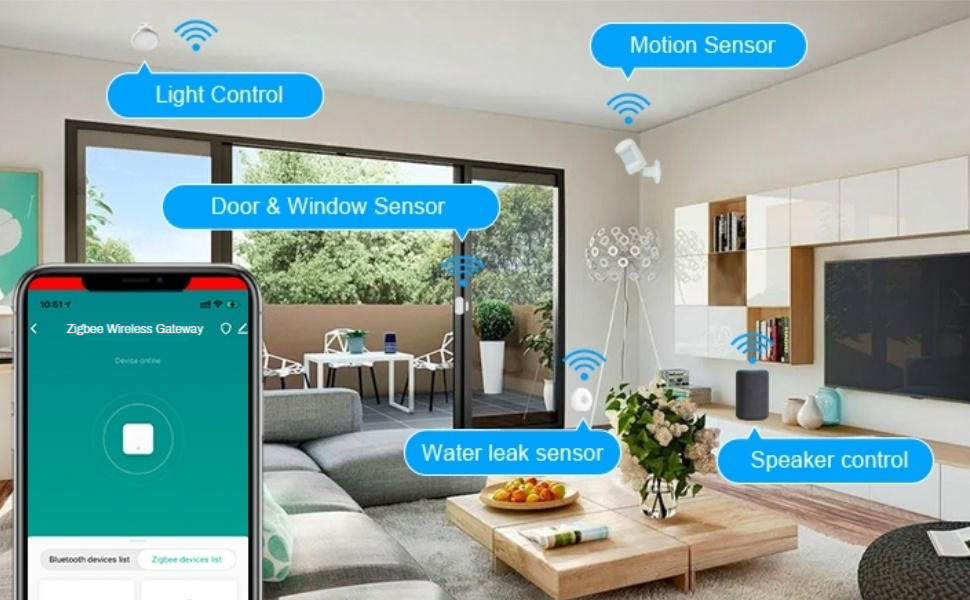

[Note] Support zigbee2MQTT and IFTTT. This gateway only supports the ‘Smart Life’ app and only works with the ‘Smart Life’ app. If you want to control it with other apps, you can try using IFTTT or zigbee2mqtt automation programs to bridge it. The zigbee gateway is powered by USB cable (it will be provided in the package), when configuring the network, please connect your phone to wifi, make sure your phone and smart gateway are in the same wifi network, only 2.4 GHz wifi is supported, 5GHz wifi is not supported.
[Easy Setup] No need to connect a network cable, simply power on this smart gateway hub and connect it to the Tuya/Smart Life app. Within minutes, you can easily automate your smart home.
[Compatibility] Compatible with all zigbee devices, zigbee hub is a must-have device for all zigbee smart devices, which can access about 50 devices and provide stable connection and automatic control for all zigbee devices, solving the connection troubles.
[Intelligent Linkage] Setting up automation scenes through Tuya Smart/Smartlife App allows sub-devices to link up and control other supported devices to form the ideal scenes in your life, making your home smarter and more cozy.
[No Fear of Network Disconnection] With the Zigbee wireless gateway configured, even if there is no network, the devices and tasks bound to the Zigbee gateway will still perform the automation of the devices according to the settings in the App. However, in this case, it is not possible to control them remotely.
[App Control] Quickly and easily add, reset and group devices and set up schedules through the zigbee wireless gateway, use the Tuya/Smartlife APP to control a variety of zigbee products (including switches, outlets, sensors, door locks, motorized curtains, etc.), and remotely control connected devices with your smartphone anytime, anywhere.
[Voice Control] The wireless zigbee smart gateway supports voice control, simply send voice commands to Alexa or Google home to control the device. Simply say “Alexa, turn on the light” or “Hey Google, open the door” to free your hands.


K. Thibault –
A-Ok ZigBee Motors
Works well with the A-OK ZigBee enabled motors. A must have if you want to have Alexa voice control
Kindle Customer –
Incompatible
This does not work on Hugolog locks or with the Hugolog app. I wasted hours trying to get it to work. Whereas, the actual Hugoglo Gateway, practically set itself up. It took me only 5 minutes to get it up and running. Don’t buy this device as a substitute for the Hugolog Gateway. It doesn’t work. They look identical but they are not. One works and the other didn’t.
Charlie S. –
Work for me
It works for my Zemismart motorized blind. The instructions found in the box is misleading. After install SmartApp app, create an account. At home page, click “+ button and select “Add Device”. At “Add Device” page, click “Gateway Control” under “Add Manually”. And then click “Wireless Gateway (Zigbee)”. After that, just follow instructions on the page.