

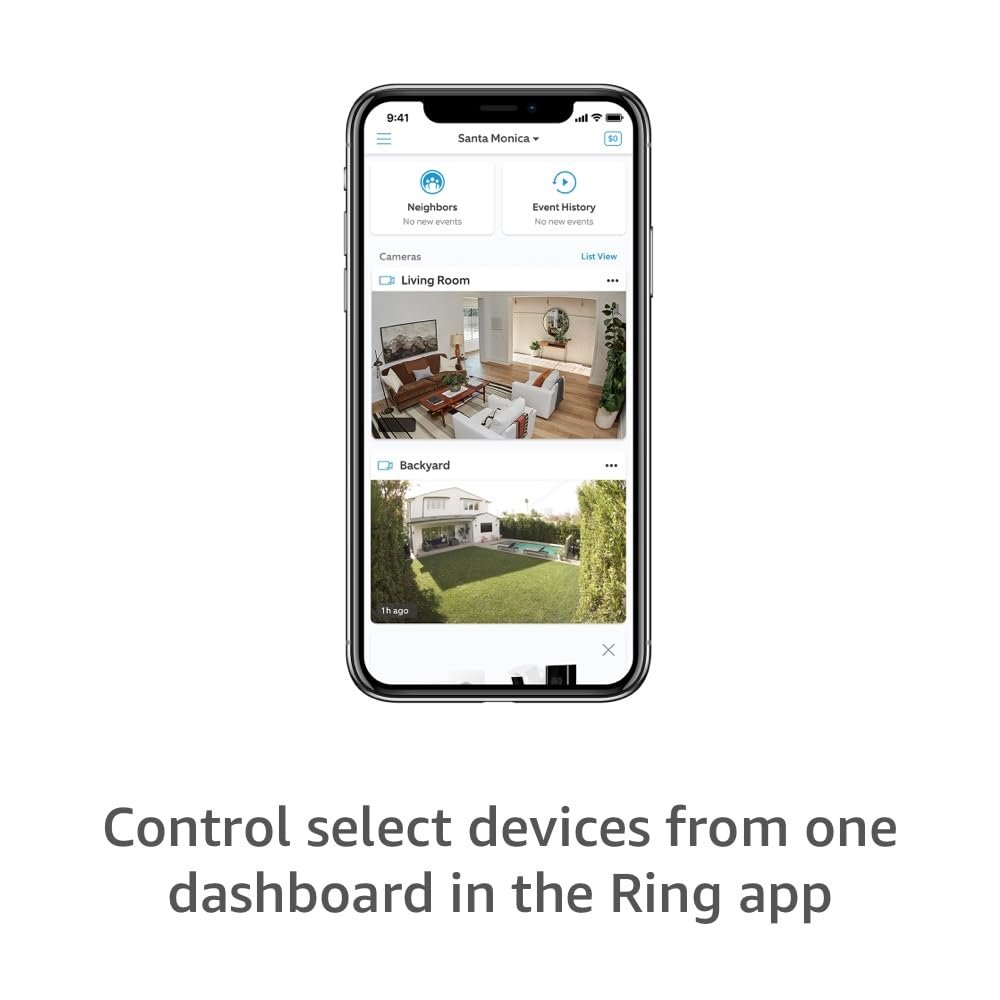


Enjoy professional automation and DIY ease with UltraPro™ Z-Wave In-Wall Smart Dimmer with QuickFit™ and SimpleWire™. When paired with a compatible hub, the hardwired smart dimmer operates wall, ceiling and accent lighting through individual commands and programmed settings. Wirelessly control and schedule indoor or outdoor fixtures for effortless management of your home. Your automation possibilities are seemingly infinite when connected to hubs from Ring, Wink, SmartThings, HomeSeer, Vera, American Standard and more. About Z-Wave Plus and 700 series with S2 security and SmartStart Z-Wave Plus and 700 series further enhance the security and simplicity of previous Z-Wave products. In addition to remaining backward compatible with all Z-Wave generations, 700-series devices feature multiple advancements, including: €¢ Over-the-air updates and doubled internal memory. €¢ More powerful, robust network capabilities. €¢ S2 security with best-in-class secure key exchange to add a layer of 128-bit encryption. €¢ SmartStart, which offers unique QR codes for fast, easy pairing. €¢ Up to five-year battery life with one coin cell for battery-powered devices.
Revolutionary design – QuickFit and SimpleWire technologies offer groundbreaking home automation features. Unique advancements make the smart controls easier to install and more reliable than ever.
QuickFit – Improved components reduced the housing depth by up to 20% compared to previous Z-Wave models and eliminated the need for heat tabs. QuickFit enhancements are the ideal smart solution for older-style switch boxes, multi-gang configurations or any other application with limited space.
SimpleWire – Patented auto-detecting line/load terminals support fast installation by identifying line and load wires and configuring the dimmer accordingly. Dual ground ports, which are offset to avoid switch box mounting screws, support daisy-chaining in multi-switch setups.
Voice control – Enjoy the convenience of voice control with Google Assistant or Amazon Alexa when connected through a compatible Z-Wave hub.
Switch upgrade – Easily replace any standard in-wall switch equipped with a neutral wire to remotely turn ON/OFF, adjust lighting brightness and create schedules for a wide range of fixtures.
-79%


Alex Acosta –
Great Switch to Replace an Old Z
Easier install and space saving as opposed to my old GE Zwave switch. The old switch gave out after 10 or more years. The swap out was very easy and this switch had more functionality than my last one since it will function as a dimmer. Didn’t need that functionality since it’s for a porch light. Either way it’s a solid item that worked in seconds after install. No complaints from me.
Ammunist –
Really great dimmer for affordable price.
I usually use other more costly dimmers, but this time I thought I’d try a less expensive alternative. This dimmer is super easy to wire, program, and use. It just works. Paired up with my 2Gig GC3 panel no problem. Really impressed. The build quality is excellent and it feels solid. For this cost, it’s way better than I thought it’d be.
CaryDesi –
Cost effective ZWave dimmer!
Works well. It may have tripped my ARC fault breaker, but I’m not sure. It’s functional and cost effective.
Tim C. –
Fantastic value. Same fit, form, and function as GE
Had an old Z-Wave GE switch go out and this looked to be the same fit, form, and function.Works perfectly and if setting up through Hubitat hub, you will find a LOT of extra options compared to the GE switches. Feel free to change the LED color to your hearts desire via software. Great value. Looks like the white plastic is slightly “bluer” than my very old GE switch, but those may have faded with time.
CautiousBuyer –
Simple and Quality
These dimmers are simple to install and configure. They last a long time and work well with my automation controller. An add on switch is easy to install for 3-way control. I like the rocker style where a single press turns it on or off and holding the rocker dims or brightens. The look works well with non-smart rocker switches.
Cary A. –
Works great… For about a week
Would be a decent switch if it worked (and you don’t mind lag). Install was easy and it connected to my hub. Then a week later, it stopped communicating. Now it won’t reset. Apparently, that just happens. Customer support is non-existent. So, if you like redoing electrical work every couple weeks and wasting money, go for it. At least it still operates manually, but that’s the only thing that works.
Grzegorz –
Recommend: Improvement over 500 series but still small issue when switch mode enabled!
Update:Taking one more star off as I found a better alternative and seeing how this can be done, I can’t leave this review with 4 stars. Basically the superior product to this is Zooz 800 Series Dimmers and Switches. They have much more options and configurability, but what is most important they send the events INSTANTLY. This really matters for smart home automations, especially with lights when you want them to turn on or off in synchronized matter. I’m replacing all of my dimmers with Zooz products.Original review:Below is my review of the 500 series unit with updates to the 700 series unit from this purchase.I used this with Home Assistant -> Was able to pair it without any problems. Details how it works:1. If you set it to a switch mode, it will turn the light fully on and off very fast after pressing the button on the switch, but you can still change the brightness from Home Assistant, so you can have a mix where the lights turn on instantly (rather than slowly get brighter).This used to work with 500 series, with the 700 series if I have the dimmers in switch mode and try to control from Home Assistant, weird things happen the light stays on and I can’t turn it off until I hold the off button on the switch, I saw some comments about some similar weird behavior like this. The workaround that I find acceptable for my use case is to actually keep the dimmers in dimmer mode (so when you press the button on the switch the light will turn on a bit slower as it will dim from 0 to the set brightness, while before you could turn it on instantly and then dim to lower brightness with automation)2. 500 series used to have this: The switch has an option if it should dim fast or slowly -> the fast option is still too slow for me… Upgrade idea: Just add a numeric field that will be multiplied by 100ms to get the dimming speed (so value of 10 == 1 sec on/off time or something like this).The 700 series no longer have the option to configure dimming speed: fast or slow. Feels like it is dimming with the ‘fast’ speed (comparing to 500 series) so the removed feature doesn’t bother me too much.3. But the switch listens to the “transition time” parameter from home assistant, so you can still modify this and have it dim fast or slow, depending on automation.4. 500 series only had: the option to turn the indicator light always off or always on.The 700 series expanded this: The LED is now multicolor, you can pick the color so now you can encode some messages with automation: My example when my bathroom fan is on due to high humidity, I would like to show a different color LED on the switch to indicate that it is running in automatic mode rather than manually turned on.5. It supports events:- key press/key release (so you can make automations based on how long & which key was pressed)- double press (on each on and off button)- triple press (on each on and off button)So it can be used to also control other lights or enter some scenes or even to control smart blinds if needed.6. Doesn’t buzz with the fixtures/light bulbs in my house. I tested it with Philips LED bulbs (older CREE bulbs that I had were buzzing a little still).7. Other features:- allows you to invert the button meaning- 3 way mode works with the add on switch as well as the old school 3-way switch, you can pick the mode in the option (I still prefer their add on switch as it also supports double/triple/hold events)- has a guidelight mode, but haven’t tried it yetThe bad:1. The 500 series had this issue: The default network leave sequence is: triple press on + triple press off: But this is the problem, both triple presses can mean something, so if you triple press to turn an extra lamp on and try to turn it on and off you might accidentally leave the Z-Wave network…The 700 series resolved this! Now you open the air gap and close it while holding the ‘off’ position. That then cycles through all LED colors and resets the switch, so it also leaves the Z-Wave network.2. Like for most Z-Wave products, the price is a little higher than I would wish, especially comparing with existing WiFi and ZigBee products on the market. But honestly the reliability and speed and lack of WiFi congestion issues still made me try to switch my house to Z-Wave and so far I’m going forward.
A. Geertsema –
Good replacement for GE switches that are dying.
My original GE Enbrighten switches are still in the wall. However, most of my GE Slimfit Z-wave switches died within a year or two. I replaced them with these UltraPro switches, and they’ve been goign strong for over a year now. No issues with the dimming ability is good.I had to fight the Samsung SmartThings app when it tried to change the settings to Low, Medium, and High, which was incompatible with Alexa. I used the app to install an alternative version of the firmware, which retained the original percentage settings.They work exactly as expected, and I love the ease of setup, reliability, and functionality they provide. Overall, highly recommend.