


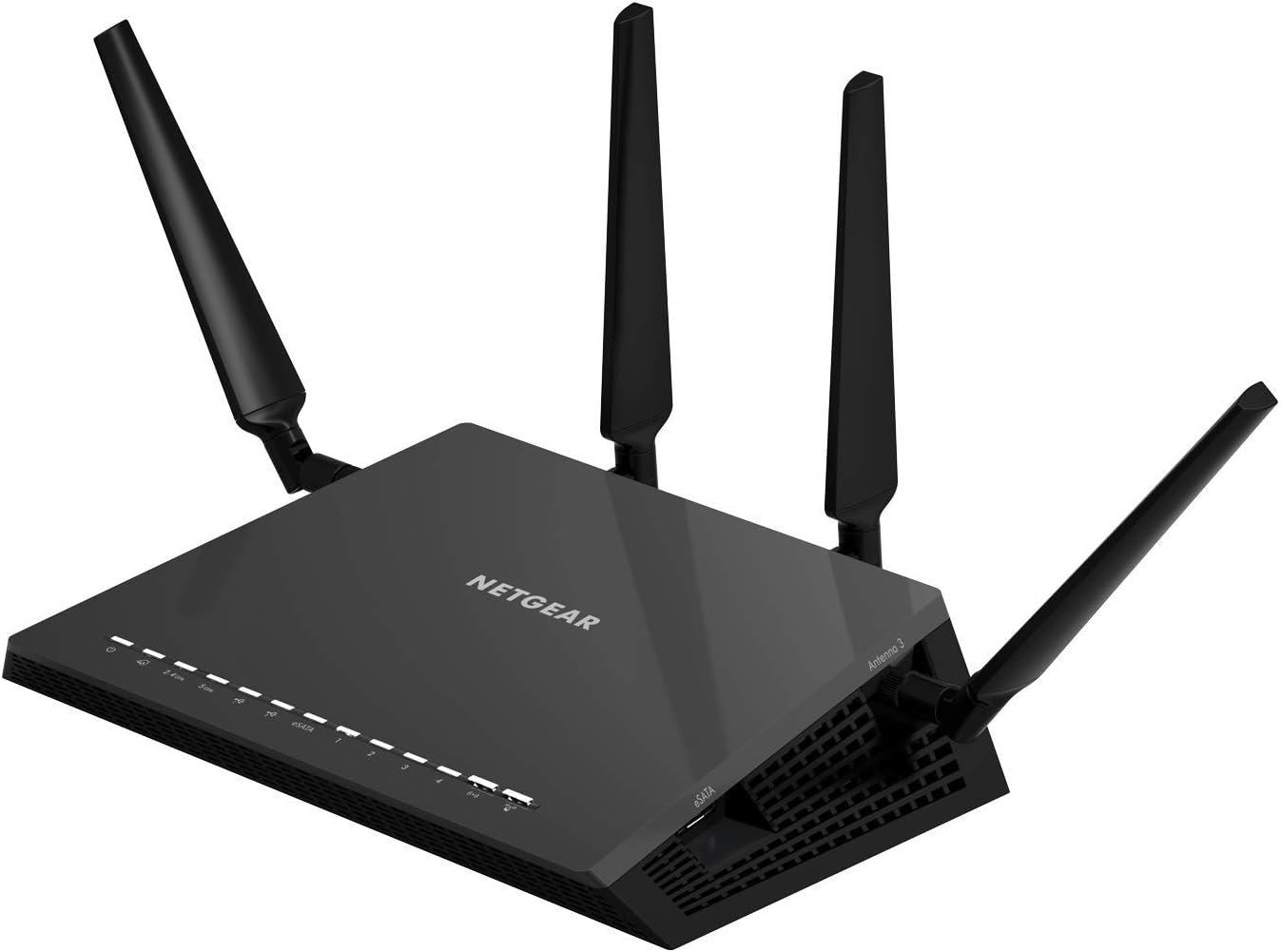
The NETGEAR Nighthawk x6 AC3200 router, with breakthrough Tri-band WiFi delivers multiple bands for homes with many WiFi devices. Wifi speed up to 3.2Gbps and 6 high performance antennas provide maximum speed and range.The Smart connect allows you to game, stream, and download mega-sized files without lags provides an extensible design that enables Service prioritization for data. A Design that delivers high availability, scalability, and for maximum flexibility and price/performance. The country of Origin is China. WiFi Range – Very large homes.
Recommended for up to 50 devices: Reliably stream videos, play games, surf the internet, and connect smart home devices.
Wired Ethernet ports: plug in computers, game consoles, streaming players, and other nearby wired devices with 4 x 1 gigabit Ethernet ports.
Loaded with advanced technology: Designed with a 1GHz dual core processor, 6 amplified antennas, Beamforming+, Dynamic QoS, Smart Connect, Amazon Alexa Voice Controls, and more.
USB connections: Share a storage drive and printer with any connected device, and create a personal cloud storage to access from anywhere, using the 1×3.0 and 1×2.0 USB ports.
NETGEAR Armor protects your family’s WiFi with an automatic shield of security across all your connected devices with a 30-day free trial.
NETGEAR Smart Parental Controls promotes healthy Internet habits, fosters responsibility and builds trust with your kids (30-day free trial included).
Safe & secure: Supports WPA2 wireless security protocols. Includes Guest WiFi access, DOS, Firewall, VPN, and more.
Get the fastest speed available – up to 3.2Gbps for uninterrupted streaming
Tri Band WiFi delivers more WiFi for more devices and 1GHz dual core processor delivers lag-free gaming
Dynamic QoS bandwidth prioritization by application and device
Six high performance antennas & powerful amplifiers maximize range
Smart Connect intelligently selects best WiFi for every device
Implicit & Explicit Beamforming+ focuses WiFi signals & delivers stronger connections
USB 3.0 port offers high-speed, storage-ready access and Free ReadySHARE Vault app provides automatic continuous/scheduled backup for your Windows PCs on your home network
Now with NETGEAR genie with remote access
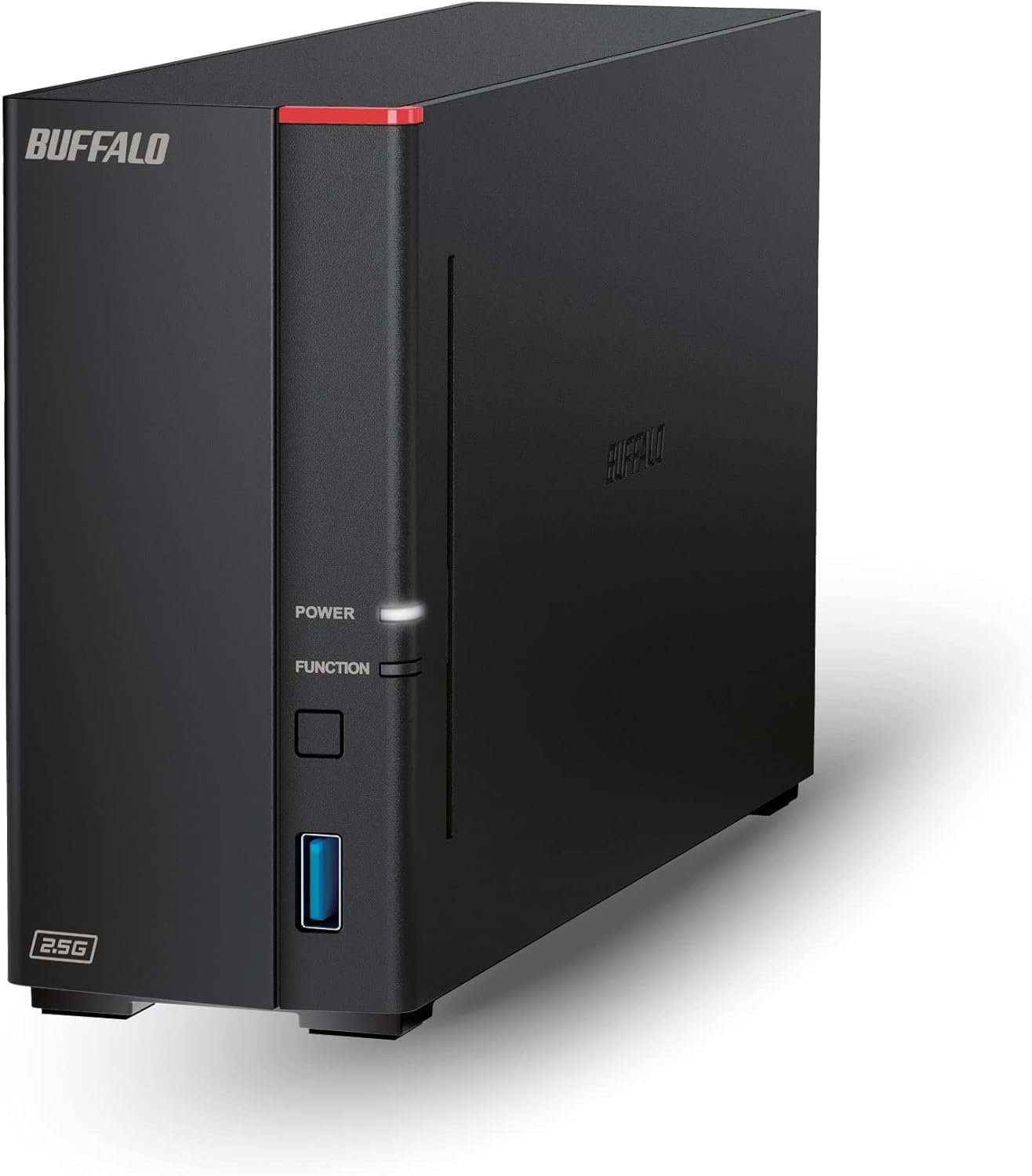
BUFFALO LinkStation 710 2TB 1-Bay NAS Network Attached Storage with HDD Hard Drives Included NAS Storage That Works as Home Cloud or Network Storage Device for Home
Original price was: $209.99.$33.99Current price is: $33.99.

Computer Wired Keyboard, Plug Play USB Full-Size Keyboard with Large Number Pad, Caps Indicators, Foldable Stands, for Windows 7/8/10 PC Laptop (Milk Tea Colorful)
Original price was: $23.99.$20.39Current price is: $20.39.
-87%








GravityGuy –
Firmware 1.0.1.16 ROCKS!
I have had this router for about 7 weeks. It has performed pretty well. The main problem has been reaching our bedroom that is on a different level of the house. This is compounded by there not being any line-of-sight signal route without going out and back in concrete siding. Concrete siding is really bad for signals. I repositioned the router on the top of built-in shelves and it performed pretty well with intermittent connection issues.Then along came FIRMWARE 1.0.1.16 !!!! Now, this is a stellar router! It connects flawlessly and quickly. This firmware update is a MUST HAVE. We have three wifi radios, a wifi smartphone, a wifi tablet and eight ethernet connected devices going through the router.CAUTION! I fried my router on my first update attempt. Fortunately, it was during the first 90 days. I was doing the update via ethernet cables, but there was a switch in between.I worked with Netgear support that seemed to be based in India. Usually, I don’t do very well with foreign support. The communication can be difficult for me. This time was different. The lady providing the support was very capable. She communicated accurately and clearly. In the end, my router was a brick. I paid $29 to get a replacement overnighted to me. They sent a new router (not refurbished) on the first business day.I had to update the firmware, but followed a different procedure.1. I visited http://support.netgear.com/product/R8000, clicked on the firmware version 1.0.1.16, and saved it to my computer desktop.2. I logged into 192.168.1.1 (admin, password), saved my R8000 configuration settings in case they were lost and needed to be restored. Went to the Advanced Tab, Administration, Backup Settings , clicked on Back Up, and Saved As to my desktop.3. While in the router, I clicked on Advanced Tab, Advanced Setup, Wireless Settings and unchecked Enable Wireless Router Radio (for 2.4GHz, 5GHz-1, and 5GHz-2, if active).4. I disconnected all cables except for the power cable and one from port 1 to my computer with no switches or other devices connected. I also made sure my NIC Adapter was set to DHCP. If you don’t know about this, it likely already is. In any event, if you can connect to the router, it is working.5. Again, log into the router. Click on the Advanced Tab, Administration, Router Update. Browse to load the name of the file ending in .chk. Click Upload. DO NOT INTERRUPT THE PROCESS. Be patient until it completes.6. If you lose your router settings during the update, reload the configuration file you saved.WARNING: The user performs these steps at their own risk. I assume no responsibility for the accuracy of the above steps or the results the user may experience. The steps are listed here so the user can understand what steps seemed to work for me.
Manja –
Netgear Nighthawk X6 “Redeems” self & Follow-up Support excellent!
****UPDATE******* Feb 20, 2015I am now updating my review of the Netgear R8000 to 5 Stars.I returned the original unit to Amazon. I was sent an replacement unit. Amazon goofed and then made it good. The 1st replacement was a very well used unit, NOT refurbished, just very well used and dinged up in an open package. I never even hooked it up, but contacted Amazon. They apologized and immediately sent a “New” replacement unit. Kudos to Amazon! The 2nd replacement unit arrived and I experienced none of the problems I had with the original unit. I have been running it for a month now without any problems and great performance. This unit lives up to expectations. I was also contacted by a high level and knowledgeable Tech/Customer support individual. He was very good, very responsive and I appreciated his follow-up. It was the opposite of the original experiences I had that were detailed below. Kudos to Netgear for the followup on this!**** Original Review below on January 7, 2015 with the title “Netgear Nighthawk X6 is a disaster and Netgear Customer service wasn’t much better!” *******I had previously have had very mixed results with Netgear routers. When they work, they are great. When they don’t they are a disaster. I made the mistake of giving Netgear one more chance with this router. It arrived from Amazon even faster than I anticipated. Kudos to Amazon on that! Upon installation of the router I immediately updated the router to the latest firmware. The Nighthawk X6 was easy to set up as I anticipated working with Netgear Genie which I happen to like. I have multiple desktops, several laptops, some tablets, and numerous wireless devices in my home. Most older ones use 2.4 GHz and the newer items use 5GHz connections. So I had great need for both. I also have two AC adapters I bought to use but have not yet hooked them up. The router worked great for three days on wired and wireless 2.4 and 5.0. It gave me the best range and signal strength I’ve had with any router on both 2.4 and 5.0 at all distances within my home. On both wired and wireless I was getting 25-30 Mbps when within 20-30 feet of the router which is what my ISP provides. I was finally a happy camper.Then after three days the wired connections all started to fail. Download speeds were now down to 1-3 Mbps on all four LAN ports. I tried a soft reset by removing power and that seemed to restore full wired speed temporarily. I played with this for several day and a few other tricks that have worked in the past. Nothing worked. Thank goodness I was still getting good speeds and connections on wireless.Then tonight I called Netgear Tech Support because this was a newly purchased router. Bad decision! The telephone tree you need to navigate to get to them is interesting and frustrating at best. When I finally got someone, their English accent was very difficult to understand, but even worse I could hear everyone else in the background at the call center so trying to hear and understand them over the background noise was almost impossible. I had this same problem with three different people. Why three? Because the first one put me on hold and then disconnected me before he had even asked me for a call back number. The second one I got when I called back said that she would call back if we got disconnected within 60 seconds. She had my cell number. I don’t think either of the first two could even understand what the problem was. They couldn’t grasp that the wired connection to the LAN ports was the issue. Finally, after many missteps she seemed to grasp it. But she had no idea what to do. She put me on hold to talk to a supervisor. When she came back, she had me make a change in in one setting and then we disconnected again. She never called back! I waited about 10 minutes or more. Then made my third and final call to support. This one finally seemed to understand what the problem was, but didn’t seem to know a lot more. Again, very difficult to understand and hear over the background noise from their call center. I used other devices to verify the problems for her, laptop, tablet, etc. She had we do a soft reset, but very different from any I have ever done before After she had me do this, the wired connection was worse, with download of 1-1.5 Mbps. Even worse, the 2.4 Ghz wireless no longer worked at all and 5 Ghz was dramatically slower. She had me download and re-install the firmware. Guess what, things were even worse. Final words from her, return it to Amazon as it must be defective! When you get a new one feel free to call us back to help you troubleshoot it! Just a very frustrating experience and a frustrating router for the top of the line router! So far it’s a bunch of junk! I hope that Amazon Netgear Tech Support sees this Case # 19264928. Very disappointed in the router and support thus far!I will be returning it to Amazon.
John Doe –
If you have lots of devices that connect to the internet then this is perfect to keep them all in check, sometimes the basic router will fit the job but I wanted stability and that came at a high cost, I’d say the router is worth it as long as you know the benefits of each feature and don’t mind paying the cost, this router should last me at least 5 years since it supports the AC technology devices which I don’t even have yet.
steveski –
I picked this up replacing a Linksys EA2700 that I had for a couple years and was having some pretty bad speed issues. My connection currently is 30 Mbps down 10 up. Nothing super fast. Through the EA2700 I would be lucky to get 15-17 down, but the usual was around 8 with bad days dropping to 1-2. This was both wired and wireless. Hooking up a pc directly to the modem proved there was something wrong with it.First to get the bad points of the X6 out of the way. It’s quite big and expensive.The good. Setup was a breeze, a quick firmware up date I was good to go. Easily connected to another brands bridge which I have my printer connected to. I definitely prefer it’s UI over my previous Linksys router. It’s range is just amazing! Full signal everywhere in my house. I went to my neighbours place across the street and in the middle of their house I was getting 3/4 bars showing on my phone. I’ve barely had it a week, but so far it’s been super stable with 100% uptime and have had zero dropped connections or any connection issues at all.The best part is now I finally get the speeds I pay my ISP for. Full speed (in fact a little better as I regularly test at 31Mbps down), over wireless, anywhere in my house.I highly recommend this router.
Will Ang –
It makes our internet connections very fast and no more disconnecting to the net even with a lot of users on different gadgets, phones, etc. Great value for money!
Atif Rehmani –
After changing 3,4 router finally I got the best one because what I was expecting it’s more than my Expectation specially the WiFi antennas which are 6×6 strong & long range. The hardware configuration is also best just I will say if you are a home user or have small business setup then I’ll be highly highly recommended to you. Hi
Partha –
This was the only AC3200 router available in India at the time and according to multiple reviews it was good but not as good as Asus or Dlink. My house is a good sized flat and the router is placed at one end of the house as the internet connection guys gave the connection there instead of the place I wanted it at (living room – center of the flat). I have a desktop at the other end of the house, and a TV in the living room in addition to the host of other wireless devices in the house like phones, tablets and laptops. There are at least 6 other devices apart from the TV and desktop. I also use the home network to stream full hi-def content (1080p with 5.1 Dolby or AC3 sound) from the desktop/media server to the TV. Also stream content from the phones and wireless file transfers. Earlier I used a gigabit wired connection which is not possible in this house considering the design of the flat (recently moved in).The thing to remember is that for AC connections to work properly and at their full capacity, you will need AC clients also at the rated speeds. So with all the varied connections I had (Wireless G devices, Wireless N 150 devices, Wireless N 600 devices and Wireless AC devices), the best wireless speed I got was equal to the slowest device’s wireless speed. The smart connectivity did not work. So I had to invest in two wireless AC bridges which I placed in the other end of the house and the living room. The living room one hosted the TV, boxee box, XBOX 360 among others.The connectivity and range of this router is very good and wireless speeds are brilliant. Good enough to steam my requirement so that no buffering takes place. The remotest corner of the house also gets the connection now and has no problems at all.I will be providing another update to this review with the house design,and the throughput (hard numbers 🙂 ) I get.